 New
New
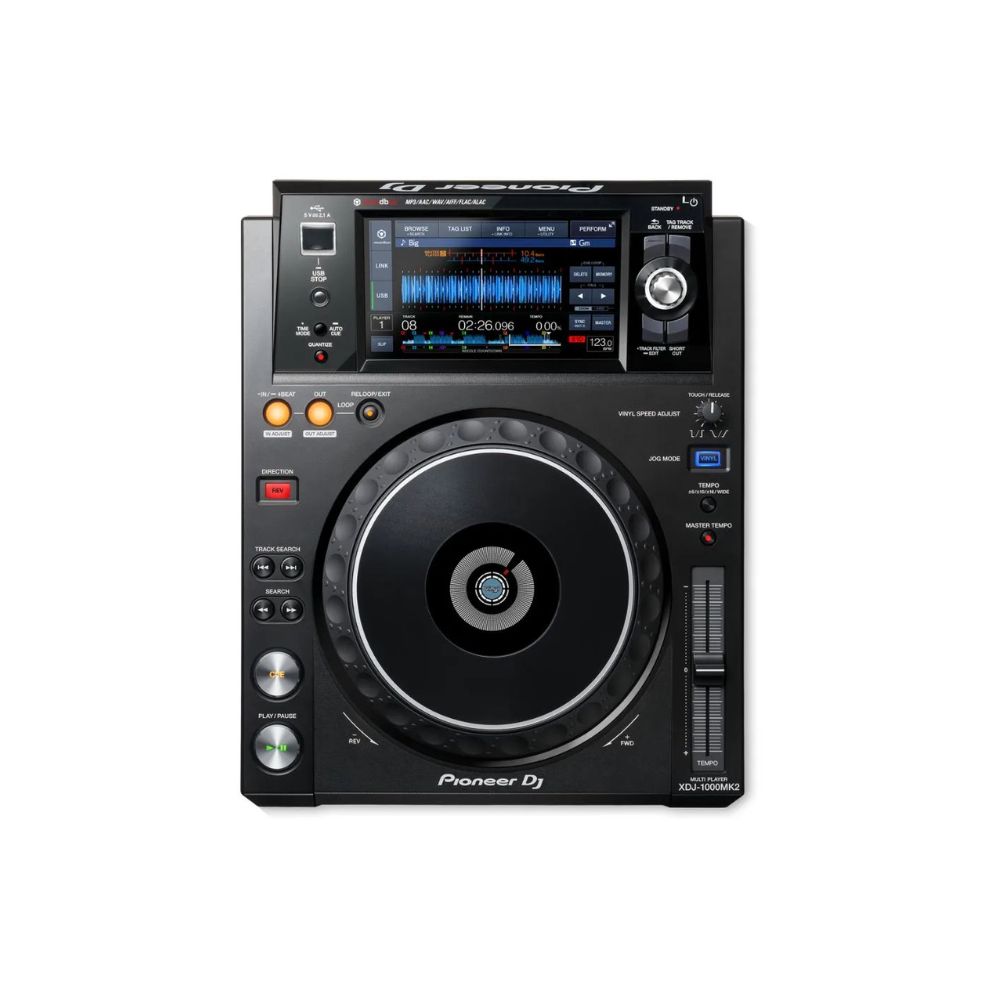
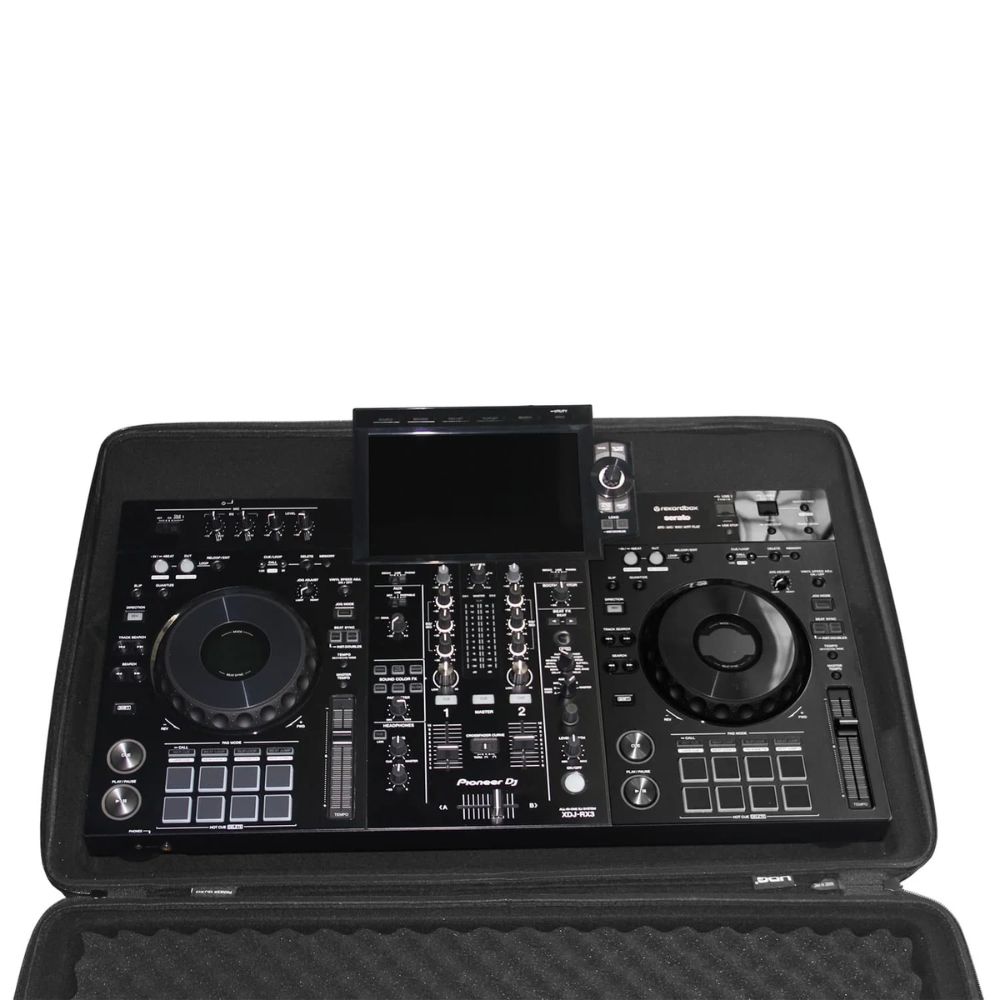
Based on its predecessor, the XDJ-1000MK2 improves usability through enhanced track browsing and support for high-resolution FLAC and ALAC audio files. It inherits the large jog wheel and 7-inch, full-colour touch screen from the CDJ-2000NXS2, as well as features such as 8 Hot Cues and Quantize. Download the rekordbox™ music management software or the rekordbox app to prepare your sets
KEY FEATURES
Pioneer XDJ-1000MK2 Performance DJ multi playerCDJ-style design
Equipped with the same size jog wheel and a 7-inch LCD touch screen as our CDJ-2000NXS2 , you get intuitive control over your mix.
Pioneer XDJ-1000MK2 Performance DJ multi playerHigh-resolution audio
Next to MP3, AAC, WAV and AIFF, the XDJ-1000MK2 supports high-quality FLAC and ALAC sound formats up to 48kHz/24-bit. A digital output has been added to send audio without degradation, while the power supply for analogue audio is completely separated from the digital circuit to reduce noise.
Pioneer XDJ-1000MK2 Performance DJ multi playerFaster browsing
Easily browse your rekordbox library using the rotary button next to the display, or use the Qwerty keyboard to search for specific keywords. Advanced features such as Matching and Track Filter help you play the right track at the right time.
Pioneer XDJ-1000MK2 Performance DJ multi playerEnhanced performance
8 Hot Cues allow instant playback at a preset point, while Quantize allows you to play cue and loop points in time with the music on tracks that have been beat analysed in rekordbox . Use Beat Jump to jump backwards or forwards 1, 2 or 4 beats from the current playback position.
Pioneer XDJ-1000MK2 Performance DJ multi playerAdd a DDJ-SP1
Add the DDJ-SP1 to your set-up and access even more performance features. Simply plug in a USB cable and control up to 4 XDJ-1000MK2s using Pro DJ Link.
Pioneer XDJ-1000MK2 Performance DJ multi playerPro DJ Link
Pro DJ Link lets you connect up to 4 players or laptops via a simple LAN connection. Combine this with rekordbox and get your hands on enhanced performance features and track info, such as Beat Sync, Beat Countdown, Beat Jump and Phase Meter.
OTHER FEATURESTake a short cut
The shortcut button gives you direct access to Browse mode and My Settings on the player’s touch display.
Colour-coded USB port
An illuminated USB port allows you to colour code your tracks in rekordbox allowing you to immediately recognise them in the DJ booth.
Memory Cue
Set, name and colour-code your cues in rekordbox, for example ‘my breakdown’, then access the information directly on the player’s screen.
My Settings
‘My Settings’ allows you to prepare your system’s setting preferences in rekordbox™ and save them to USB, SD, smartphones and tablets. This way you can instantly switch to your own settings when alternating DJs in the booth.
Compatible with performance features
You can use this product with the rekordbox Core plan or above to control rekordbox software via your PC/Mac.
Firmware Update Manager
You’ll be automatically notified when firmware updates become available. You can download the Firmware Update Manager here .