 New
New

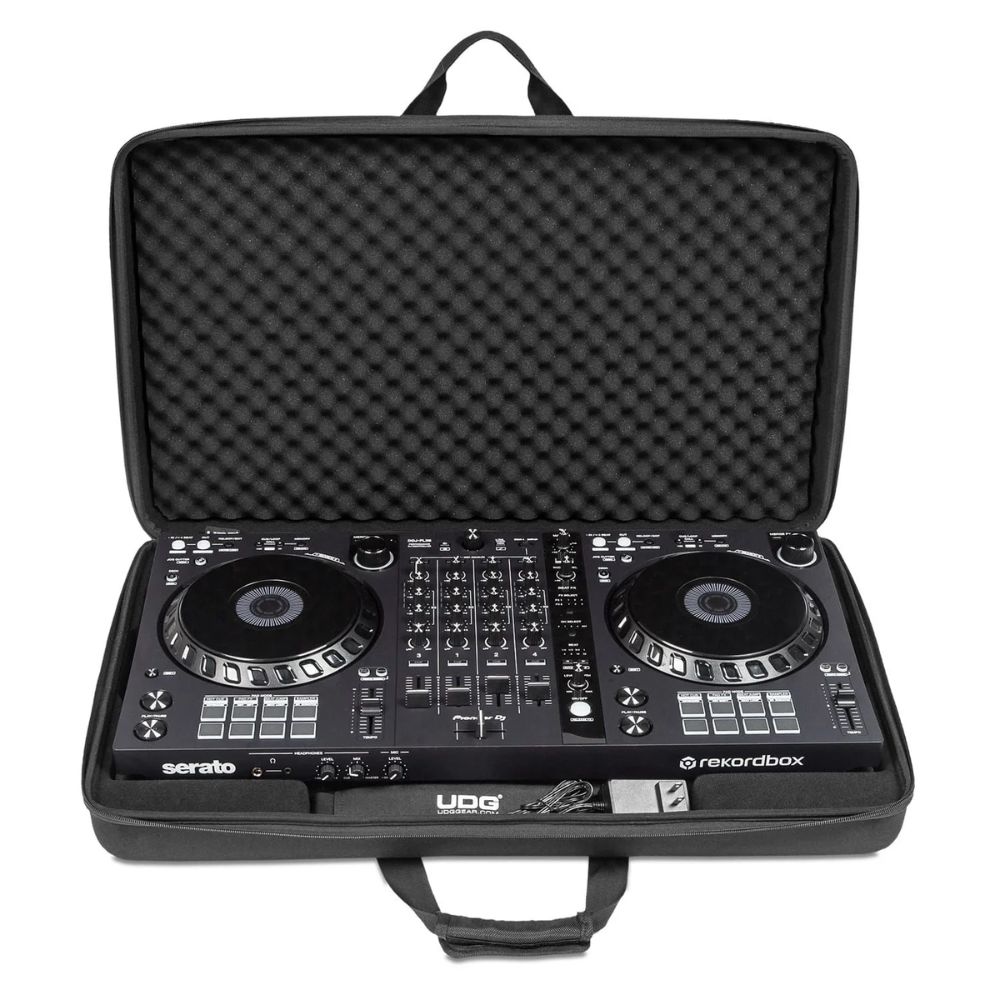
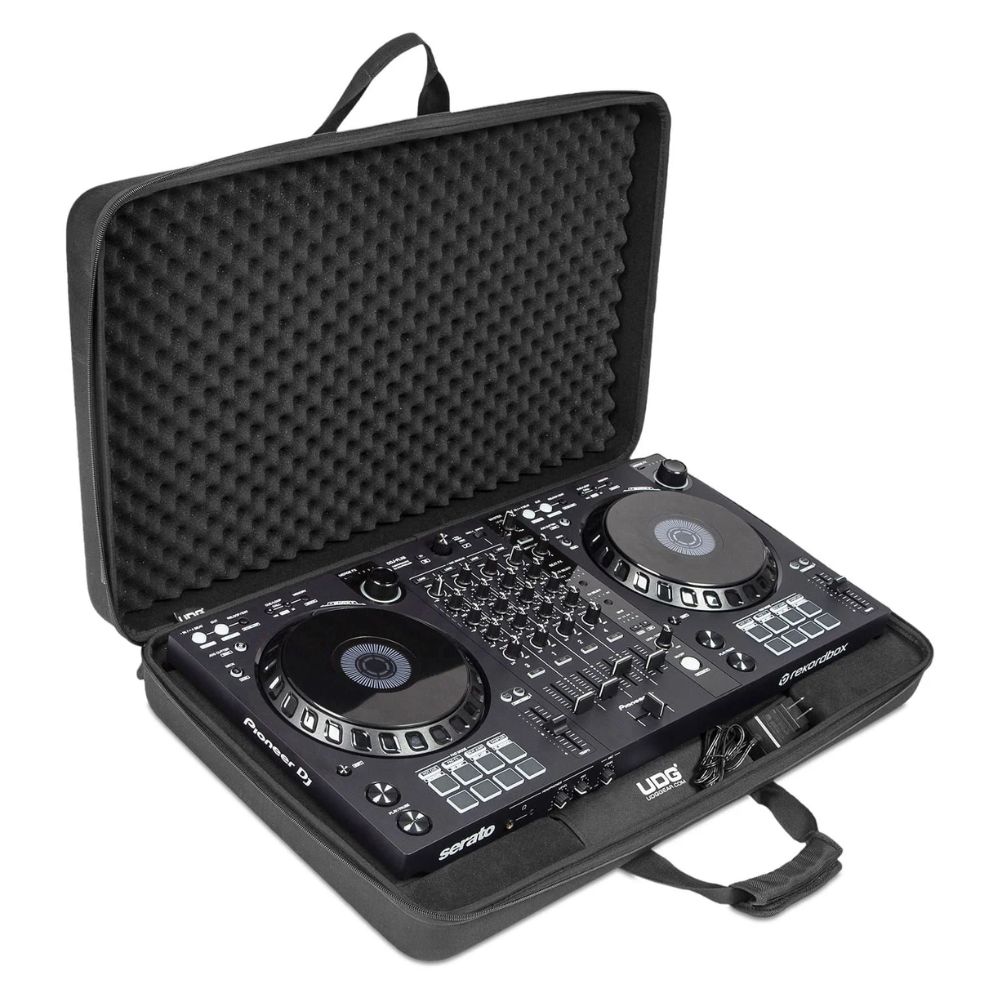
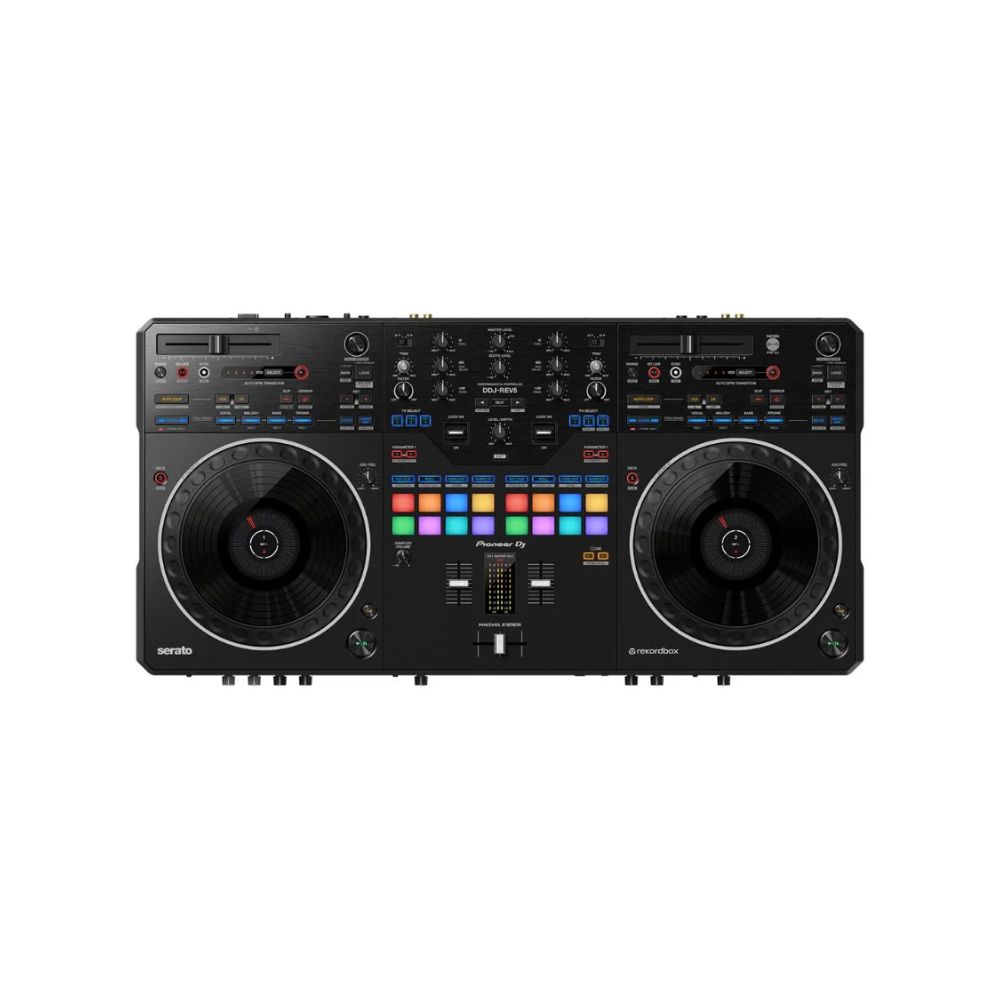
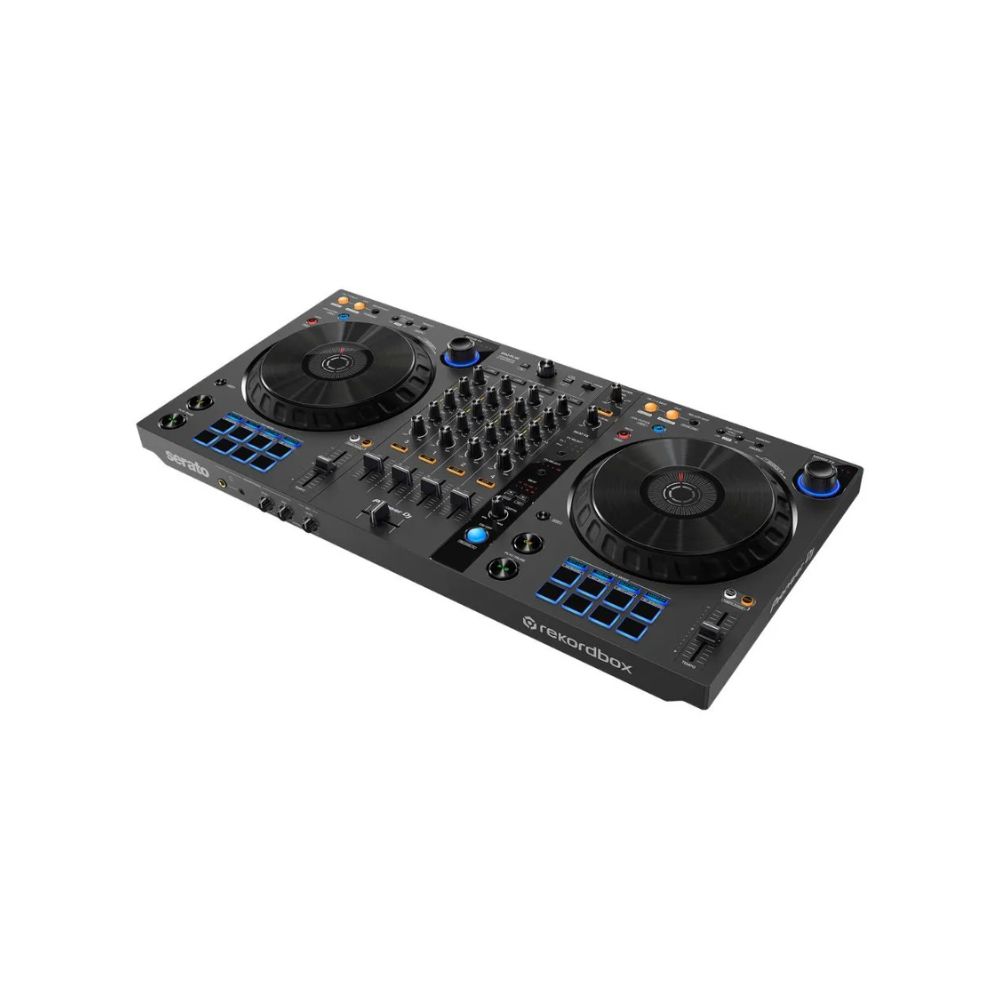
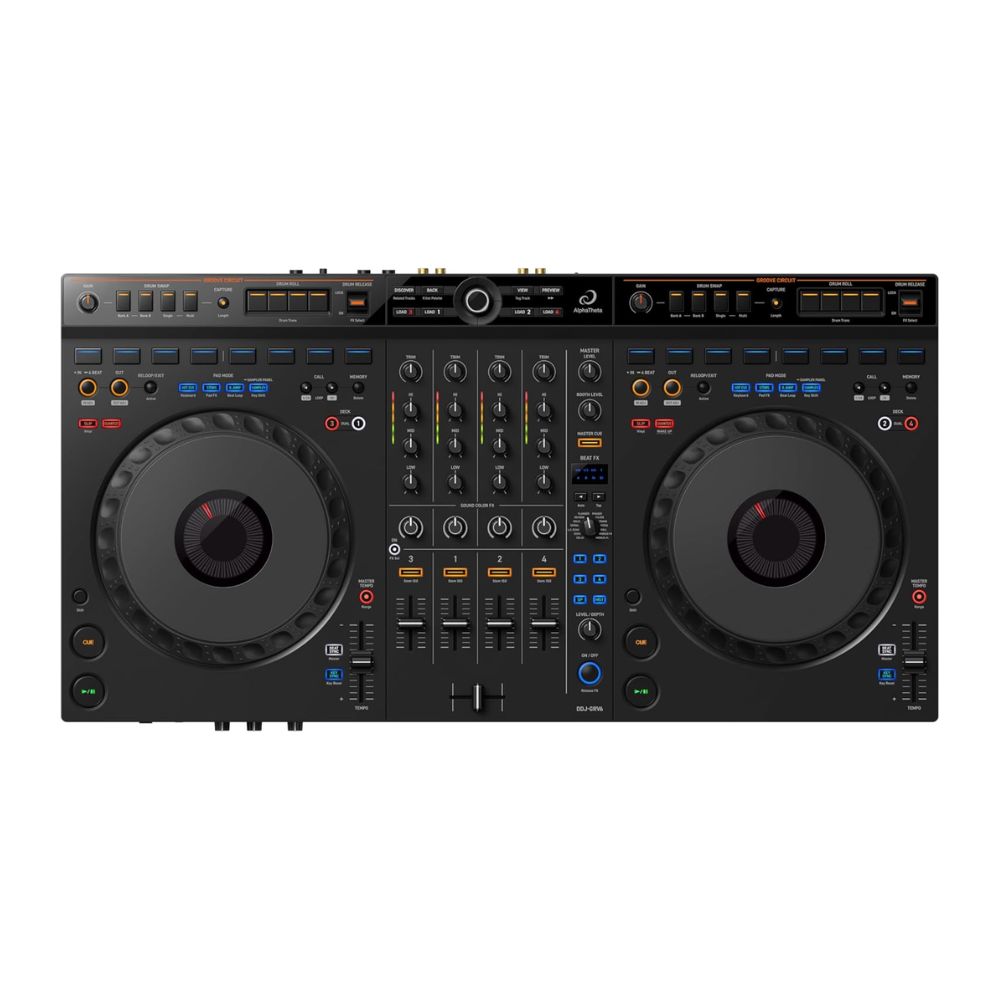
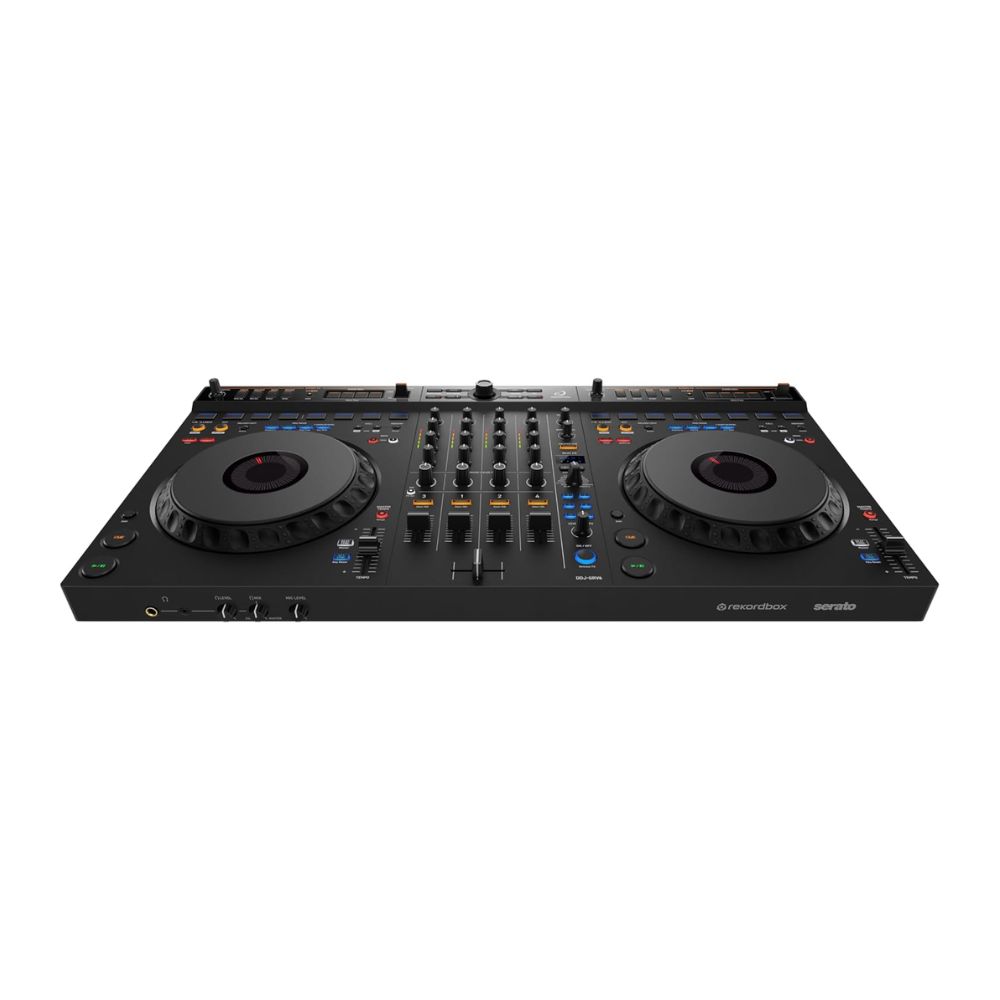
The DDJ-FLX10 is a 4-channel performance DJ controller for rekordbox and Serato DJ Pro. It includes a host of brand-new features including STEMS technology, which enables new creative possibilities such as the easy performance of mash-ups on the fly with no need to prepare tracks in advance.
STEMS for innovative performances including live mashups
Load the regular songs from your music library and create remixes and mash-ups on the fly by independently manipulating the 3 key parts of the music: vocals, drums, and inst (other instruments including bass and synths). There are dedicated color-coded buttons to control each part, so you’ll always have a clear visual grasp of what’s playing.
Expanded On Jog Display
Customize the information you see on the jogs so there’s no need to take your eyes off the decks. Choose from 4 modes, some of which show 3 Band Waveforms (rekordbox only), and keep an eye on Mix Point Link and rekordbox vocal position analysis information, as well as Performance Pad status.
Take advantage of a completely new playback concept in rekordbox that enables you to create slick musical progression in your sets by linking mix points in tracks so the next song kicks in at the perfect moment. You might set the next track to start from the beginning of its melody when the vocal of the current song ends, ensuring a seamless transition without a sound clash. There’s no need to count down or press play manually, which also leaves your hands free to create mash-ups or add effects.
DMX output for rekordbox Lighting functionLiven up your performances with lighting effects that match the mood of the tracks you play. It’s easy with the rekordbox Lighting function and, thanks to the DMX output on the DDJ-FLX10, you don’t need any other equipment such as an external DMX interface. Simply connect DMX-compatible lighting equipment to the controller and use rekordbox to create custom lighting effects, or set the software to automatically adapt the color and movement of the lights to progress with the music.
Pioneer DJ DDJ-FLX10Evolved MAGVEL FADER 4-sensor system
Improved from the 2-sensor system on the DDJ-1000, the MAGVEL FADER on the DDJ-FLX10 uses a 4-sensor system. This allows you to make the tiniest volume adjustments, no matter how small the movement of the crossfader, enabling more musical performances.
Pioneer DJ DDJ-FLX10rekordbox and Serato DJ Pro compatibility
The DDJ-FLX10 offers free plug-and-play compatibility with rekordbox and Serato DJ Pro, giving you hands-on control of your favorite software application. DVS support is available for rekordbox via selected subscription plans, and for Serato via a paid license/subscription to Serato DJ Expansions or Serato DJ Suite.
Multicolored jog ringYou can use the first-ever multicolored jog ring on a Pioneer DJ controller to indicate the different parts of the track that are playing when you’re using the STEMS features, or you can customize the colors to your preferred look.
OTHER FEATURES Pioneer DJ DDJ-FLX10USB Type-C
Connect your PC/Mac directly to the controller’s USB Type-C terminal with a single cable.
Pitch ‘n Time DJ
A voucher for the Serato Pitch ‘n Time DJ Expansion Pack is included, which enables key shifting and key syncing with perfect audio quality.
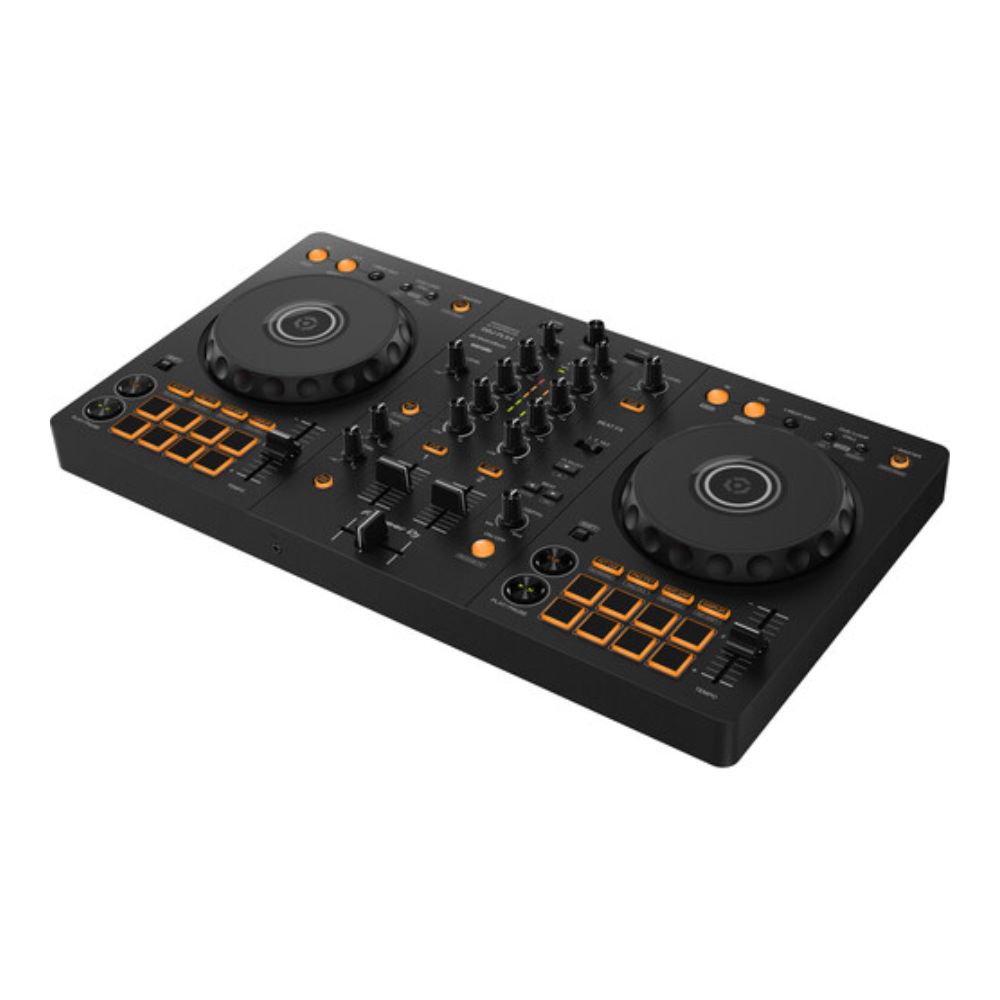
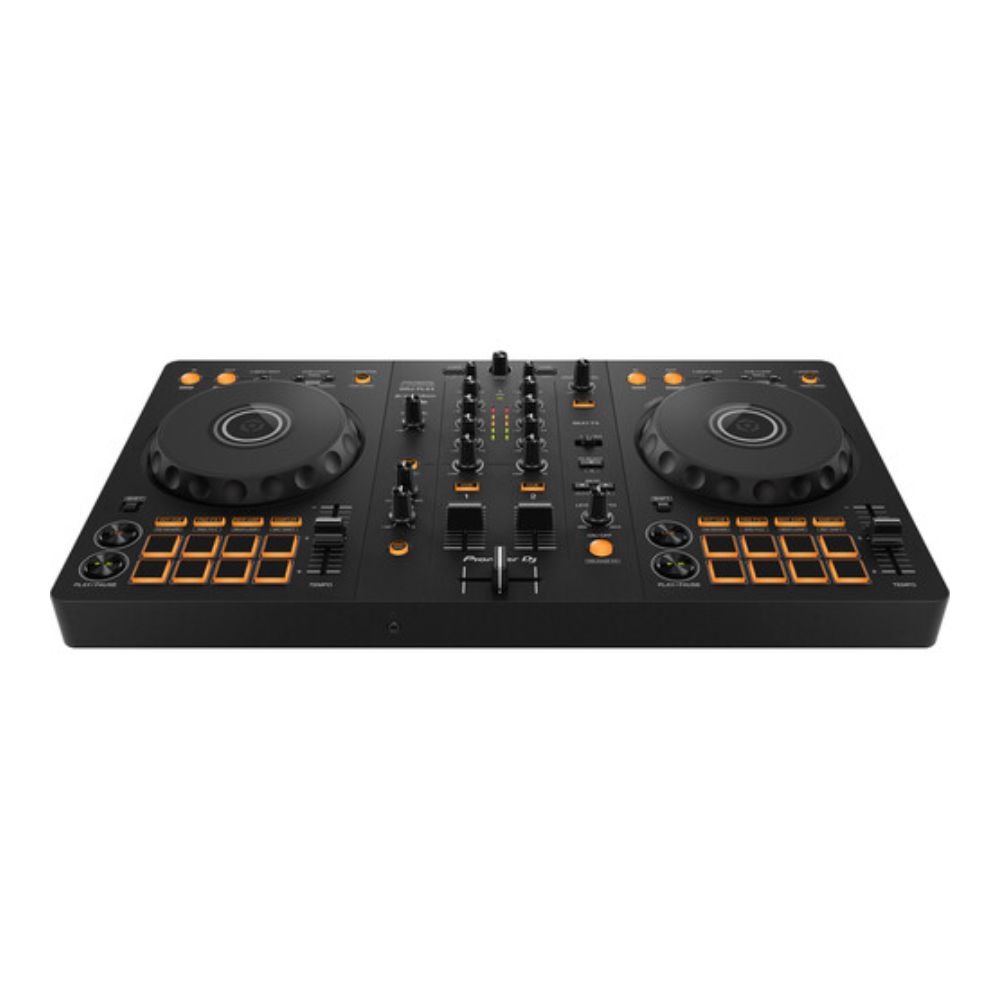
Performance PadsHit the 8 back-lit rubber Performance Pads to trigger Hot Cues, Pad FX, Beat Jump, and the sampler.
Firmware Update ManagerYou’ll be automatically notified when firmware updates become available. You can download the Firmware Update Manager here .
Pioneer DJ DDJ-FLX10Tutorial series
How To Make Mashups
Electronic performer J.O.S.H.U.A breaks down the steps to split, mix and create effectively on the DDJ-FLX10 4-channel DJ performance controller. In this episode he demos the STEMS feature to show how to make a mashup from different genres, live.Tutorial series
Mix Technique (How To Avoid Vocal Part Conflicts)
The STEMS feature of the DDJ-FLX10 offers creative ways to mix cleanly between tracks that might otherwise have conflicting vocals or instrumentation. J.O.S.H.U.A demo’s the best technique to conquer some vocal heavy tracks with a short mix window. Pioneer DJ DDJ-FLX10Tutorial series
Mix Technique (Custom Breakdowns & Builds)
With the DDJ-FLX10’s STEMS feature you can create those unique moments in a set that build tension before a customized drop. J.O.S.H.U.A performs an example with a breakdown and build to demonstrate how. Pioneer DJ DDJ-FLX10Tutorial series
Mix Technique (Part Instant Doubles)
Combining the DDJ-FLX10’s Instant Doubles feature with STEMS, you can copy a track part over to another deck for full manipulation, whilst simultaneously being muted on the original deck. J.O.S.H.U.A performs two creative examples for a vocals part, followed by a drums part. Pioneer DJ DDJ-FLX10Tutorial series
How To Use FX With STEMS
J.O.S.H.U.A demos how you can apply both Sound Color FX and Beat FX to certain parts of a track via the STEMS feature, to help craft more creative mixing. Pioneer DJ DDJ-FLX10Tutorial series
DMX output for rekordbox Lighting
The DDJ-FLX10 has a DMX output allowing a lightening setup to be connected without a separate interface. J.O.S.H.U.A demos how you can setup a lighting configuration in rekordbox so your lights can recognize the dynamics of the track such as breakdowns and drops, responding automatically. You can also configure the DDJ-FLX10s pads to trigger lighting responses manually too. Pioneer DJ DDJ-FLX10Tutorial series
How To Use Mix Point Link
Mix Point Link identifies the perfect moment in both tracks to mix. By enabling this you can keep the energy high knowing the optimum Mix Point Link is a feature new to the DDJ-FLX10 that allows you to preset mix points to automatically play your next track at the desired point without the need to press play. In this video J.O.S.H.U.A demonstrates some practical applications that keep the energy high with perfectly structured mixes, without any part conflicts.SPECIFICATIONS
Width 716 mm Height 73.4 mm Depth 400.3 mm Weight 6.7 kg