 New
New
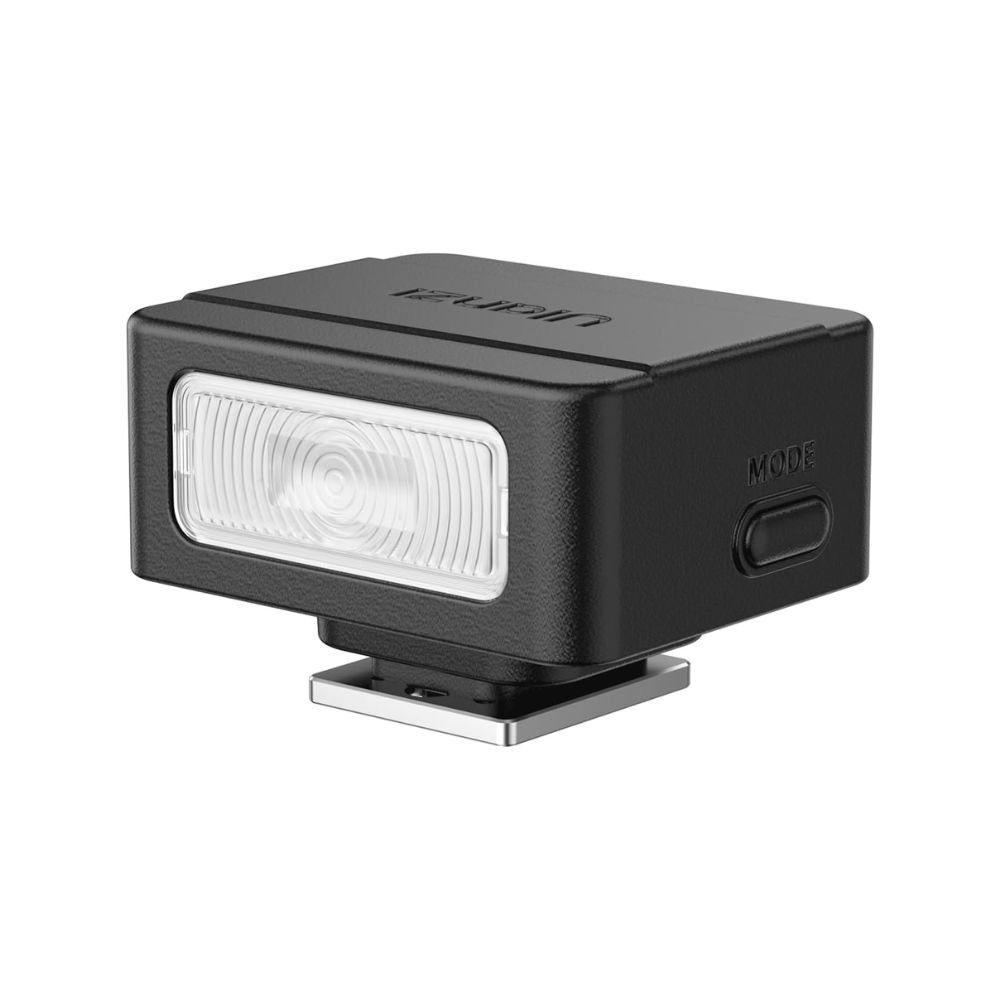
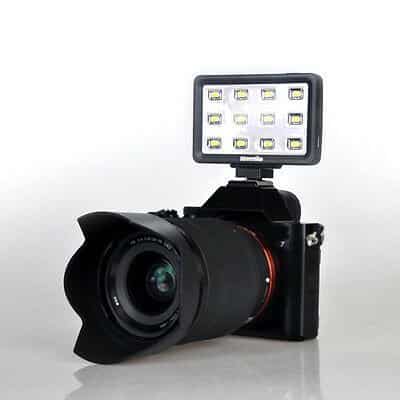
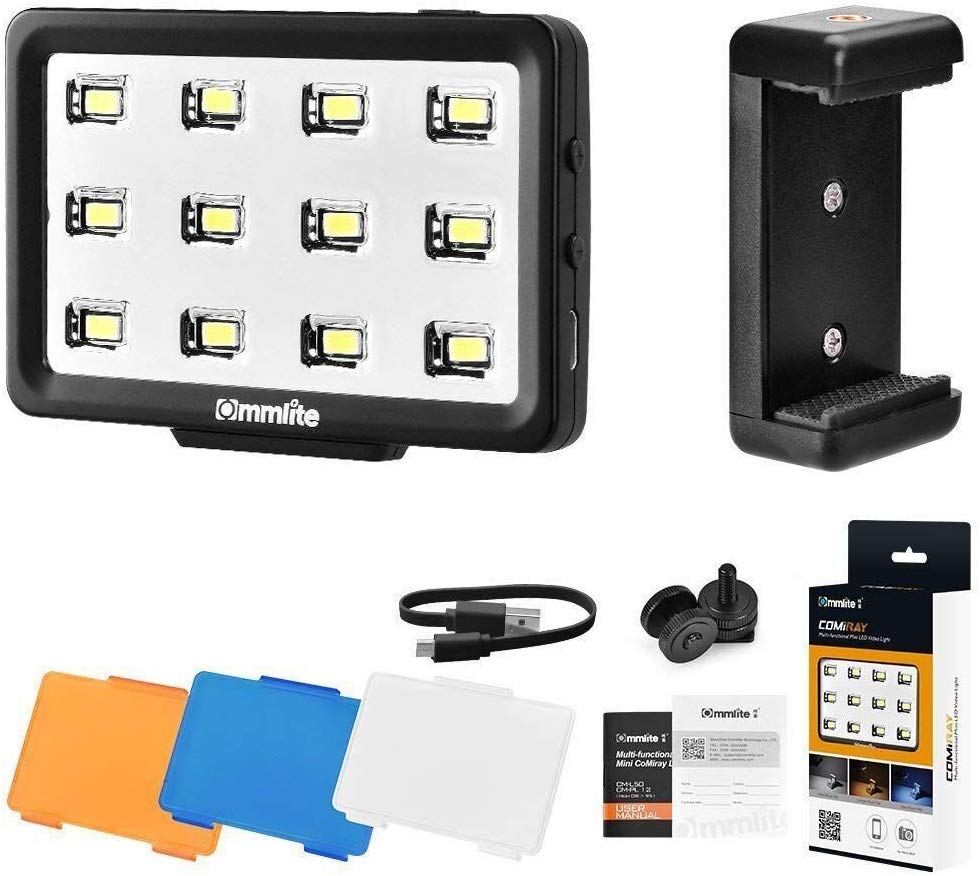
ULANZI Mini Camera Flash SL01 Speedlite Digital Camera Speedlight with Hot Shoe, Compatible with Sony/Canon/Fuji/Nikon/Panasonic/Olympus/Pentax Capture More, Wait Less Freeze every action in a flash! With ultra-fast recovery at 1/8 power, the SL01 Mini camera flash keeps up with every shot-no pauses, just pure speed! Go Anywhere, Shine EverywhereSmaller…
Capture More, Wait Less Freeze every action in a flash! With ultra-fast recovery at 1/8 power, the SL01
Mini camera flash keeps up with every shot-no pauses, just pure speed!
Go Anywhere, Shine EverywhereSmaller than a set of earbuds, the SL01 Speedlite is insanely ccompact
and ultra-light, making it your go-to for spontaneous, on-the-go photography-capture brilliance wherever
you are!
Capture Portraits in Their Best Light GN: GN8;CCT: 6500K;CRI: 96. Portraits deserve the best light.
Featuring a guide number of 8, the SL01 Mini camera flash delivers brilliant illumination, giving your
photos depth and brilliance in any setting-bright or dim
Adjust with Ease, Shine with PrecisionEasily toggle between 4 power modes to achieve the
perfect lighting for every scene with the simple press of a button.
Power Up Fast with Type-C Built-in 250mAh battery charges fully in about 1 hour via Type-C.
You can also charge the SL01 Speedlite with a power bank for continuous use outdoors
Attention The SL01&SL02 Mini flash is exclusively compatible with cameras equipped with a
Single-Contact Hotshoe. ULANZI SL01&SL02 mini camera flash NOT COMPATIBLE WITH 𝐒𝐎𝐍𝐘
𝐙𝐕-𝟏𝐅, 𝐙𝐕𝟏-𝐅, 𝐀𝟗𝐈𝐈𝐈, 𝐀𝟗𝟗, 𝐀𝟕𝟕, 𝐀𝟑𝟓𝟎, 𝐙𝐯𝟏 𝐌𝐚𝐫𝐤 𝟐;𝐂𝐚𝐧𝐨𝐧 𝟑𝟎𝟎𝟎𝐃, 𝟏𝟓𝟎𝟎𝐃, 𝟐𝟎𝟎𝐃𝐈𝐈, 𝐑𝟓𝟎;
𝐅𝐔𝐉𝐈 𝐗-𝐀𝟑, 𝐗𝟏𝟎𝟎𝐅, 𝐗𝟏𝟎𝟎𝐓. If your camera is in Silent Mode, you need to turn it off before using it.
💡💡FUJI Camera User Note To use the SL01&SL02 external flash, open the camera’s
flash settings, set the flash function to OFF, and switch to manual mode via the rear dial.
The X on the shutter speed dial indicates the max sync speed; exceeding it may result in
partial or no flash exposure. Use single shooting mode—not continuous—and set the shutter to
mechanical. Also, disable real-time display when using flash. If the screen appears dark, turn off “
Preview exposure/white balance in manual mode”