 New
New
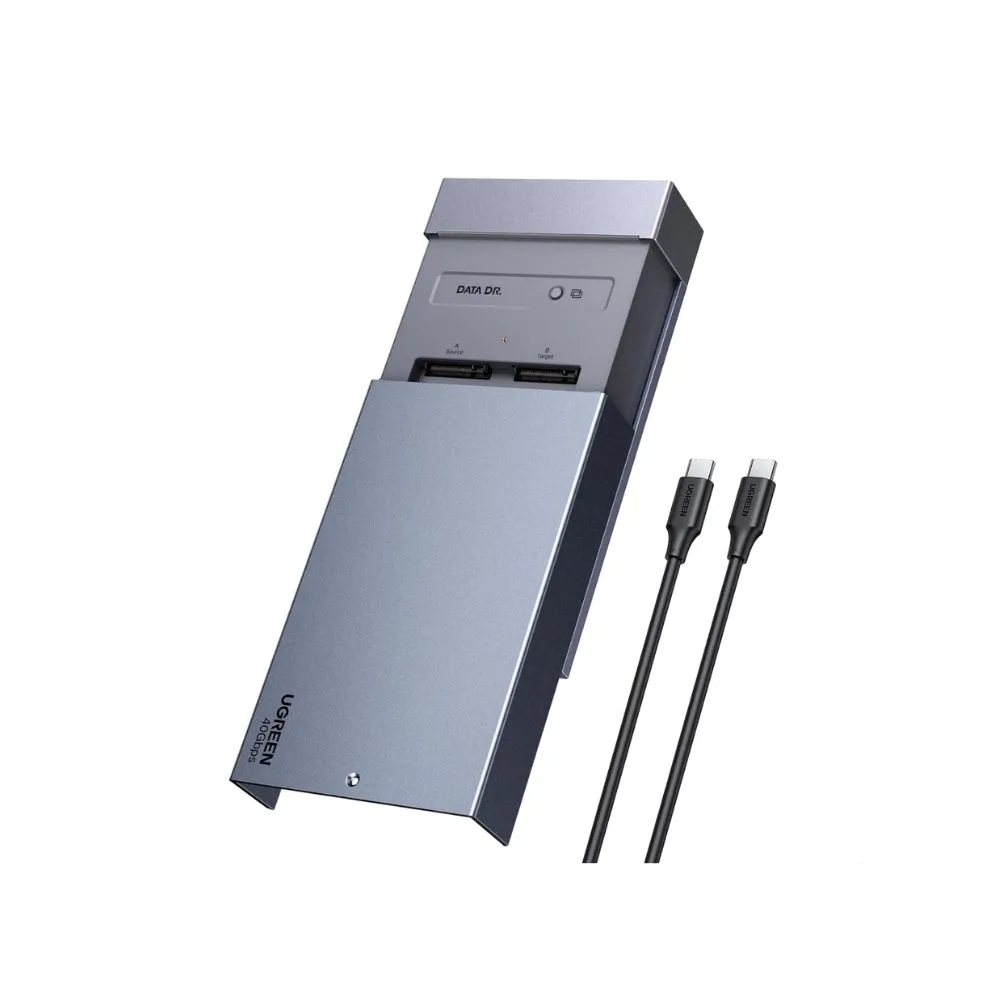
The UGREEN 40Gbps Dual-Bay M.2 NVMe SSD Enclosure and Offline Cloner is an ultra-fast external storage station supporting up to 16TB total capacity (8TB per bay). Optimized for Apple Silicon M4 Macs and high-tier Windows systems, it delivers transfer speeds up to 40Gbps (~3,600 MB/s) with full support for Software RAID 0, 1, Union, and Individual modes. Featuring a built-in 40mm active cooling fan, aluminum alloy housing, an LED status activity strip, and computer-free single-button drive duplication, it provides an uncompromising deployment and editing tool for Lebanese digital agencies and production teams.
Accelerate your creative workflow, eliminate transfer bottlenecks, and deploy high-speed solid-state arrays with absolute precision. The UGREEN 40Gbps Dual-Bay M.2 NVMe SSD Enclosure and Offline Cloner is a specialized, ultra-performance storage workstation engineered for high-end digital creators, data managers, IT deployment specialists, and studio professionals. Optimized to match the relentless architectural capabilities of Apple Silicon ecosystems (including MacBook M4/Pro/Max and Mac mini) alongside modern Windows and Linux developer rigs, this professional dual-bay station transforms raw M.2 NVMe flash memory into a high-density external data engine that operates at the absolute peak of current interface standards.
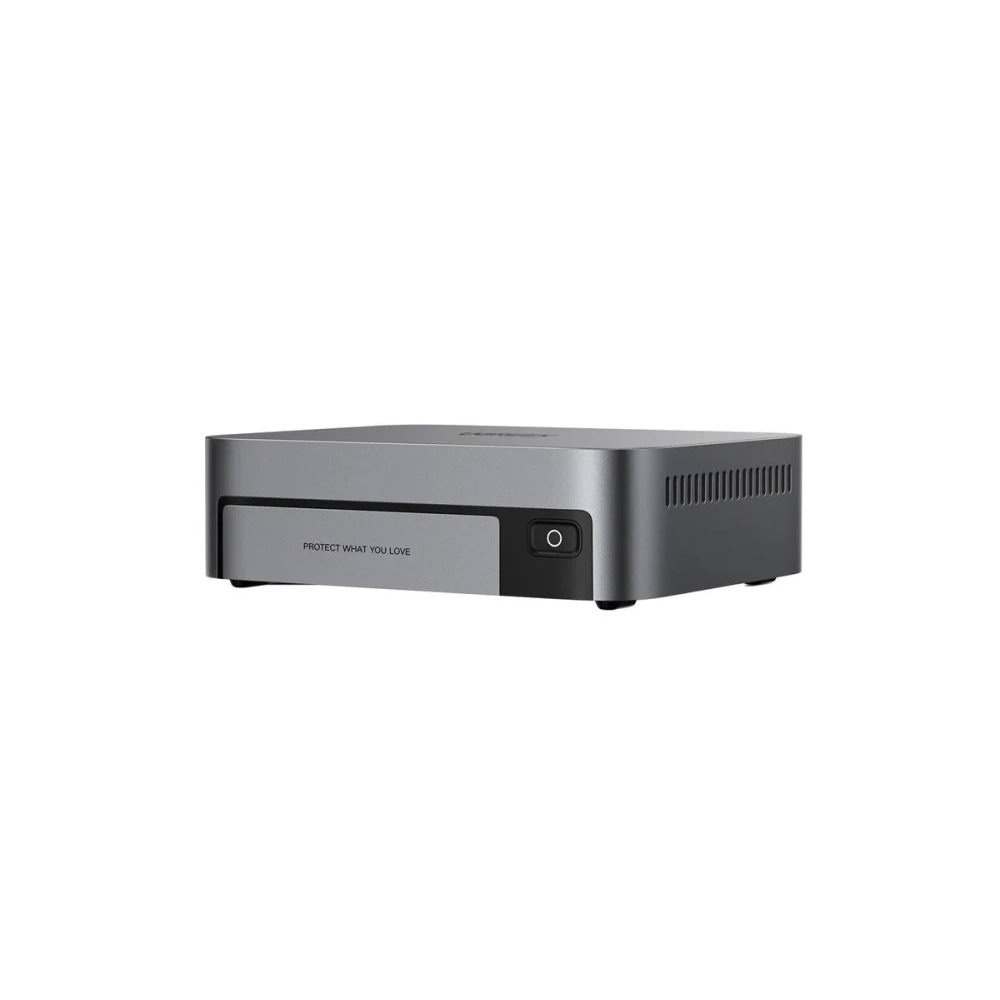
Crafted from a heavy-duty, premium sandblasted aluminum alloy matrix, the docking tower acts as an aggressive passive heat sink. It features a streamlined vertical layout that minimizes desktop footprint while isolating your drives from desktop vibrations, giving you a sleek, reliable data anchor built to handle constant, multi-terabyte data transfers.
Break past the structural limitations of standard USB storage protocols. Equipped with next-generation high-bandwidth transfer lines, this genuine UGREEN station delivers data transmission speeds reaching up to a massive 40Gbps . When connected via a certified USB4 or Thunderbolt 4 cable, real-world read/write performance scales up to a blistering ~3,600 MB/s , allowing digital colorists, audio engineers, and VFX artists to open, scratch-render, and scrub uncompressed multi-stream video timelines straight from external flash media.
The advanced dual-slot docking layout supports immense scalability for evolving production files:
16TB Massive Capacity Ceiling: Holds up to two high-capacity M.2 NVMe PCIe solid-state drives (up to 8TB per single slot), accommodating standard 2230, 2242, 2260, and 2280 drive form factors.
Active Direct-Flow Cooling Matrix: Houses an integrated 40mm low-noise direct-flow cooling fan that forces cool air across the internal circuit boards to eliminate thermal throttling and protect your solid-state drives during prolonged, intense file transfers.
Take complete command of drive replication and storage allocation with or without a computer connection. The hardware integrates an autonomous One-Click Offline Clone button , allowing IT technicians and creative directors to perform bit-by-bit disk duplication instantly for quick system migrations or storage upgrades.
When hooked up to your primary workstation, the dual-bay structure supports robust configuration layouts via native operating system tools (such as macOS Disk Utility or Windows Disk Management):
| RAID / Operational Mode | Software Configuration Impact | Practical Creative Production Benefit |
| RAID 0 (Striping) | Splits data streams simultaneously across both M.2 NVMe solid-state drives. | Maximizes transfer performance, providing peak read/write thresholds for heavy timeline scrubbing. |
| RAID 1 (Mirroring) | Writes identical data copies to both flash drives at the exact same millisecond. | Delivers structural data redundancy; if one drive fails, your assets stay completely safe on the second. |
| Union (JBOD / Spanning) | Consecutively links both physical slots into one massive storage volume. | Allows you to combine two different drive capacities into a single, organized pool without wasting bytes. |
| PM (Physical Mode) | Disables internal spanning, mounting the dock as two completely separate drives. | Ideal for manual project separation, isolated backups, or multi-client file allocation. |
The underlying interface chips feature true driverless plug-and-play synchronization across Windows, macOS, Linux, and ChromeOS ecosystems. Simply insert your solid-state drives, secure the top latch, and interface with your device over a single high-speed cable connection.
No. The internal data pipelines and interface architecture of this high-speed UGREEN cloner are engineered strictly for PCIe NVMe M.2 solid-state drives. It does not support older, legacy M.2 SATA-based SSDs or B-Key configurations. To ensure maximum transmission speeds and complete cloning compatibility, verify that both your source and target drives utilize modern M-Key or B+M Key PCIe NVMe protocols.
Executing an offline clone performs a complete, bit-by-bit hardware rewrite from the source drive onto the target drive. This process will completely overwrite and erase all existing volumes, data blocks, and partitions on the destination target drive. Always ensure you have fully backed up any critical files on your target drive before pressing the mechanical offline clone button.
Yes, for maximum performance on Windows platforms, it is highly recommended to update your OS hardware policy. Open your Device Manager , expand the Disk Drives section, right-click on your connected UGREEN NVMe device, select Properties , and navigate to the Policies tab. Switch the configuration from “Quick Removal” to “Better Performance” and enable write caching on the device to unlock its full 3,000+ MB/s potential.