 New
New
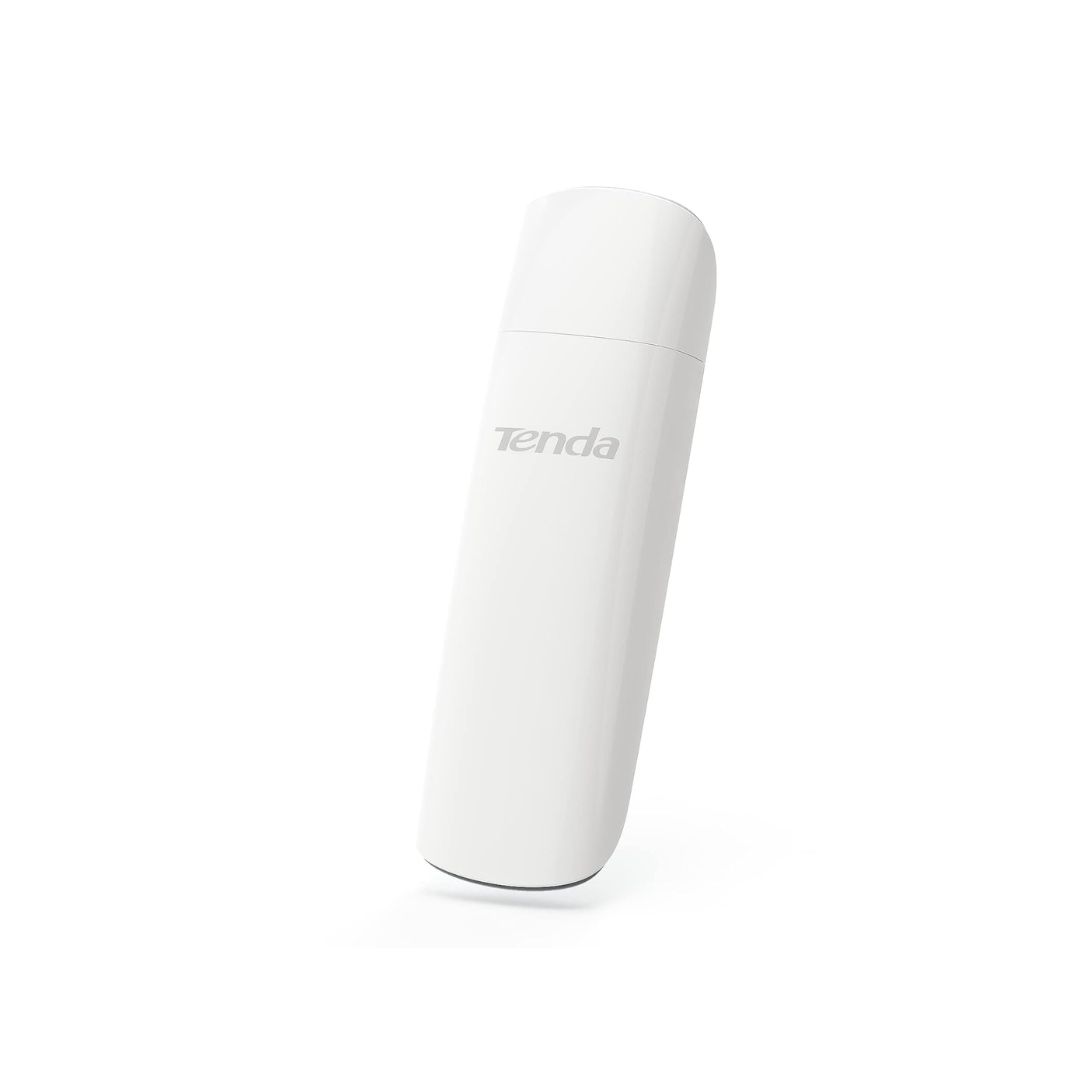
Wi-Fi Standard : Wi-Fi 6 (802.11ax) Frequency Bands : 2.4GHz (574Mbps), 5GHz (1201Mbps) Interface : USB 3.0 (backward compatible with USB 2.0) Security : WPA3 encryption Compatibility : Windows 10/11 Design : Compact, plug-and-play Antenna : Internal PIFA antenna Dimensions : 93.8mm x 30.2mm x 13.4mm Weight : Approximately 26.6 grams
The Tenda U18 AX1800 Wi-Fi 6 USB Adapter is designed to enhance your PC’s wireless connectivity by upgrading it to the latest Wi-Fi 6 standard. This compact and efficient adapter offers high-speed internet access, making it ideal for activities such as HD streaming, online gaming, and large file transfers.
Performance / Functionality
Operating on dual frequency bands, the Tenda U18 AX1800 Wi-Fi 6 USB Adapter provides:
2.4GHz band : Up to 574Mbps
5GHz band : Up to 1201Mbps
This dual-band support ensures a stable and fast connection, even in environments with multiple devices.
Compatibility
The Tenda U18 AX1800 Wi-Fi 6 USB Adapter is compatible with:
Windows 10 and 11
It connects via USB 3.0, offering faster data transfer rates compared to USB 2.0. The adapter is also backward compatible with USB 2.0 ports.
Safety / Convenience
Equipped with WPA3 encryption, the Tenda U18 AX1800 Wi-Fi 6 USB Adapter provides enhanced security for your wireless connections. Its plug-and-play design ensures easy installation without the need for additional drivers.
Design / Build
The Tenda U18 AX1800 Wi-Fi 6 USB Adapter features a sleek, compact design with internal PIFA antennas. Its small form factor makes it portable and convenient for travel, while the mirror surface cover adds a high-end aesthetic.
Usage Tips
For optimal performance:
Connect the Tenda U18 AX1800 Wi-Fi 6 USB Adapter directly to your computer’s USB port.
Ensure your router supports Wi-Fi 6 to fully leverage the adapter’s capabilities.
Position the adapter for the best signal reception, avoiding obstructions.