 New
New
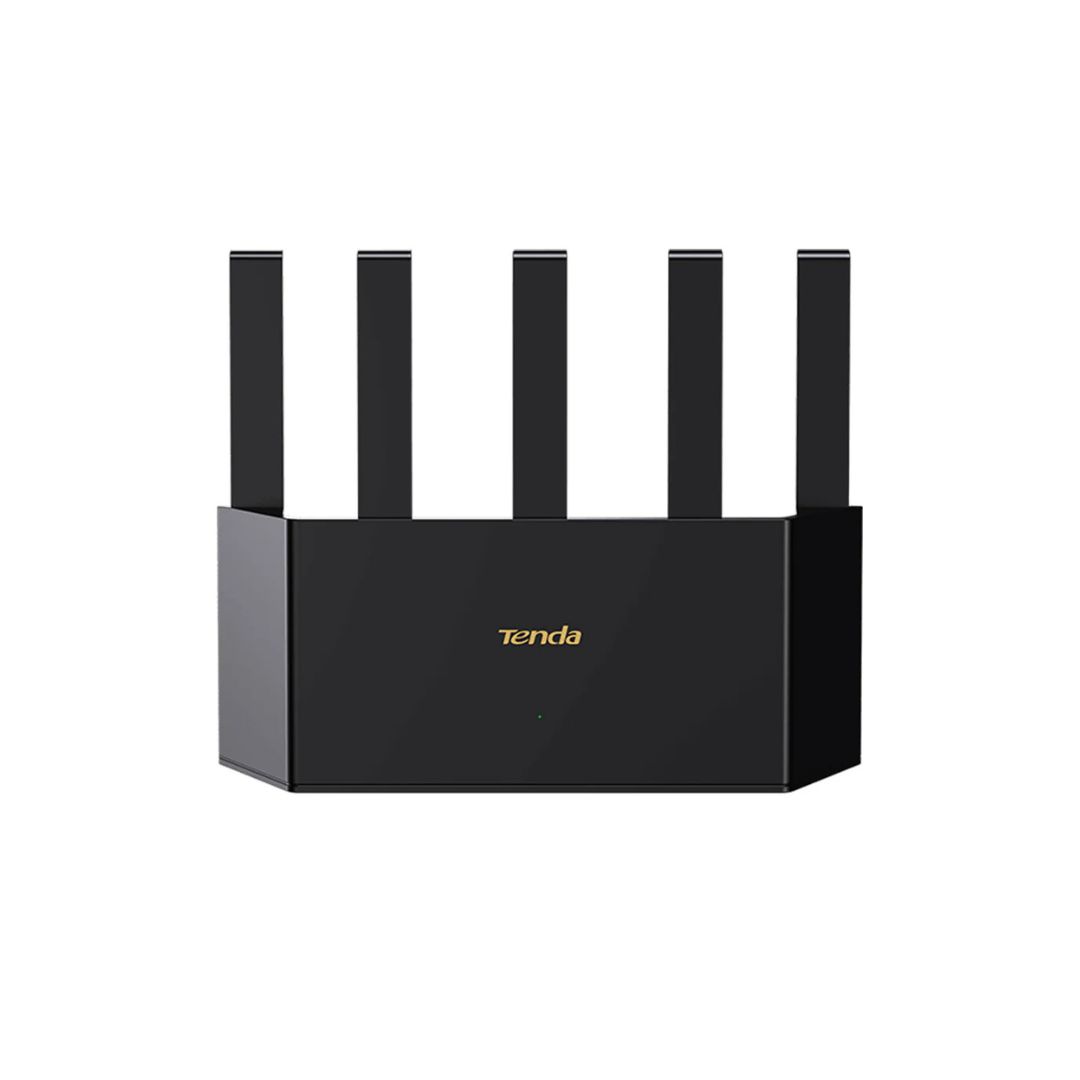
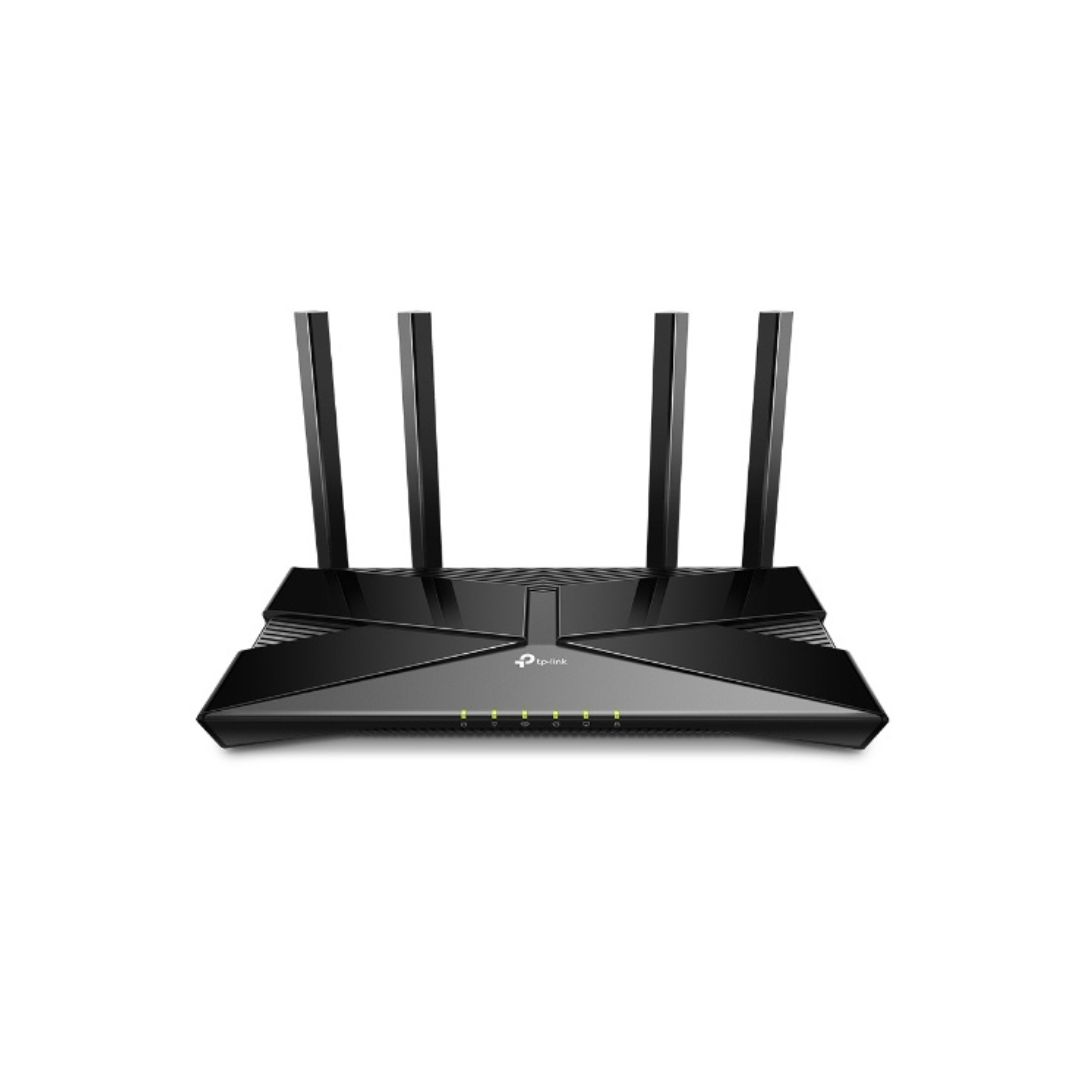
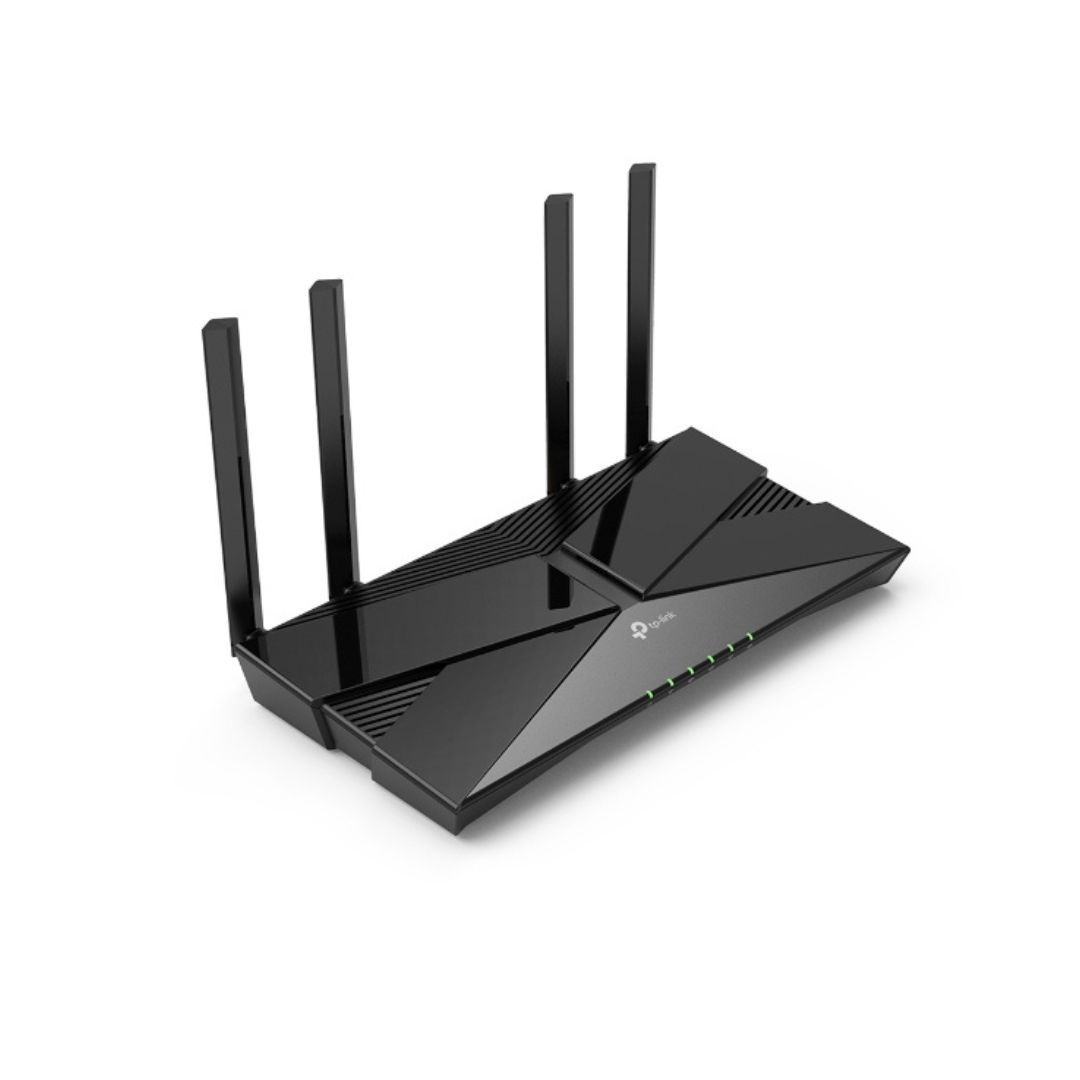
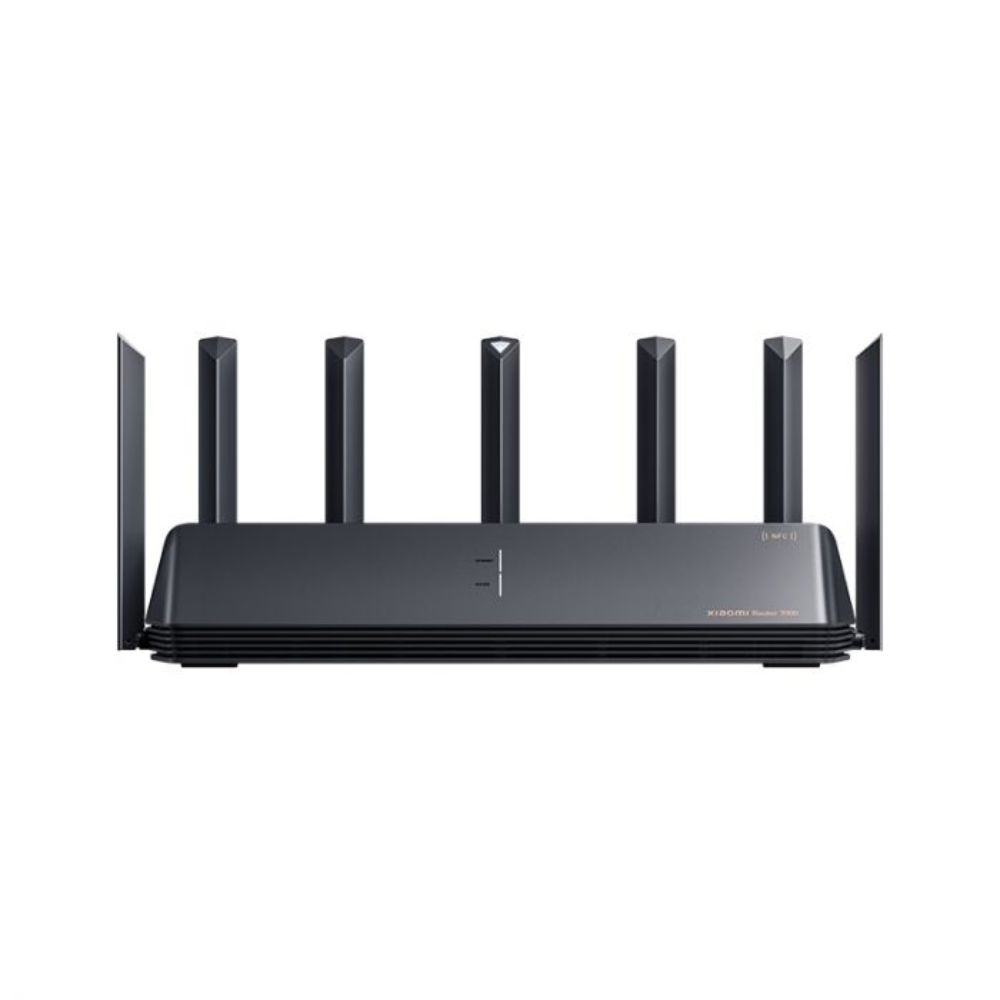
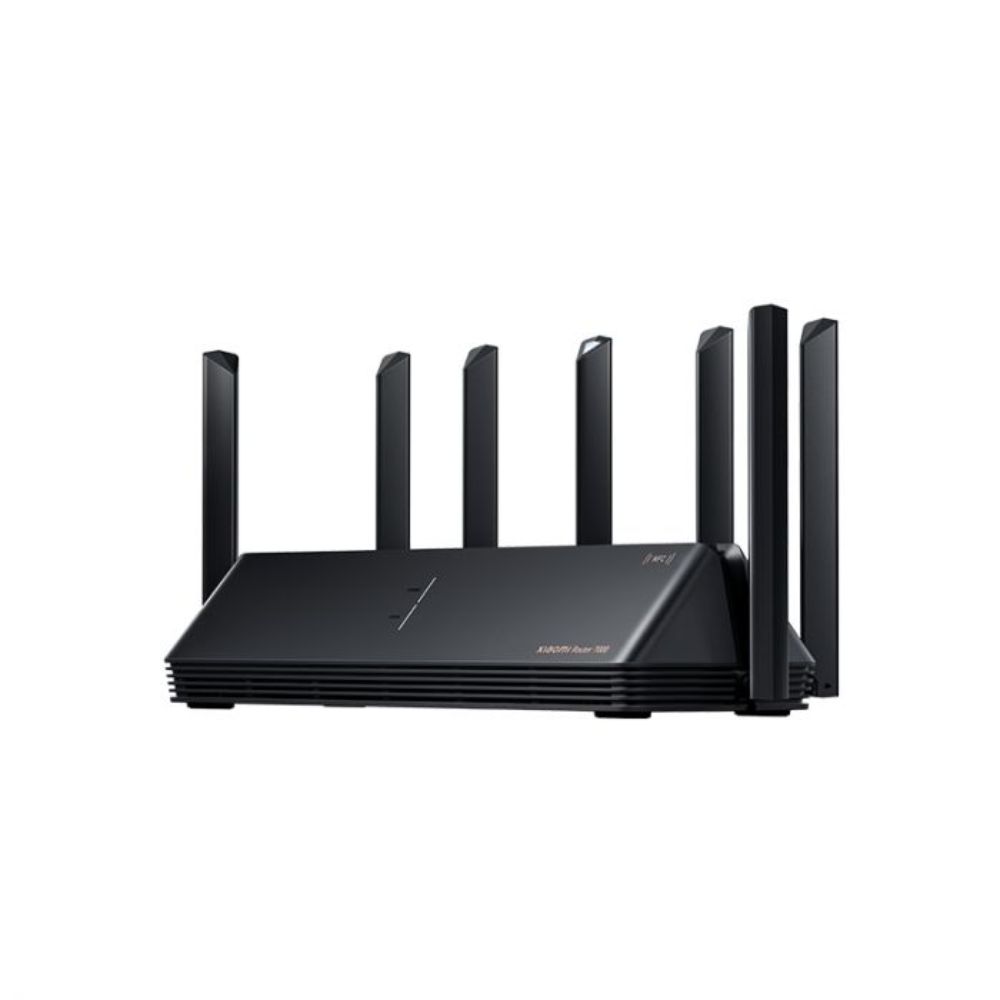
Wireless Speed : Up to 1201Mbps (5GHz) + 300Mbps (2.4GHz) Ports : 1× WAN, 3× LAN (Gigabit) Antennas : 5× external high-gain Wi-Fi Standard : Wi-Fi 6 (802.11ax) Features : OFDMA, MU-MIMO, WPA3, Tenda Wi-Fi+ mesh Design : Vertical structure for improved heat dissipation Dimensions : 187.63 × 49 × 200mm
The Tenda TX2L Pro AX1500 Dual-Band WiFi 6 Router is designed to provide high-speed internet connectivity with advanced features for modern home networking needs.
Performance / Functionality Tenda TX2L
Dual-Band Speed : Offers combined speeds up to 1501Mbps, with 1201Mbps on the 5GHz band and 300Mbps on the 2.4GHz band, ensuring fast and stable connections.
Wi-Fi 6 Technology : Supports the latest Wi-Fi 6 (802.11ax) standard, providing improved efficiency and capacity for multiple devices.
Advanced Features : Equipped with OFDMA and MU-MIMO technologies to enhance network efficiency and reduce latency.
Security : Utilizes WPA3 encryption for enhanced security and supports Tenda Wi-Fi+ mesh technology for seamless whole-home coverage.
Compatibility
Ports : Includes 1× WAN and 3× Gigabit LAN ports for high-speed wired connections.
Antennas : Features 5× external high-gain antennas to extend Wi-Fi coverage throughout your home.
Mesh Support : Compatible with Tenda Wi-Fi+ mesh technology, allowing easy expansion of your network coverage.
Design : The vertical structure design improves heat dissipation and signal stability.
Safety / Convenience Tenda TX2L
Easy Setup : User-friendly interface and setup wizard for quick installation.
Parental Controls : Allows customization of internet access times and content filtering.
Security : Advanced encryption and filtering options to protect your network from unauthorized access.
Design / Build
Dimensions : Compact design measuring 187.63 × 49 × 200mm, suitable for various home setups.
Build Quality : Sturdy construction with five external antennas for enhanced wireless performance.
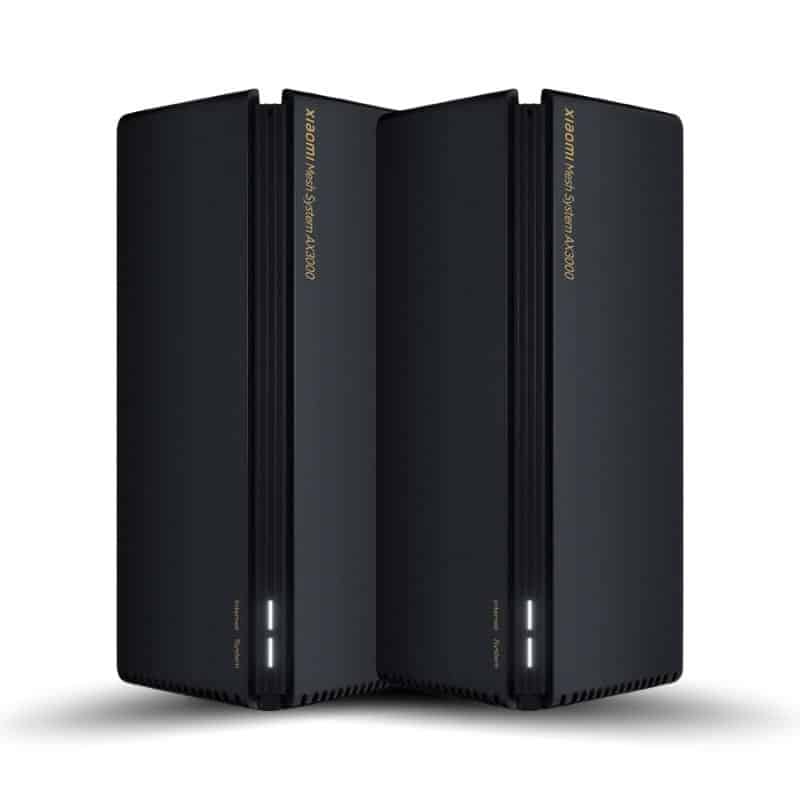
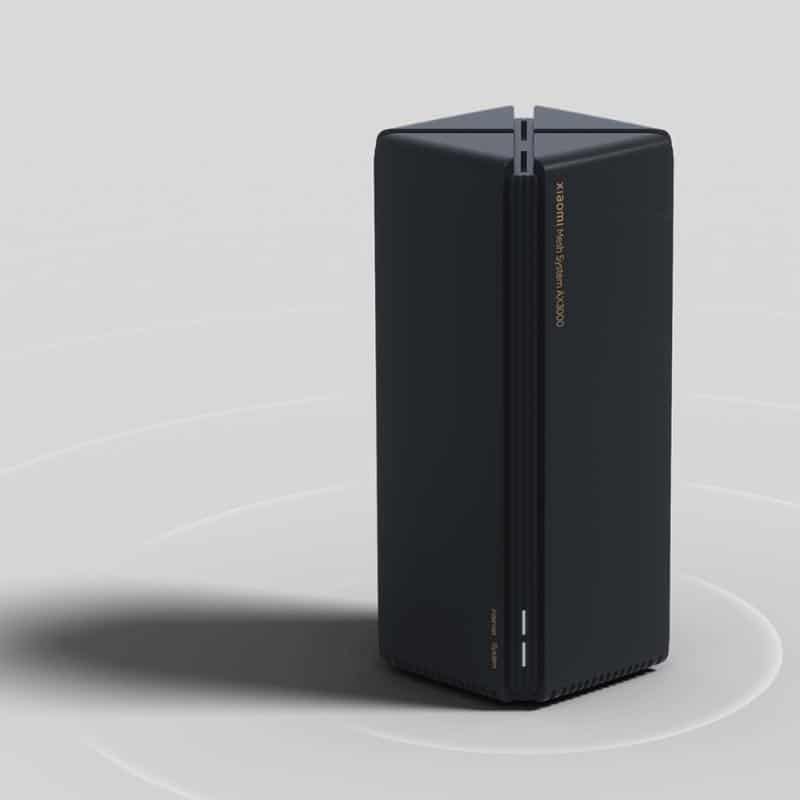
Aesthetics : Sleek black finish that complements modern home decor.
Usage Tips Tenda TX2L
Optimal Placement : Position the router centrally in your home to maximize wireless coverage.
Firmware Updates : Regularly check for firmware updates to ensure optimal performance and security.
Network Management : Utilize the parental control features to monitor and manage internet usage effectively.