 New
New
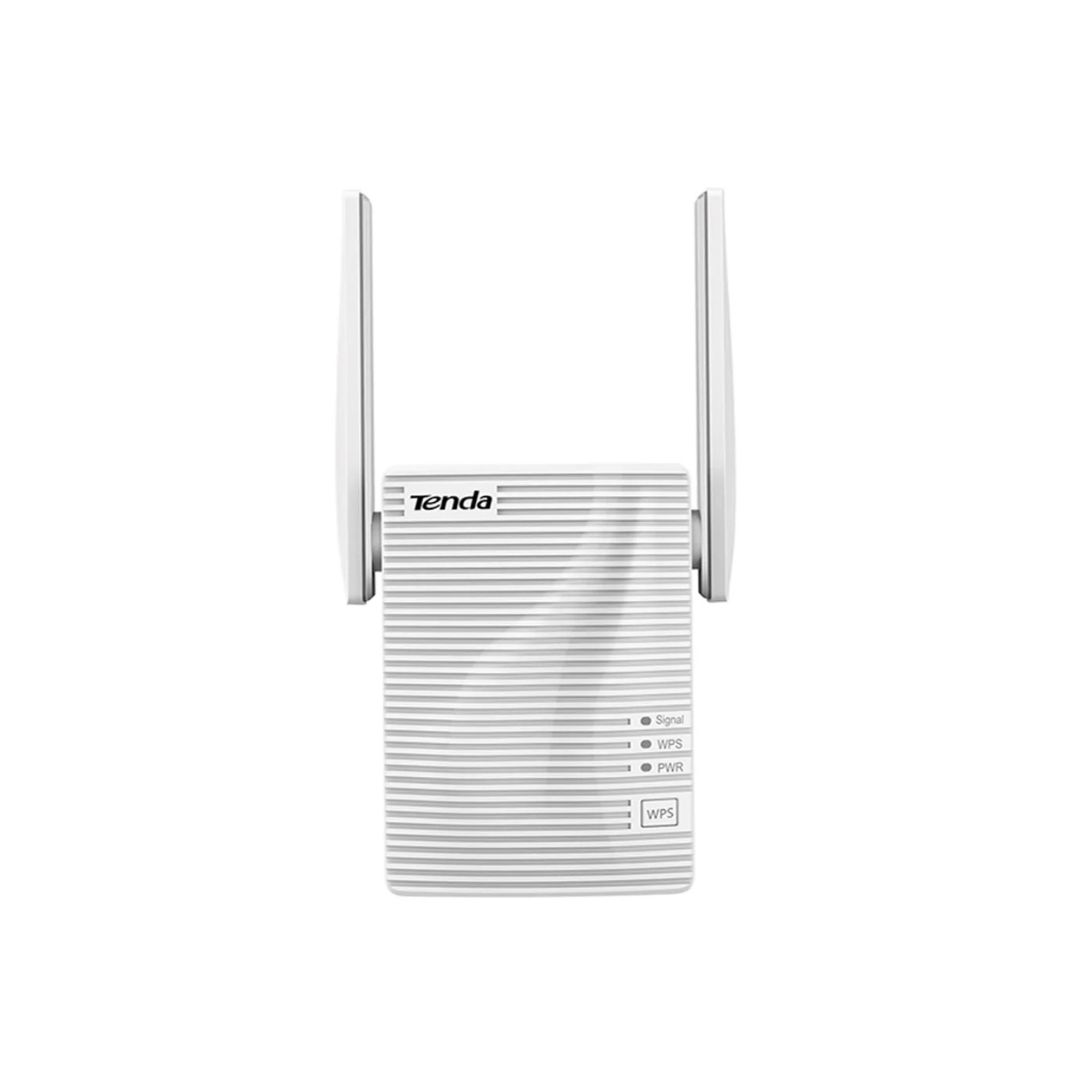
Dual-Band Wi-Fi : 2.4GHz up to 300Mbps, 5GHz up to 867Mbps Ethernet Port : 10/100Mbps for wired connections Wall-Mountable Design : Compact and space-saving Easy Setup : One-touch WPS button for quick connection Coverage : Ideal for multi-room homes and offices
The Tenda A18 AC1200 Dual-Band Wi-Fi Extender with Dual Antennas is designed to eliminate dead zones and extend your existing Wi-Fi network’s coverage. Its dual-band technology ensures high-speed internet access throughout your home or office.
Performance / Functionality
The Tenda A18 AC1200 Dual-Band Wi-Fi Extender with Dual Antennas offers wireless speeds up to 300Mbps on the 2.4GHz band and up to 867Mbps on the 5GHz band, providing a combined speed of 1167Mbps. This makes it suitable for HD streaming, online gaming, and large file downloads.
Compatibility
This extender is compatible with most standard 802.11ac/n/g/b wireless routers and Wi-Fi DSL modems, allowing for easy integration into your existing network setup.
Safety / Convenience
The Tenda A18 AC1200 Dual-Band Wi-Fi Extender with Dual Antennas supports WPA/WPA2 encryption, ensuring a secure wireless connection. The one-touch WPS setup simplifies the connection process, while the smart LED indicator helps you find the optimal placement for the extender.
Design / Build
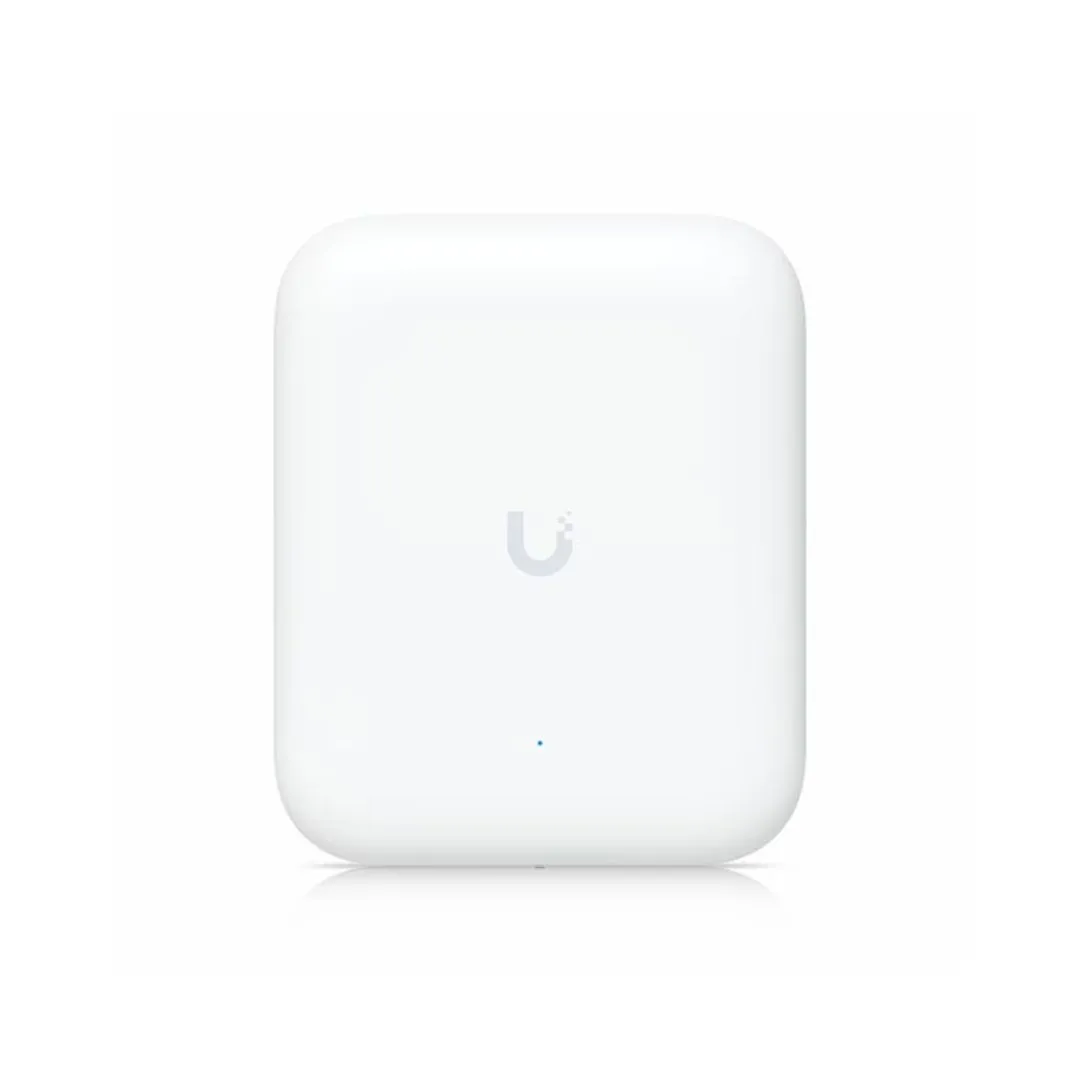
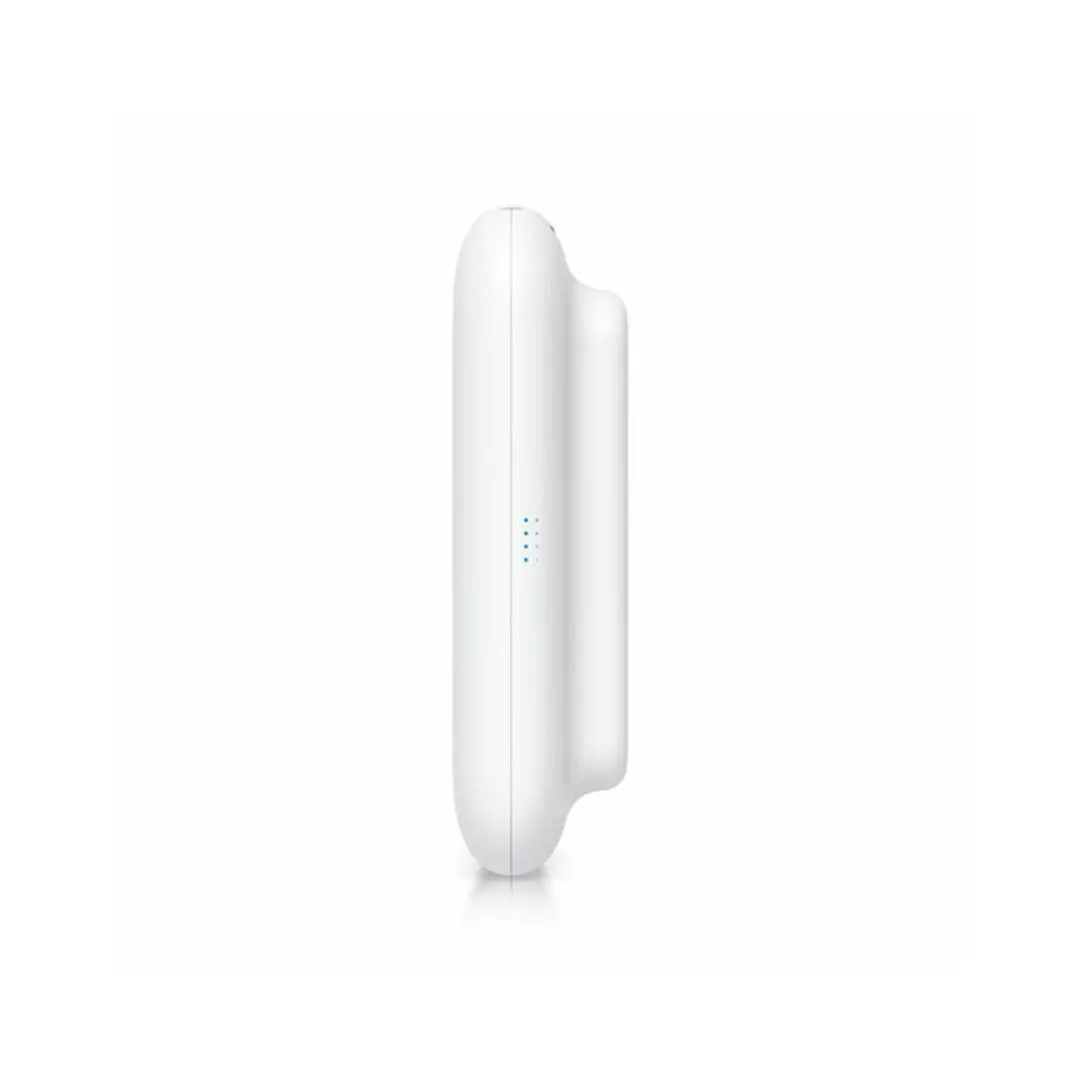
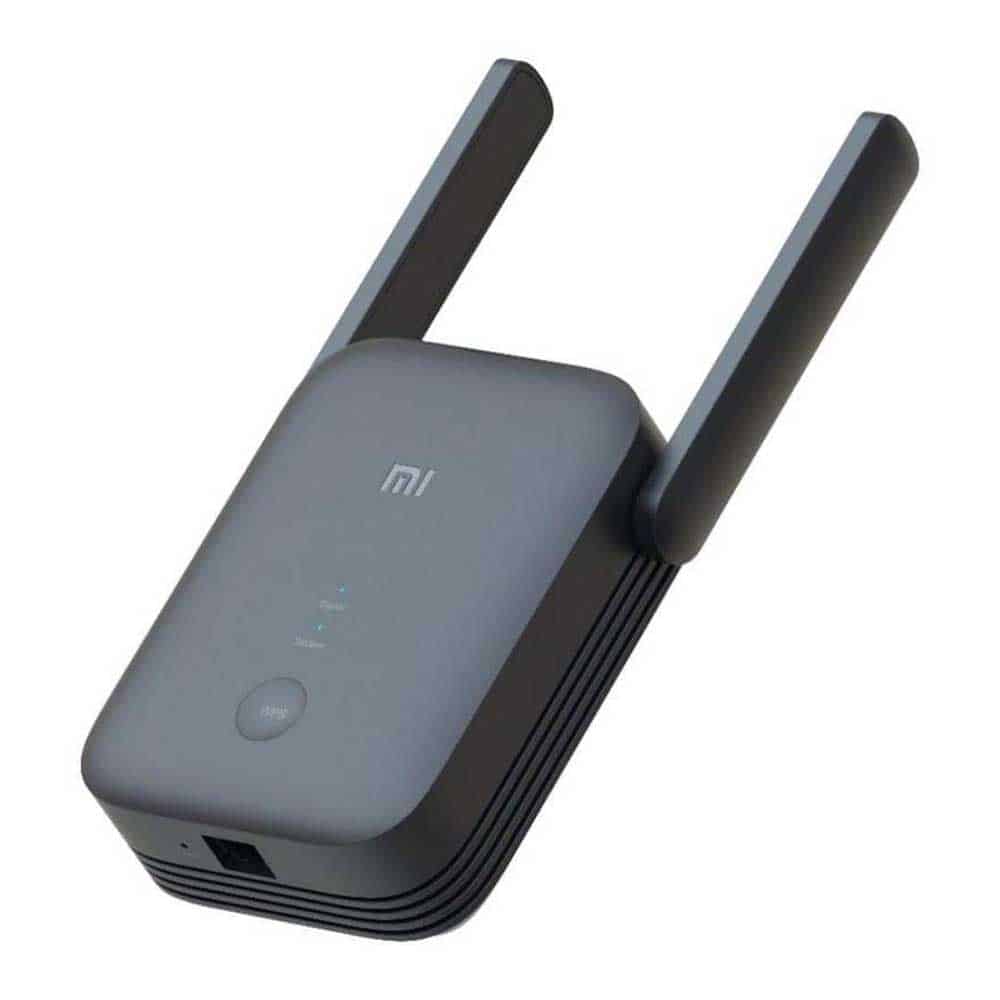
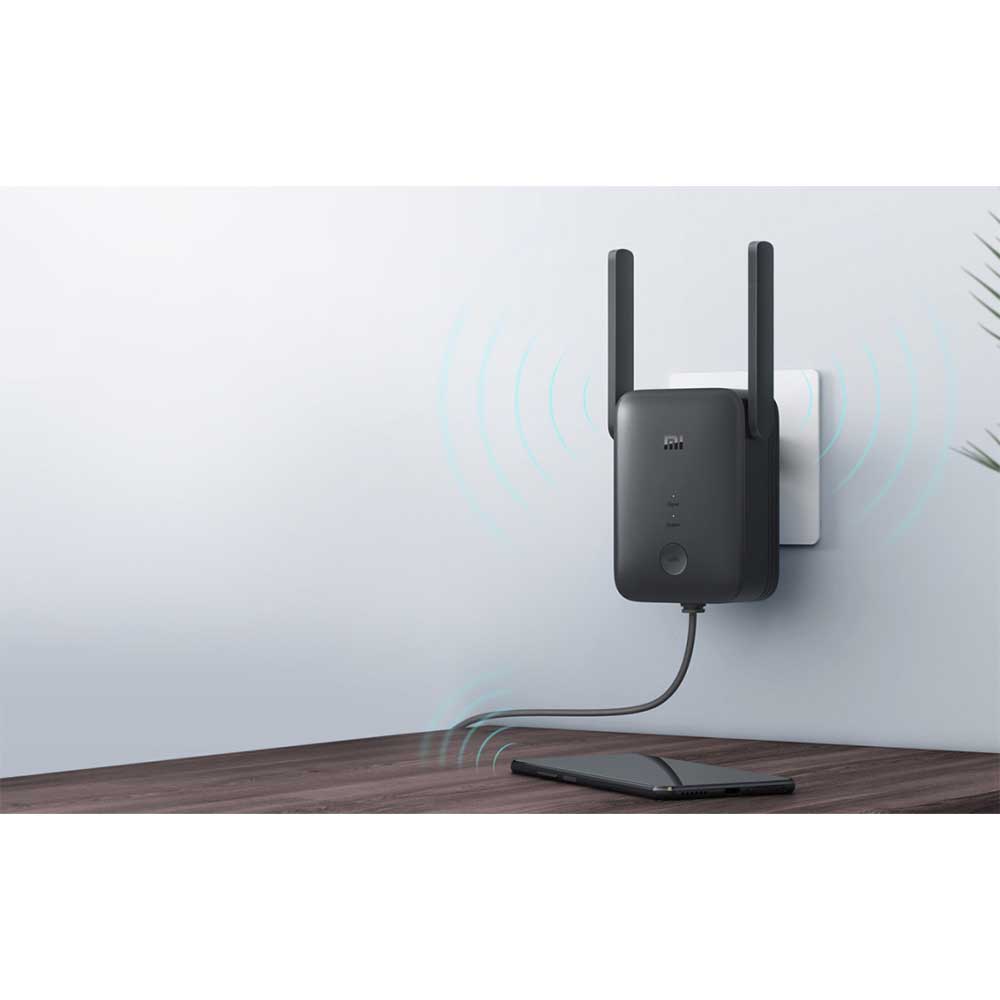
Featuring a compact, wall-mountable design, the Tenda A18 AC1200 Dual-Band Wi-Fi Extender with Dual Antennas saves space and blends seamlessly into your home or office decor. Its dual external antennas enhance Wi-Fi coverage and stability.
Usage Tips
For optimal performance, place the Tenda A18 AC1200 Dual-Band Wi-Fi Extender with Dual Antennas halfway between your router and the area with weak signal. Ensure it’s within range of your existing Wi-Fi network and avoid obstructions that may interfere with the signal. Regularly check the smart LED indicator to confirm the best placement for maximum coverage.