 New
New
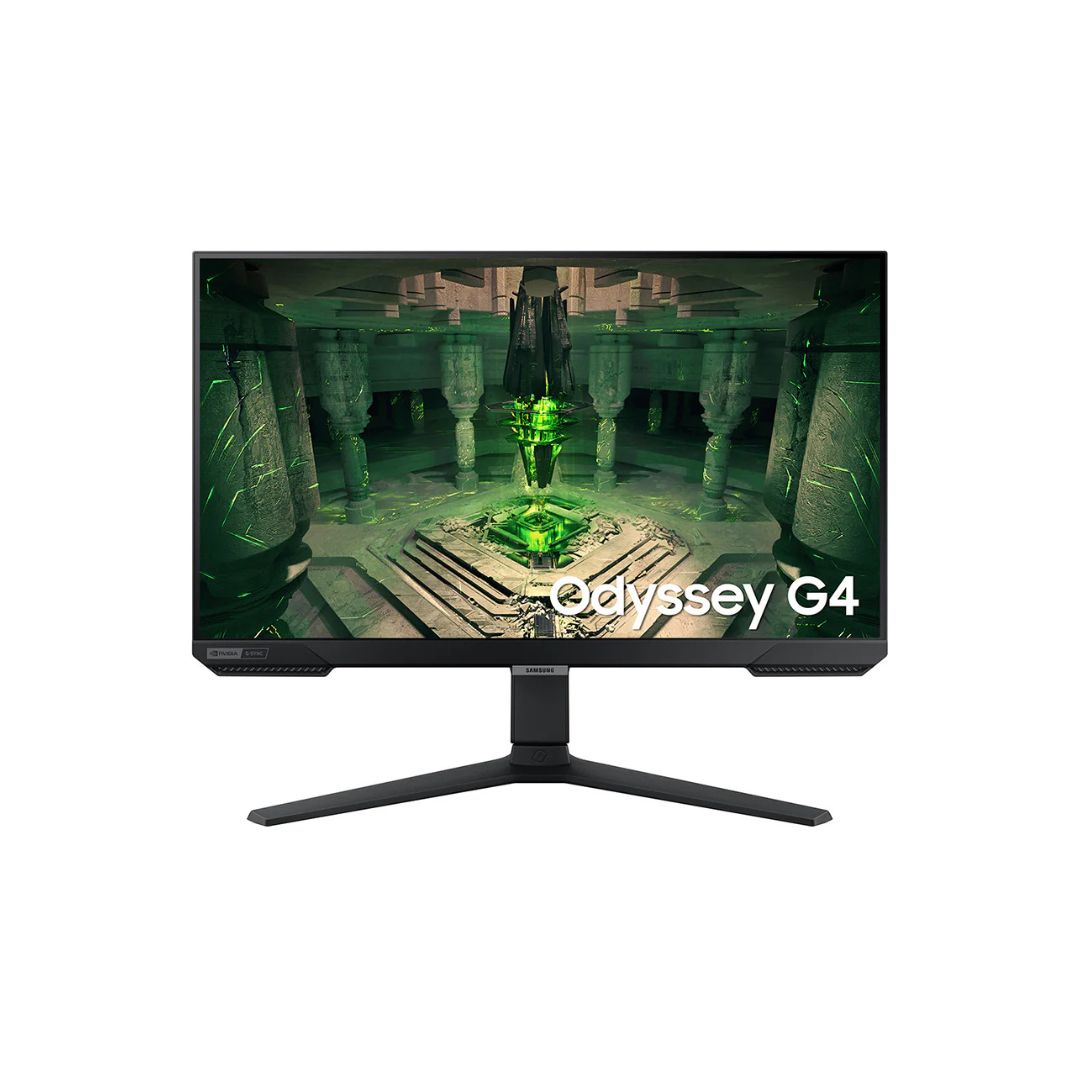
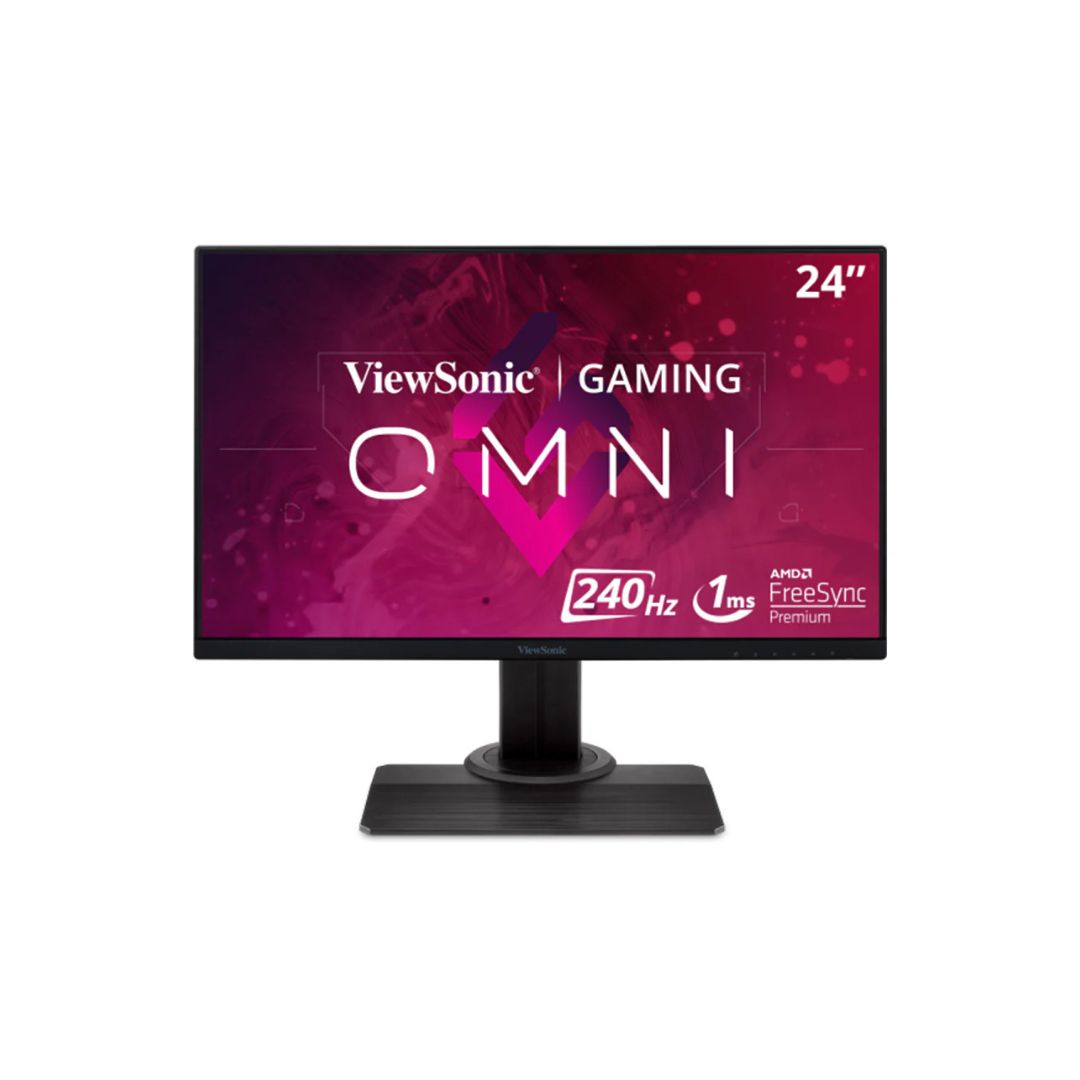
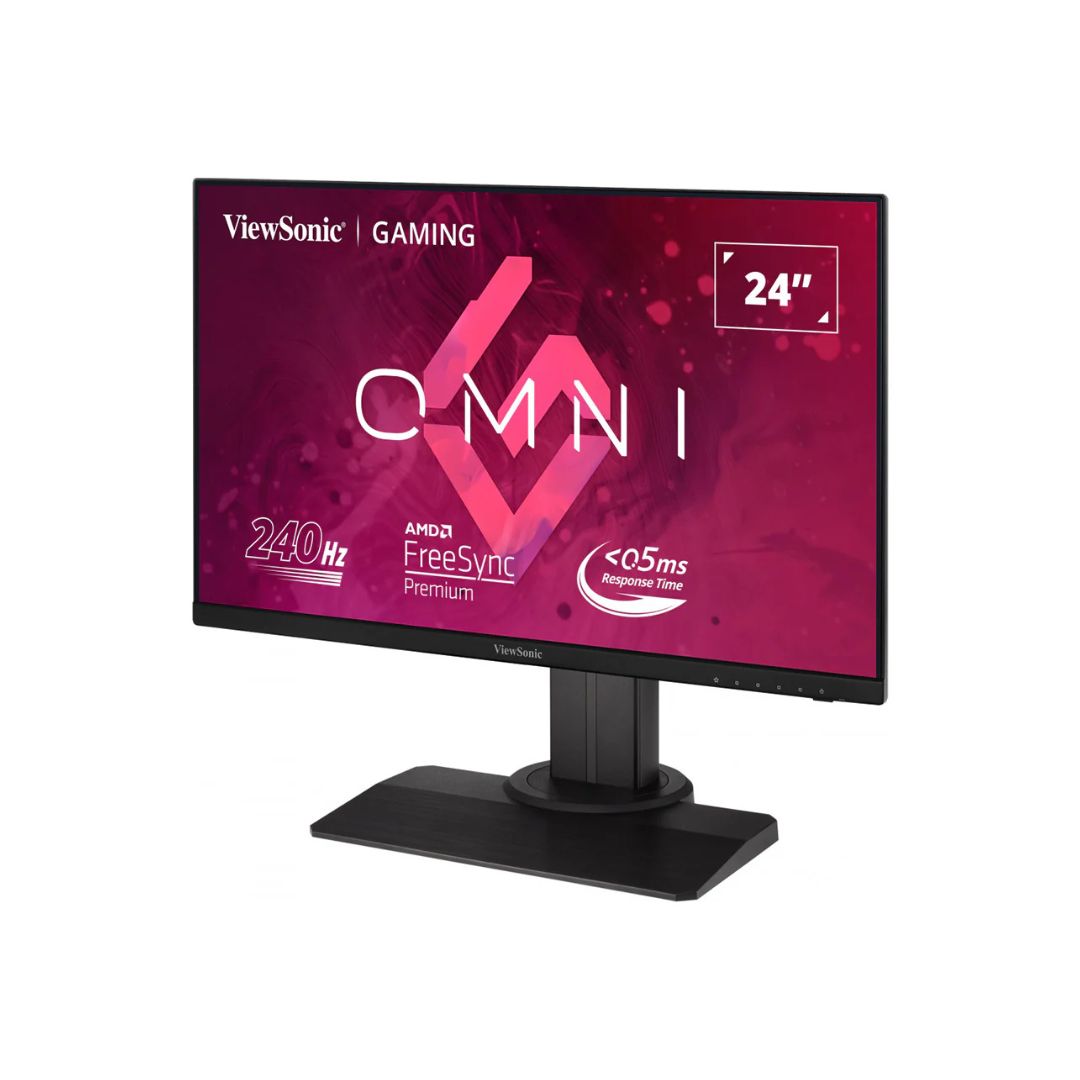
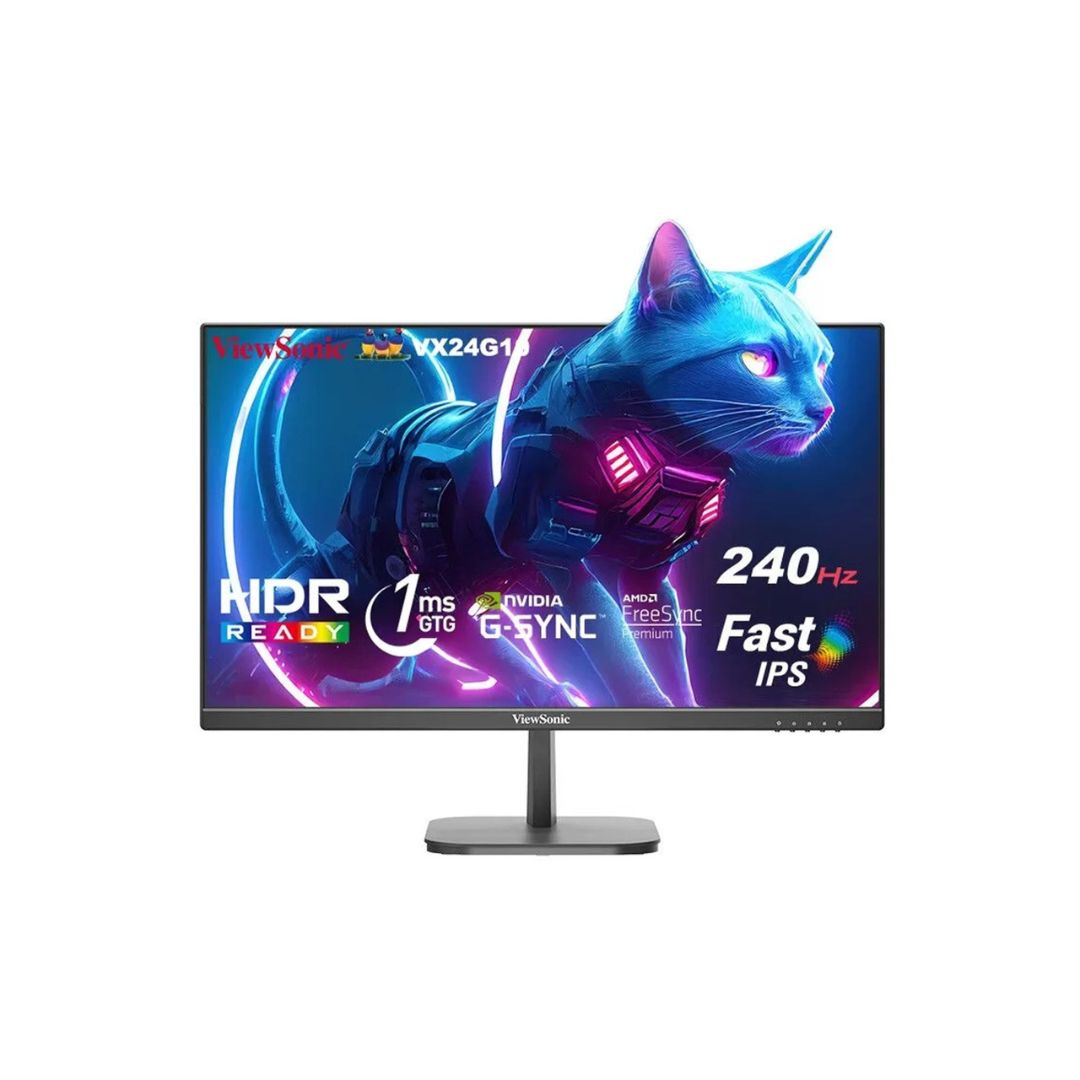
25″ Full HD (1920×1080) IPS panel 240Hz refresh rate with 1ms GTG response time FreeSync Premium & G‑SYNC compatible for smooth, tear‑free gaming HDR10 support for enhanced dynamic range Tilt, swivel, height adjustable stand; VESA 100×100mm mountable 2× HDMI, 1× DisplayPort, 1× Audio Out 1‑Year warranty
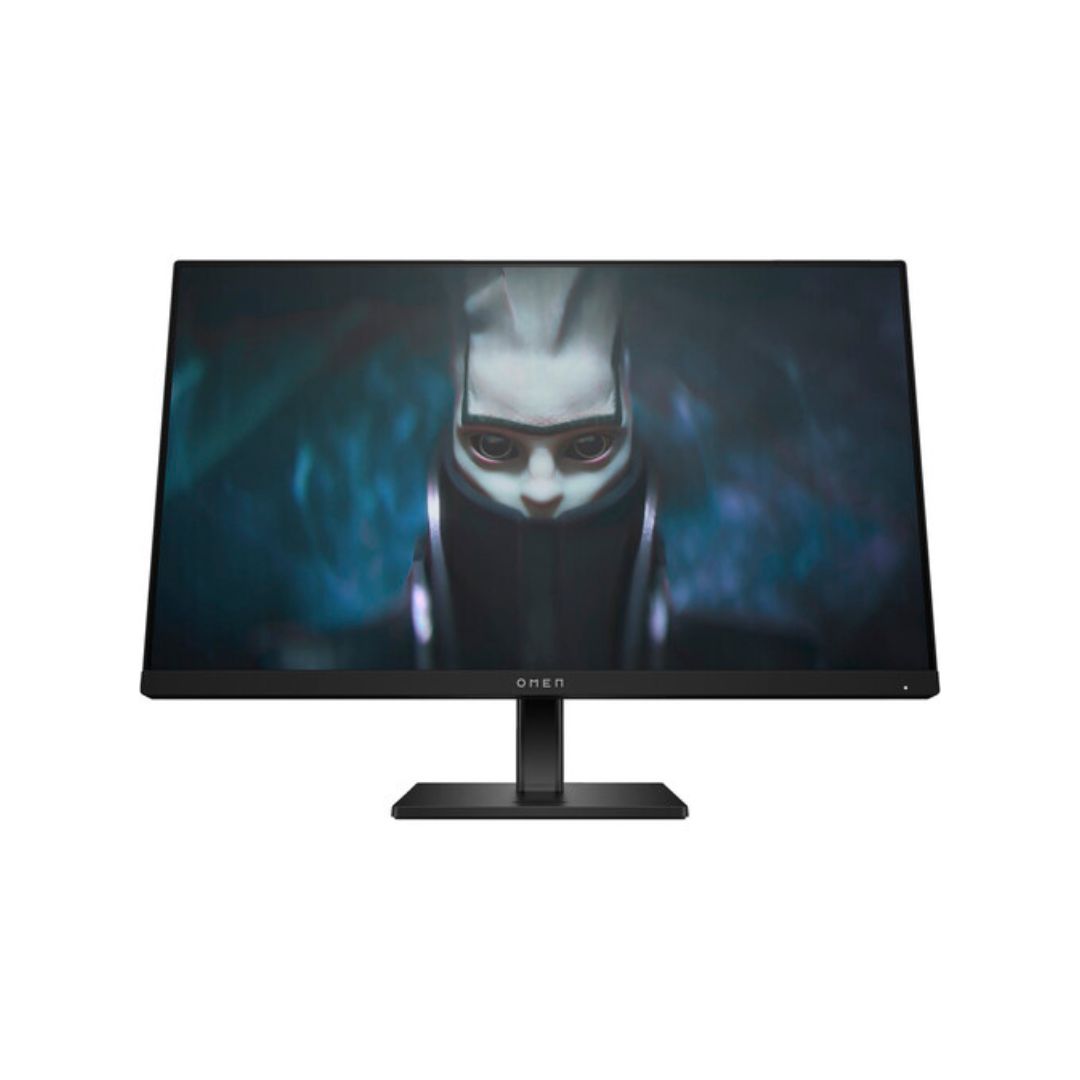
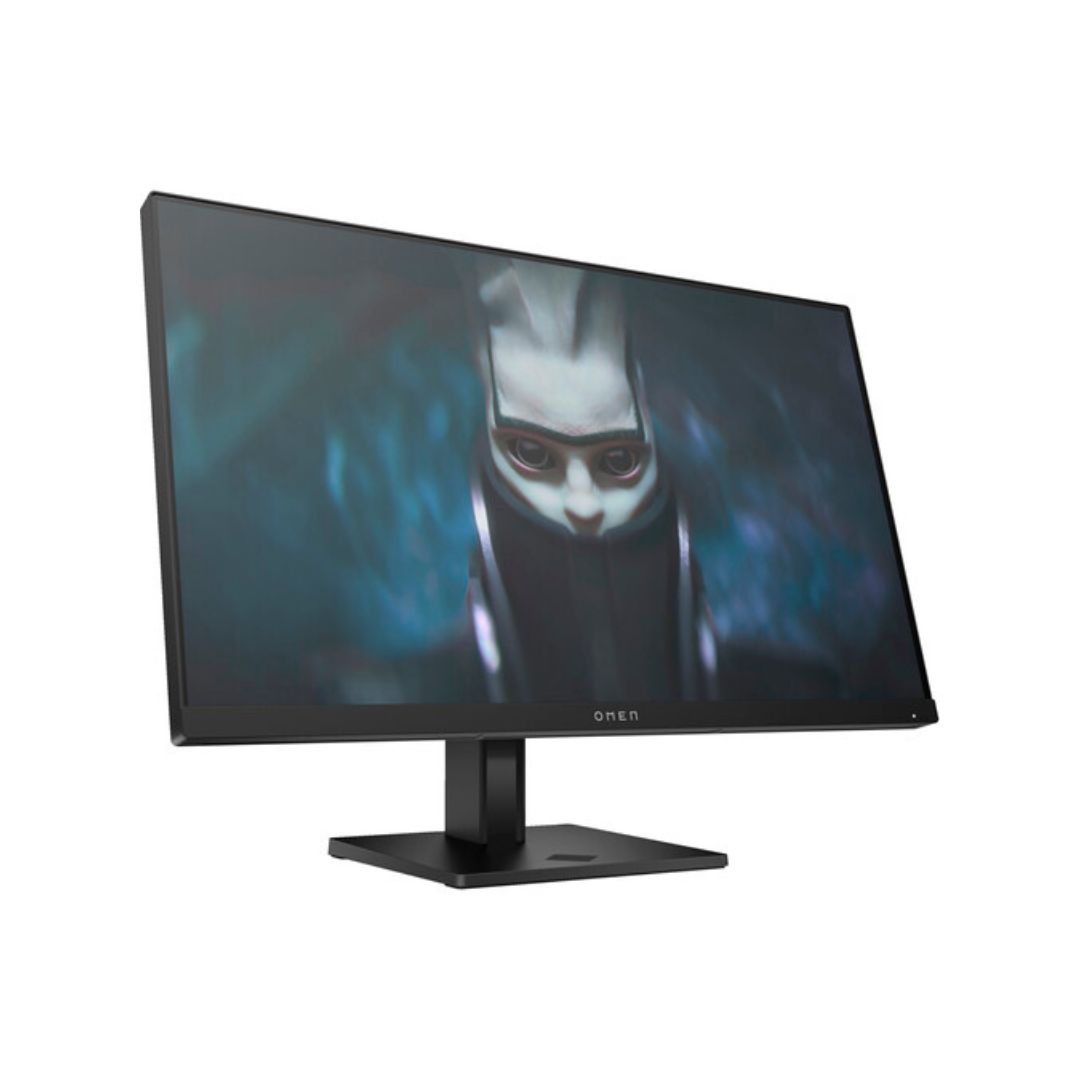
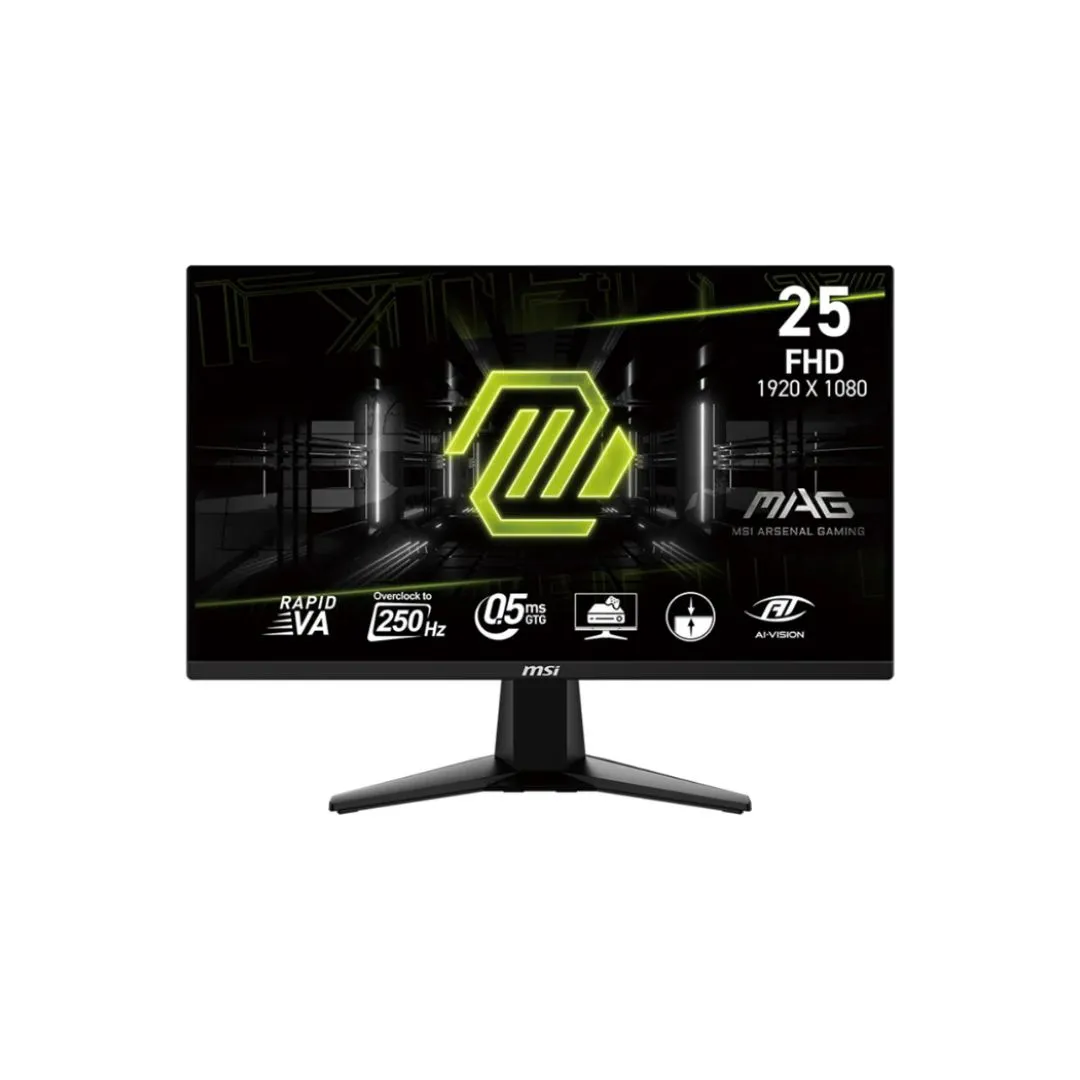
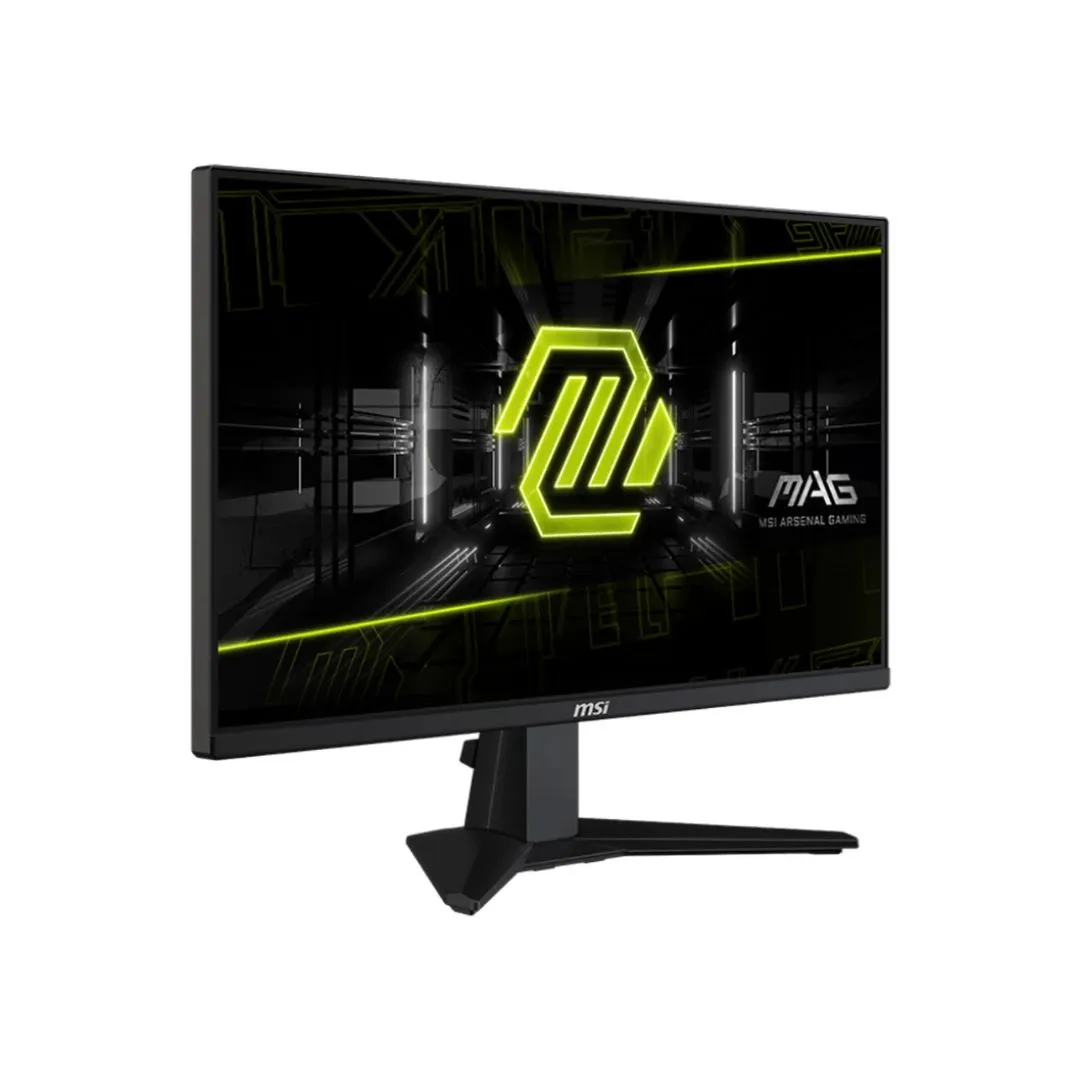
The Samsung Odyssey G40B 25″ FHD 240Hz IPS Gaming Monitor delivers ultra‑fast gaming performance with sharp visuals and responsive inputs, ideal for competitive gamers and high‑frame‑rate gameplay. The Samsung Odyssey G40B 25″ FHD 240Hz IPS Gaming Monitor combines blazing refresh rate, adaptive sync features, and ergonomic adjustments to enhance both comfort and performance.
This monitor features a 25‑inch IPS panel with 1920×1080 Full HD resolution, offering wide viewing angles and consistent colors. It supports a 240Hz refresh rate for smooth motion and rapid action sequences. With a 1ms GTG response time, the Samsung Odyssey G40B 25″ FHD 240Hz IPS Gaming Monitor minimizes blur and ghosting in fast scenes. The static contrast ratio of 1000:1 ensures clear differentiation between dark and bright areas, while HDR10 adds improved dynamic range.
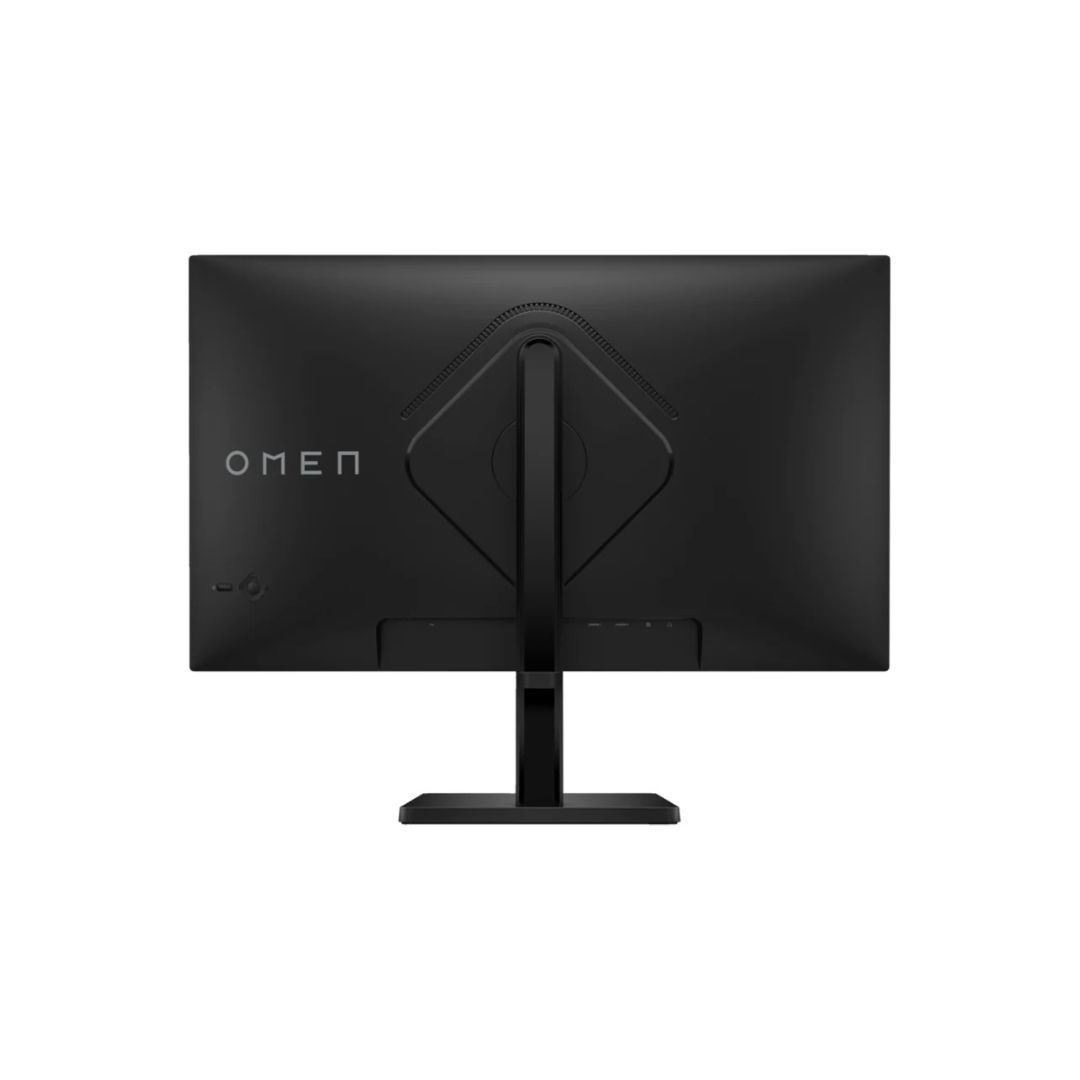
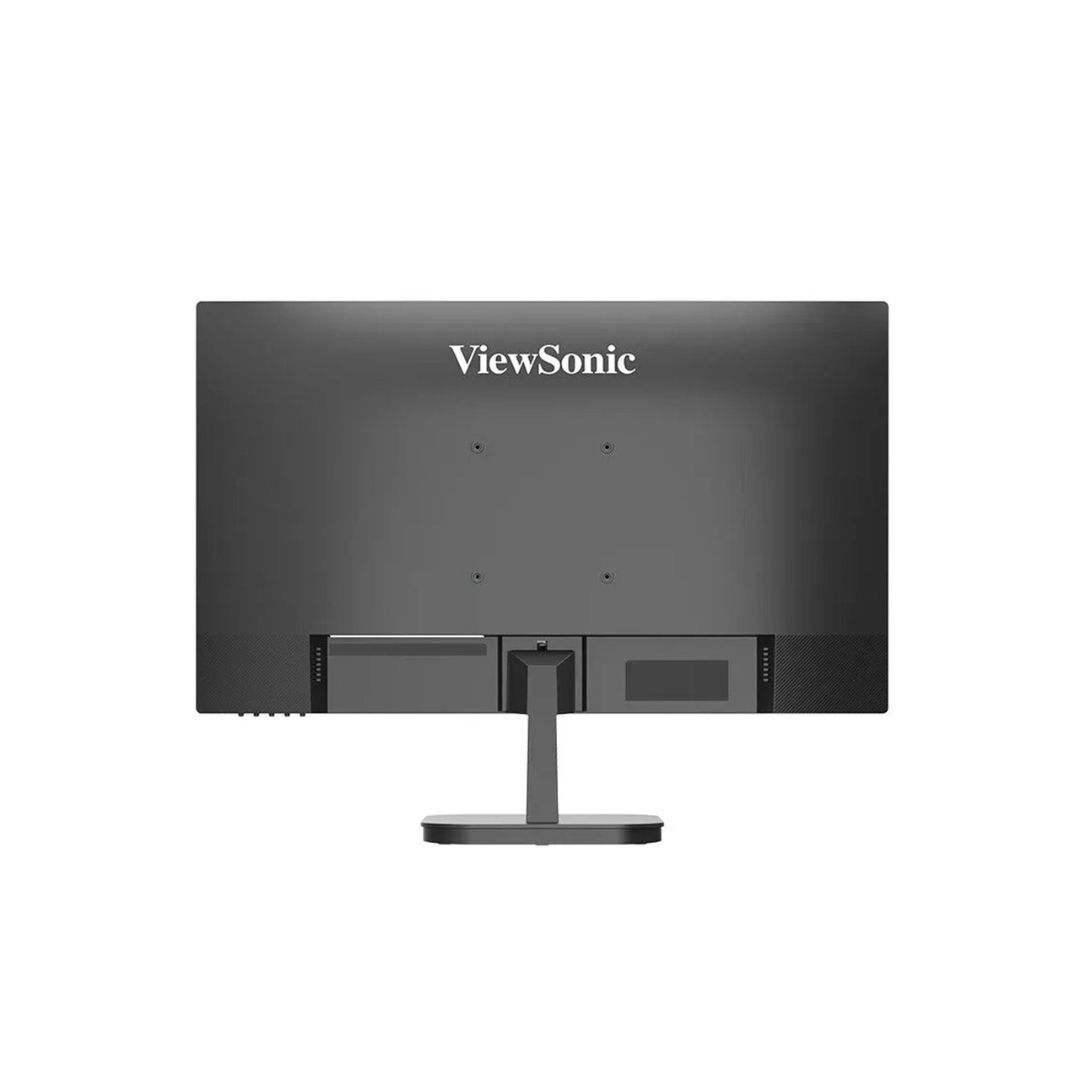
Connectivity includes 2× HDMI 2.0 ports and 1× DisplayPort 1.2 input, enabling modern graphics cards and consoles to drive the panel at full 240Hz. The Samsung Odyssey G40B 25″ FHD 240Hz IPS Gaming Monitor supports AMD FreeSync Premium and is G‑SYNC compatible, ensuring tear‑free visuals. VESA 100×100mm mounting allows flexible installation.
Eye‑comfort features include Flicker‑Free backlighting and Eye Saver mode to reduce blue light exposure and minimize eye strain during extended gaming sessions. The stand is adjustable for height, tilt, and swivel to help achieve an ergonomic setup, keeping the Samsung Odyssey G40B 25″ FHD 240Hz IPS Gaming Monitor comfortable during long sessions.
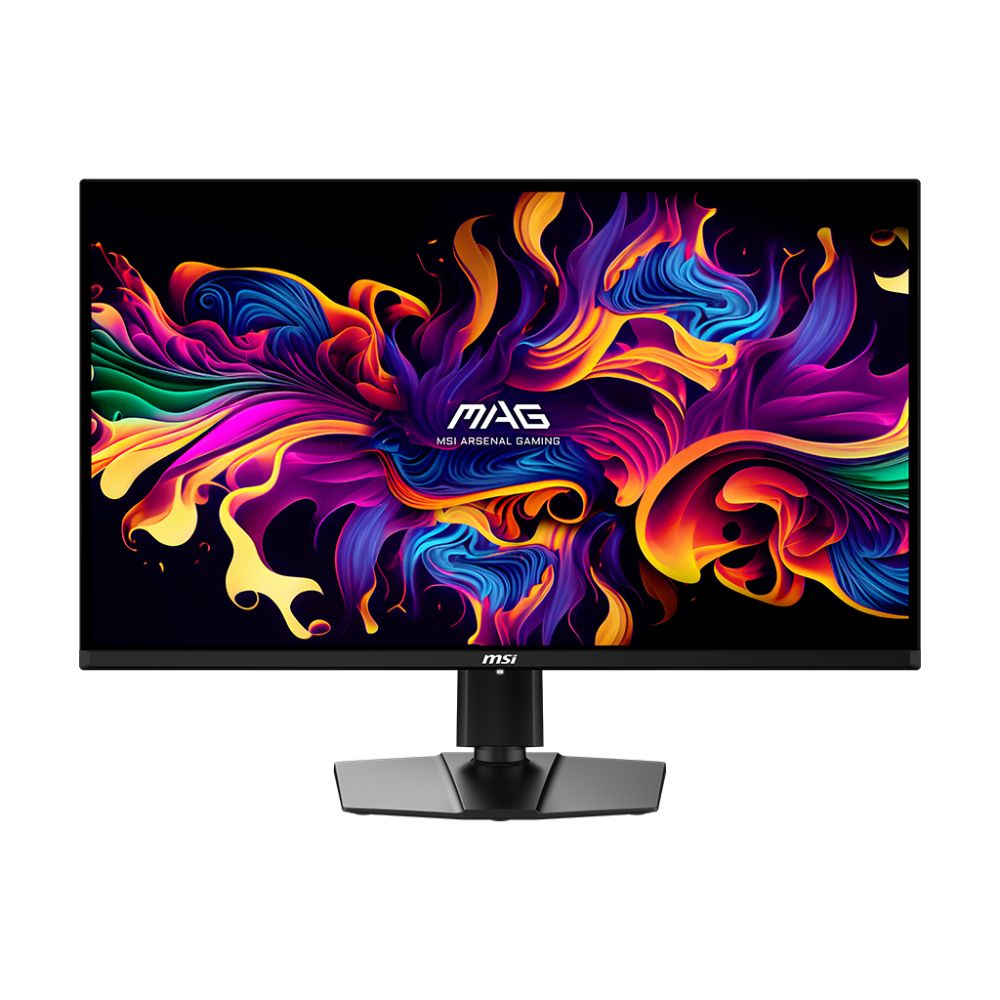
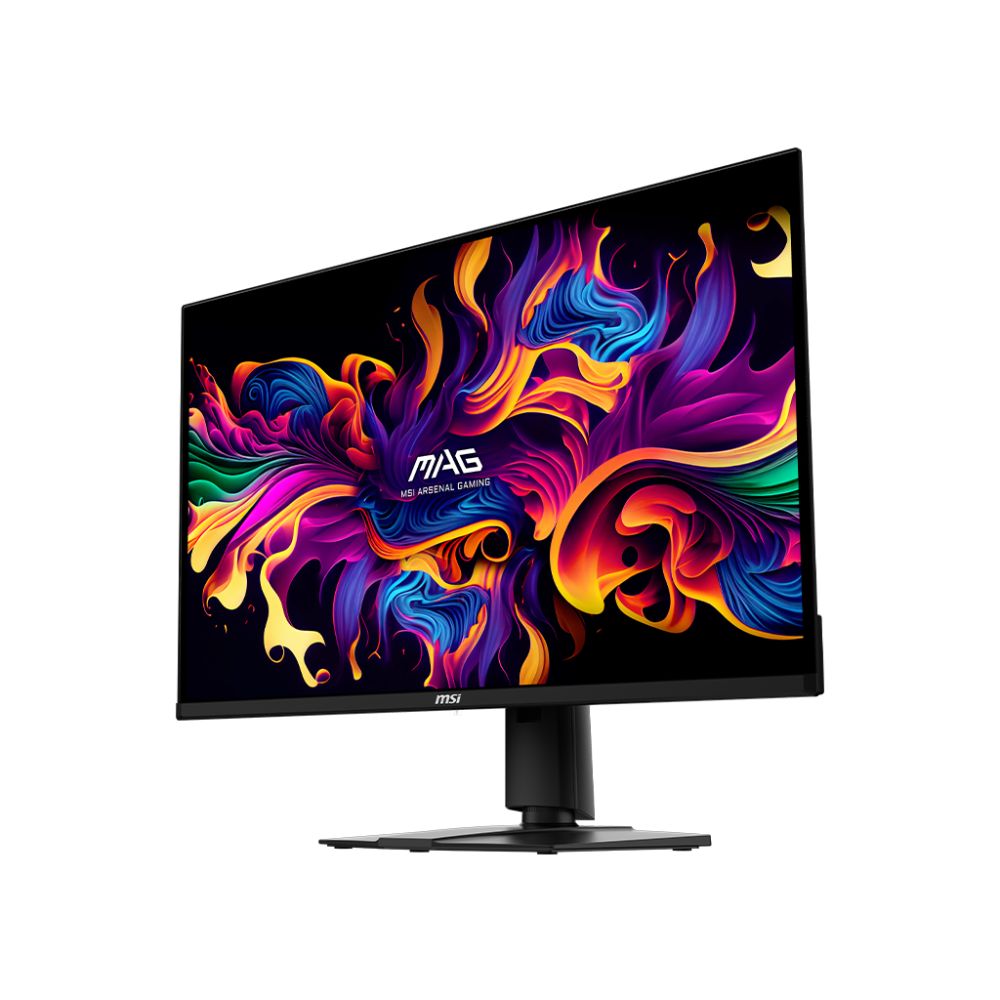
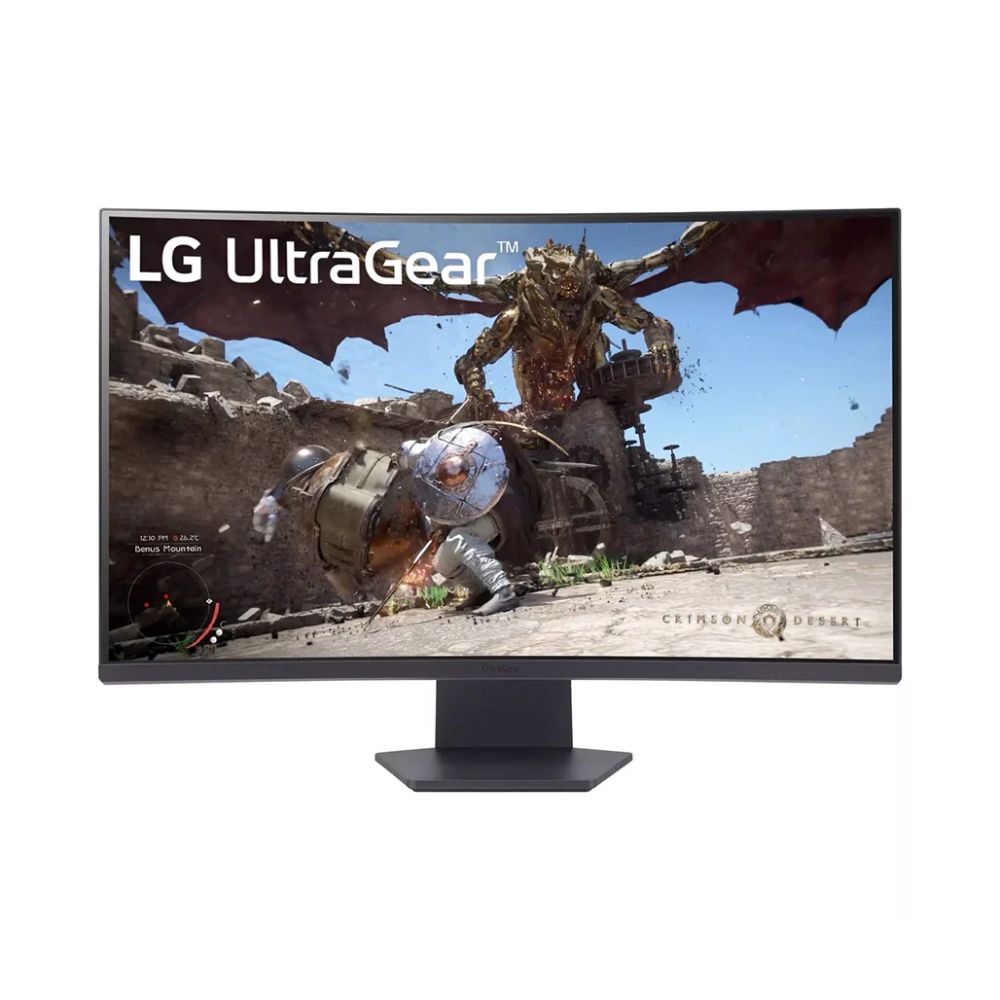
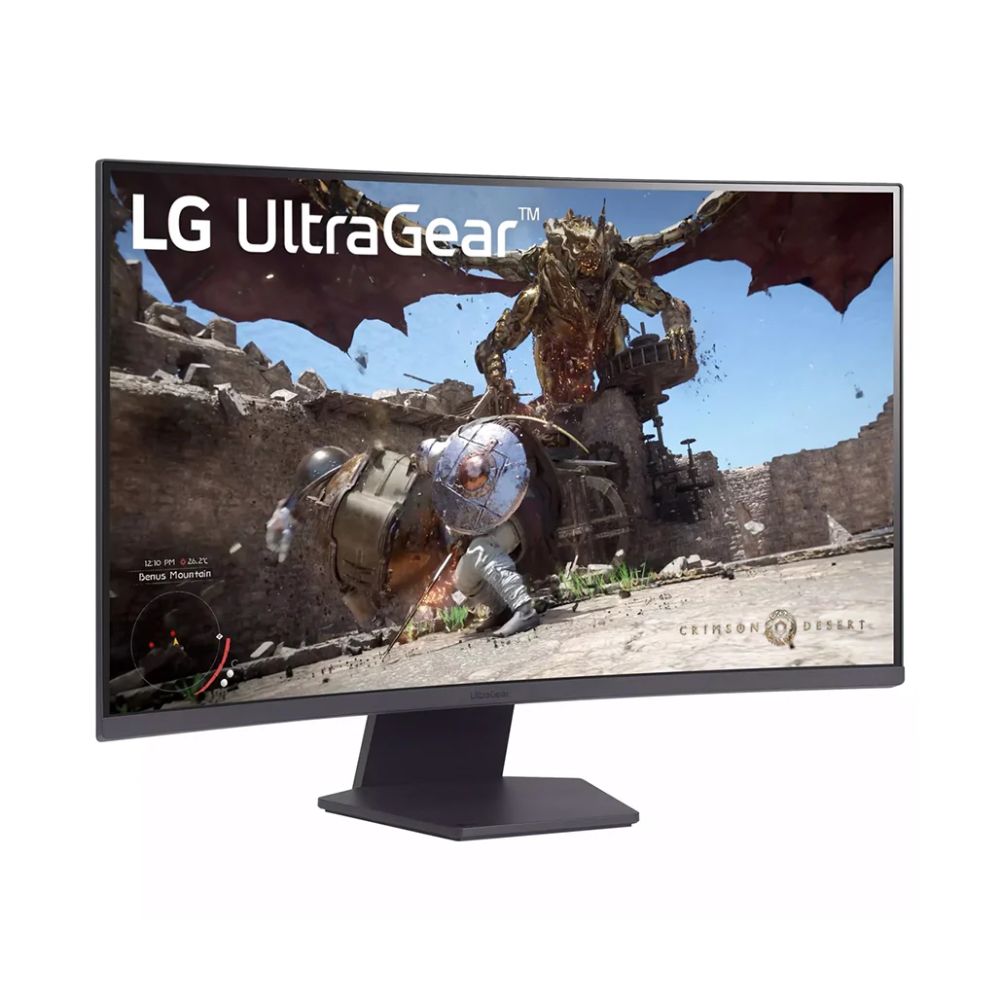
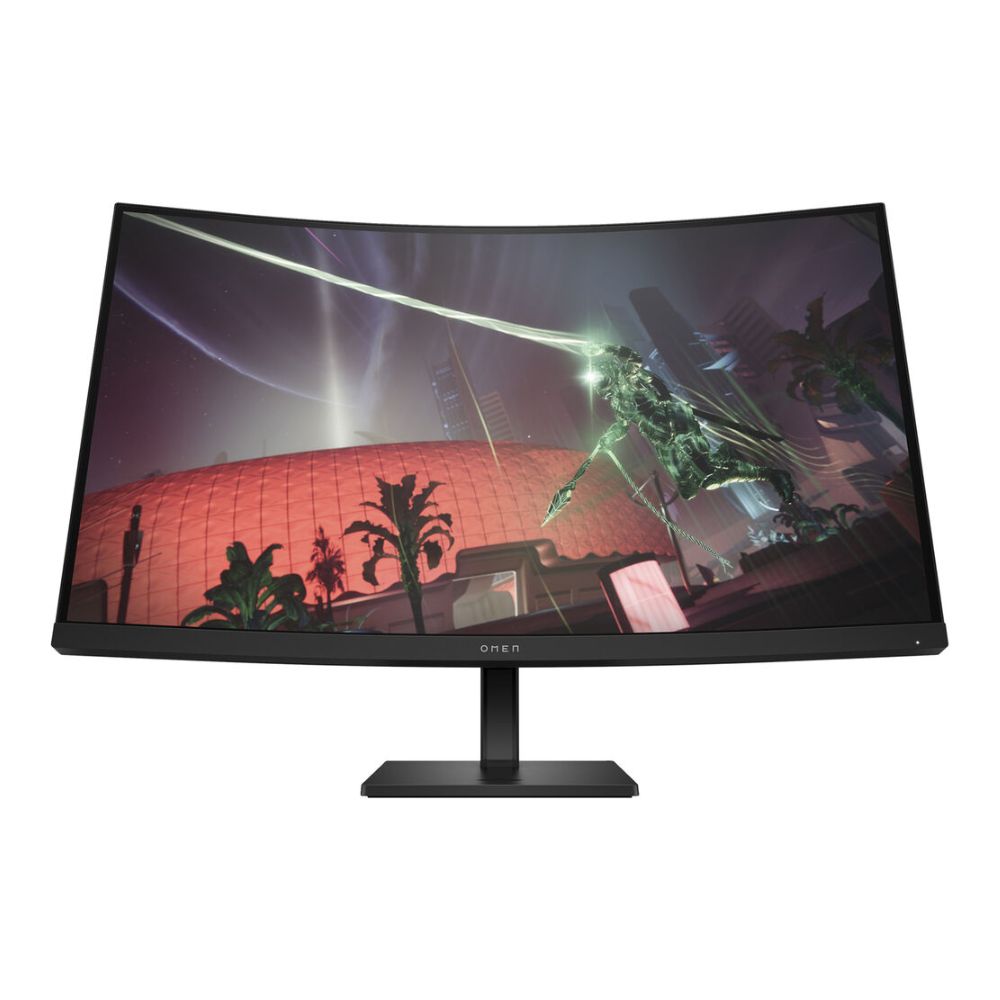
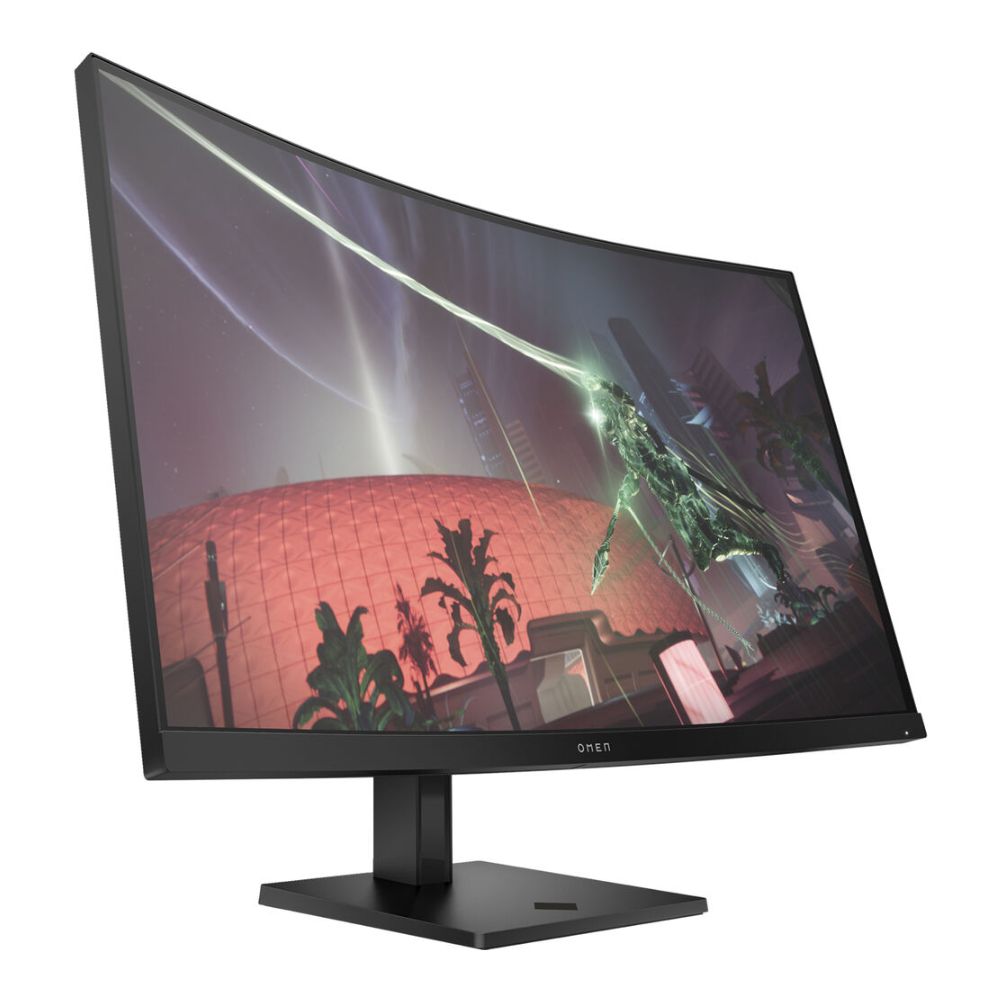
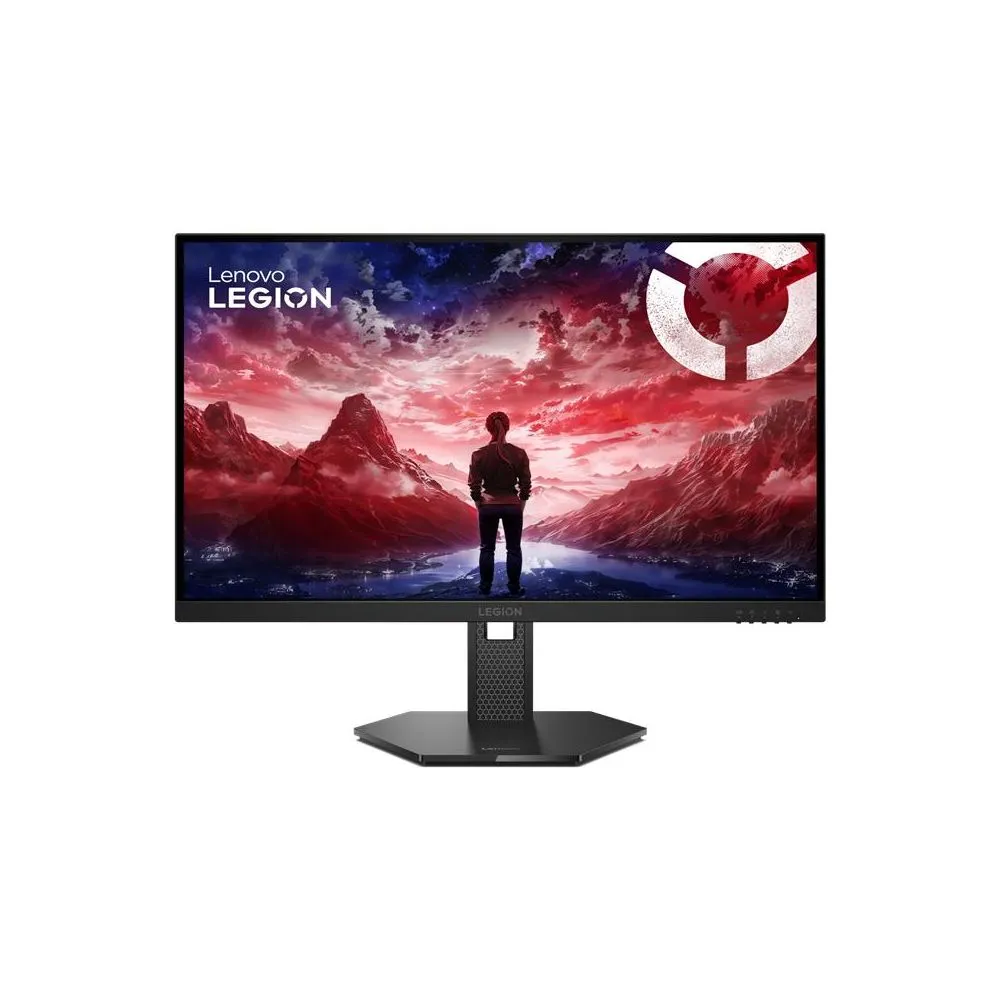
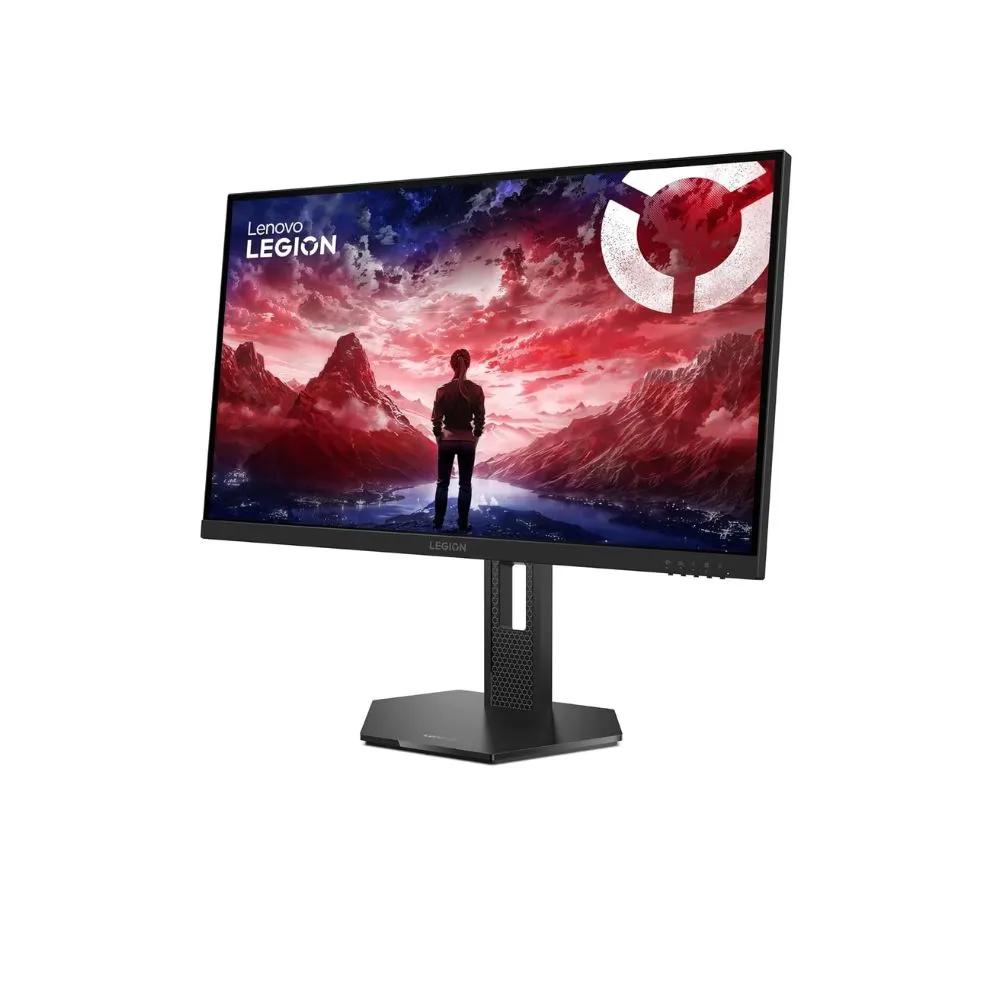
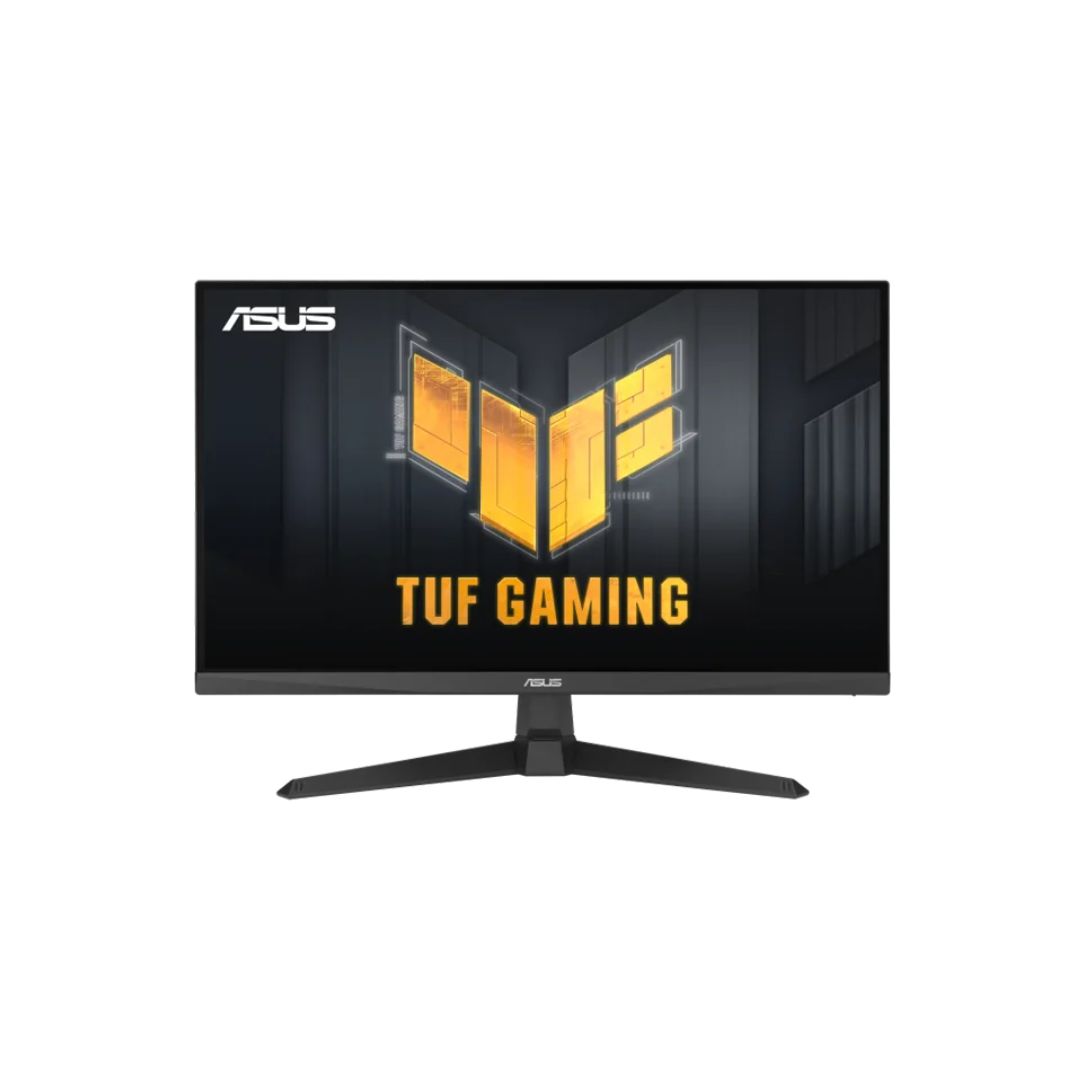
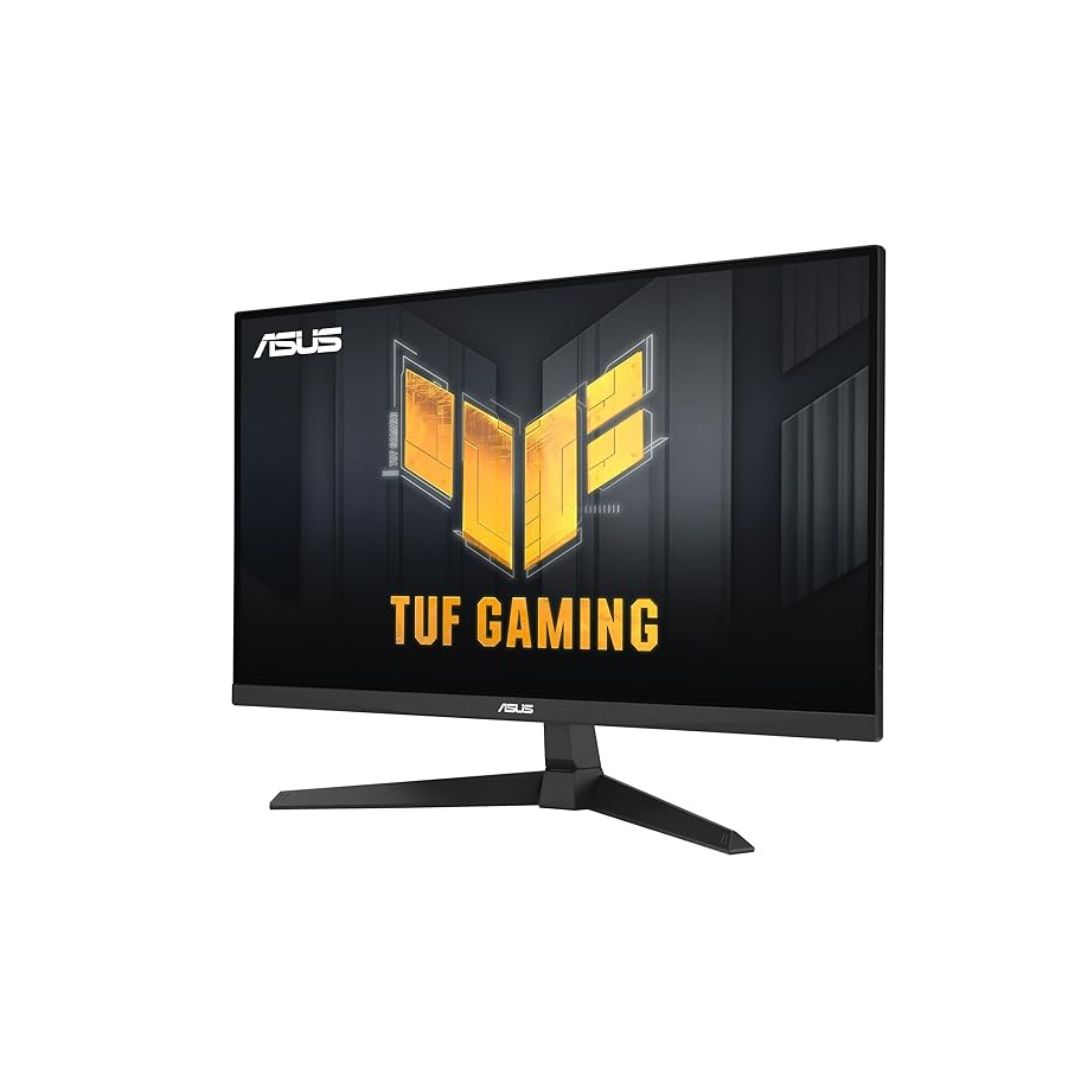
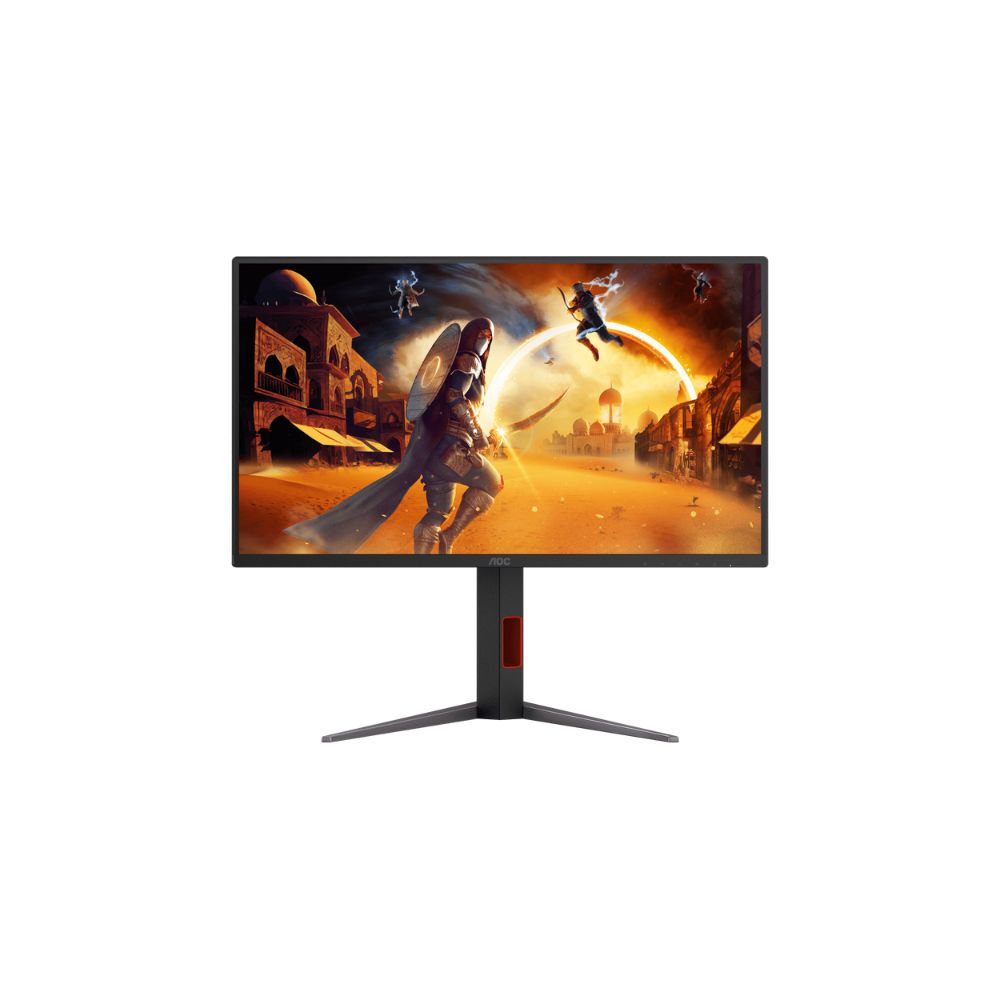
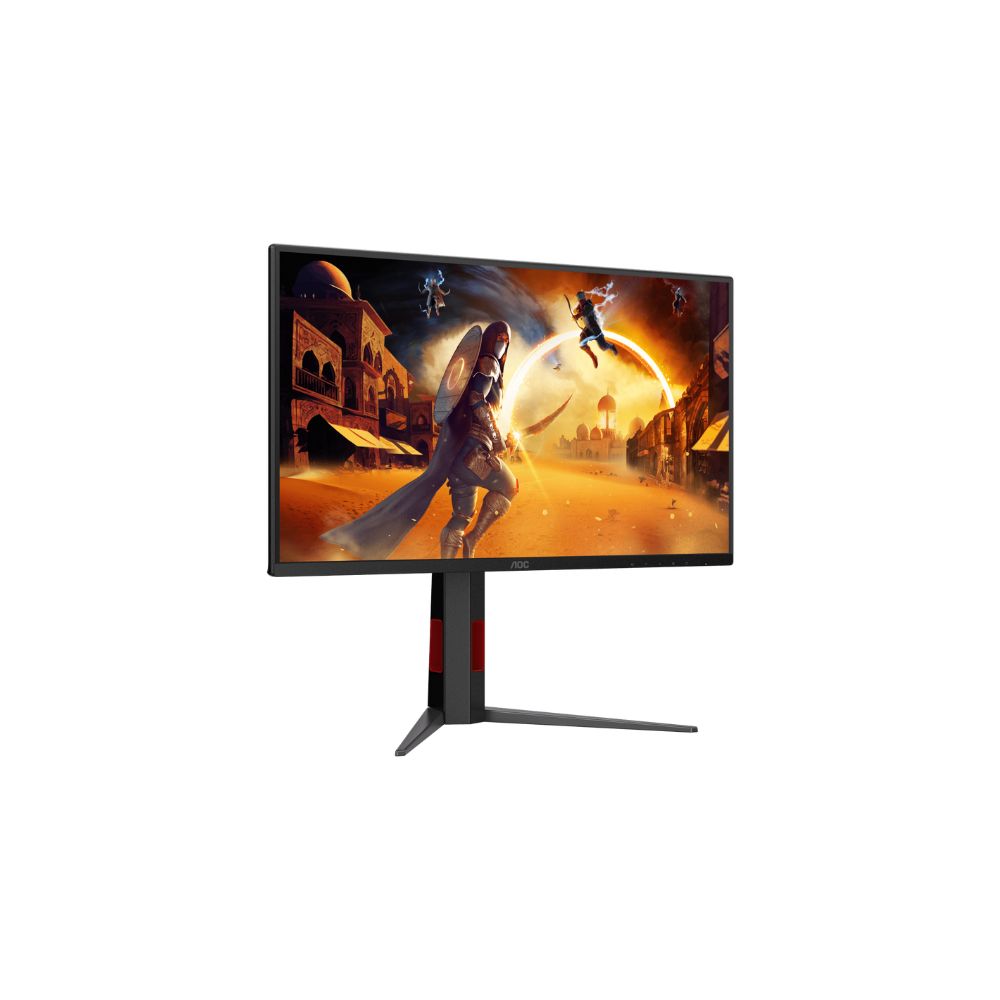
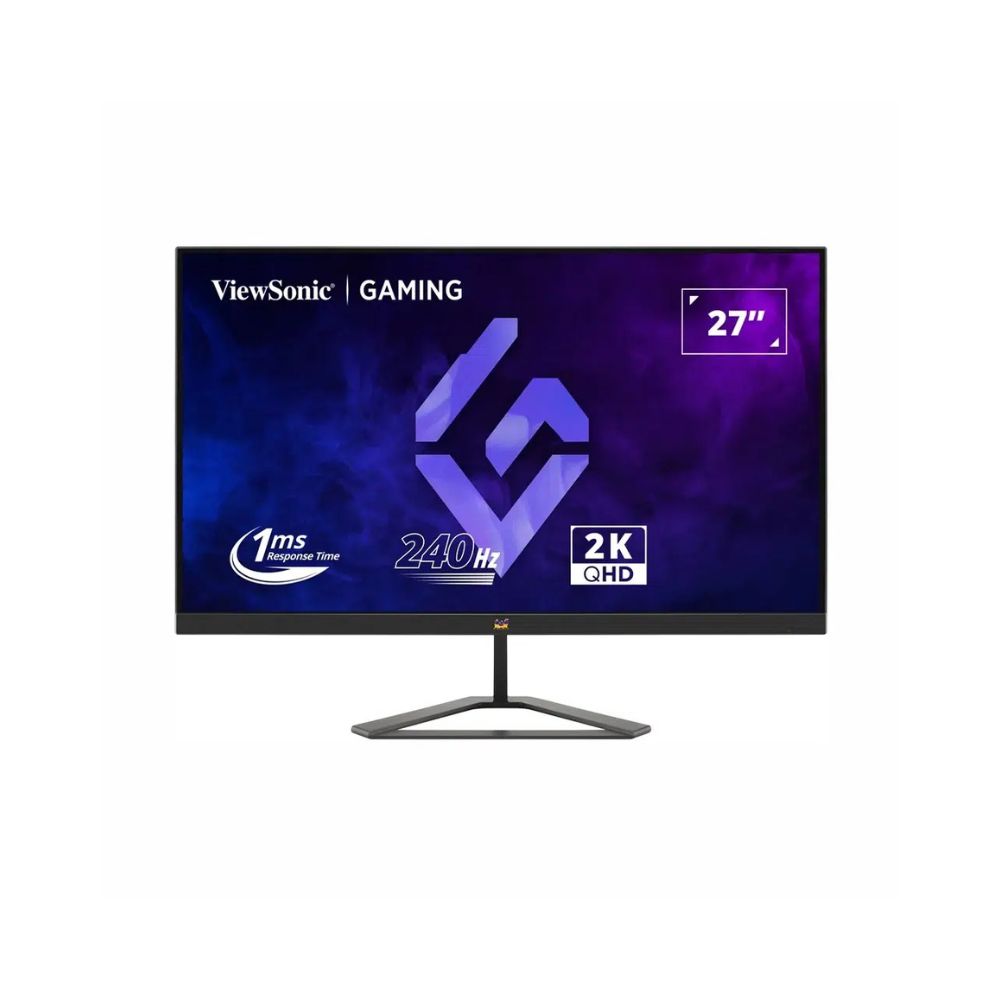
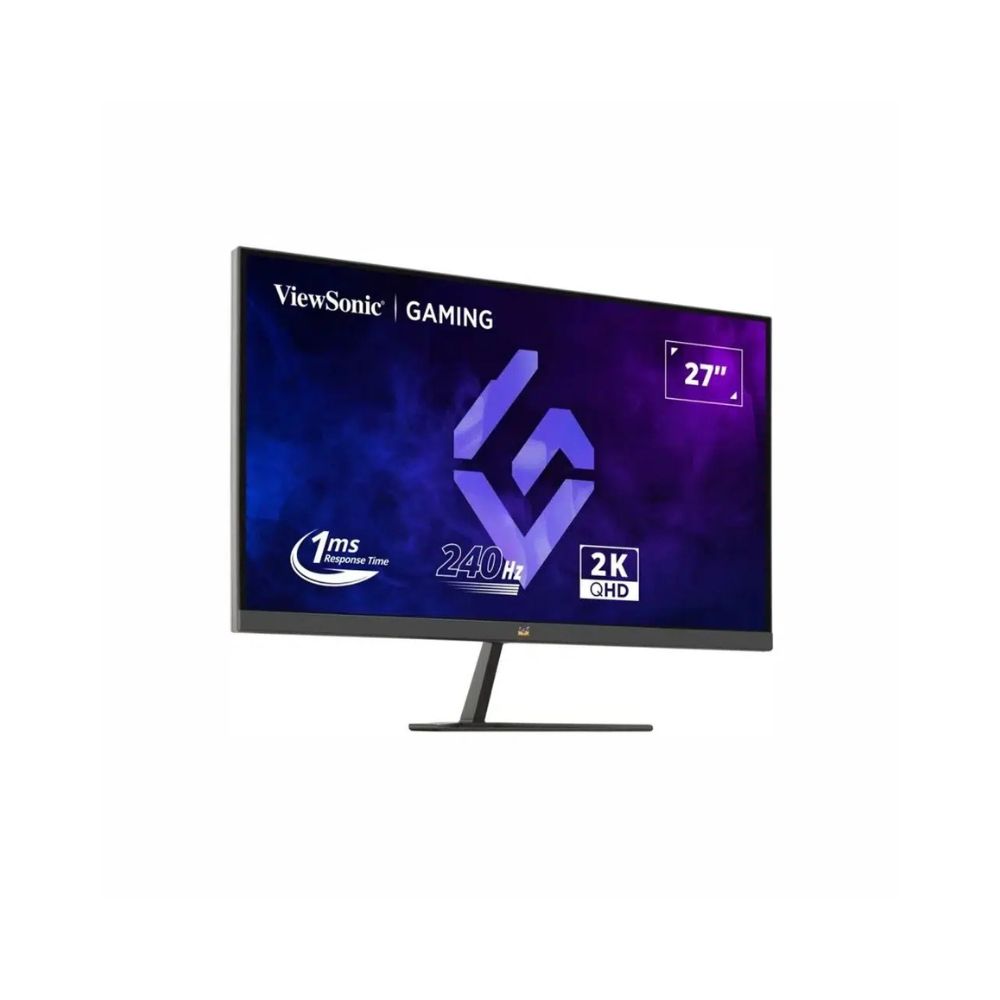
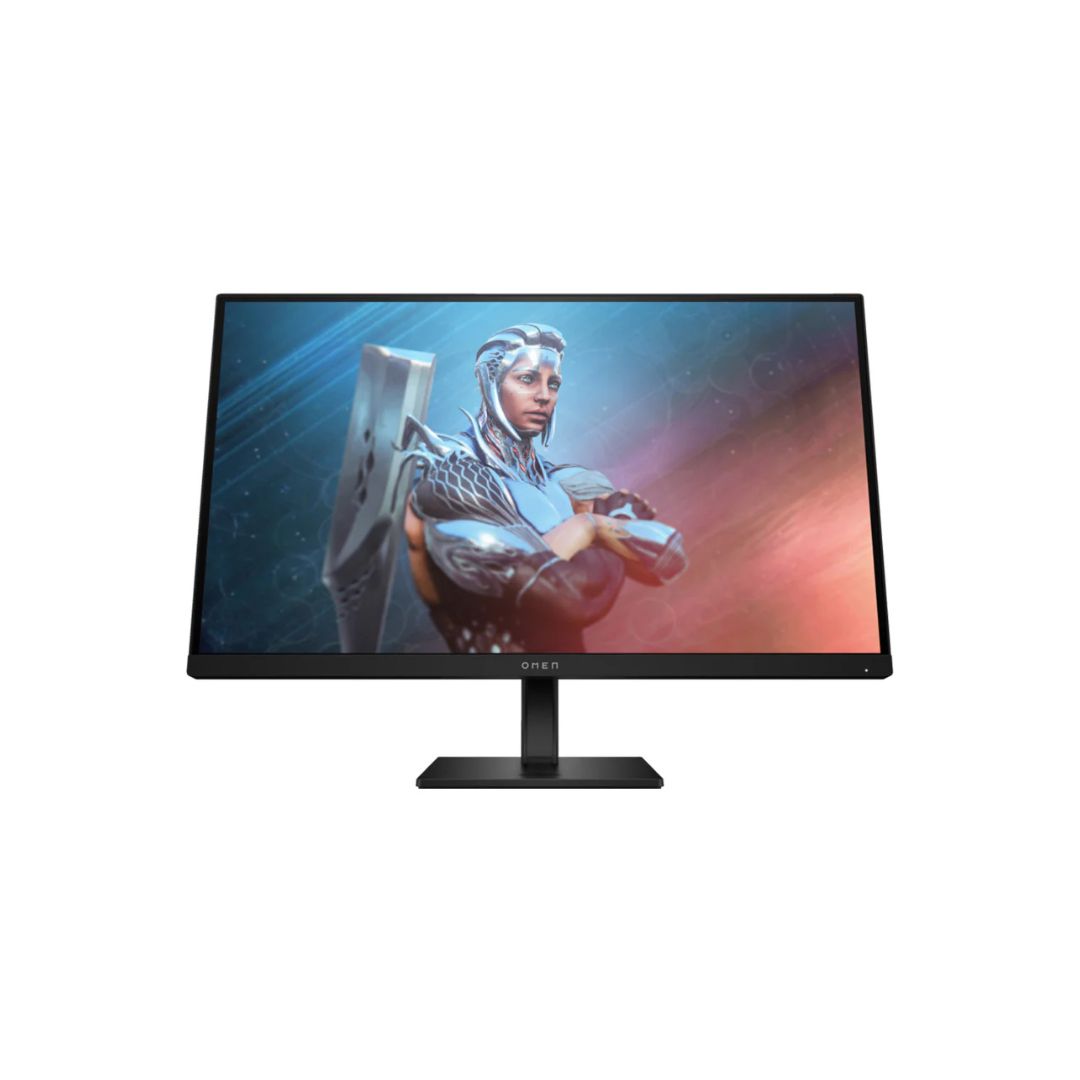
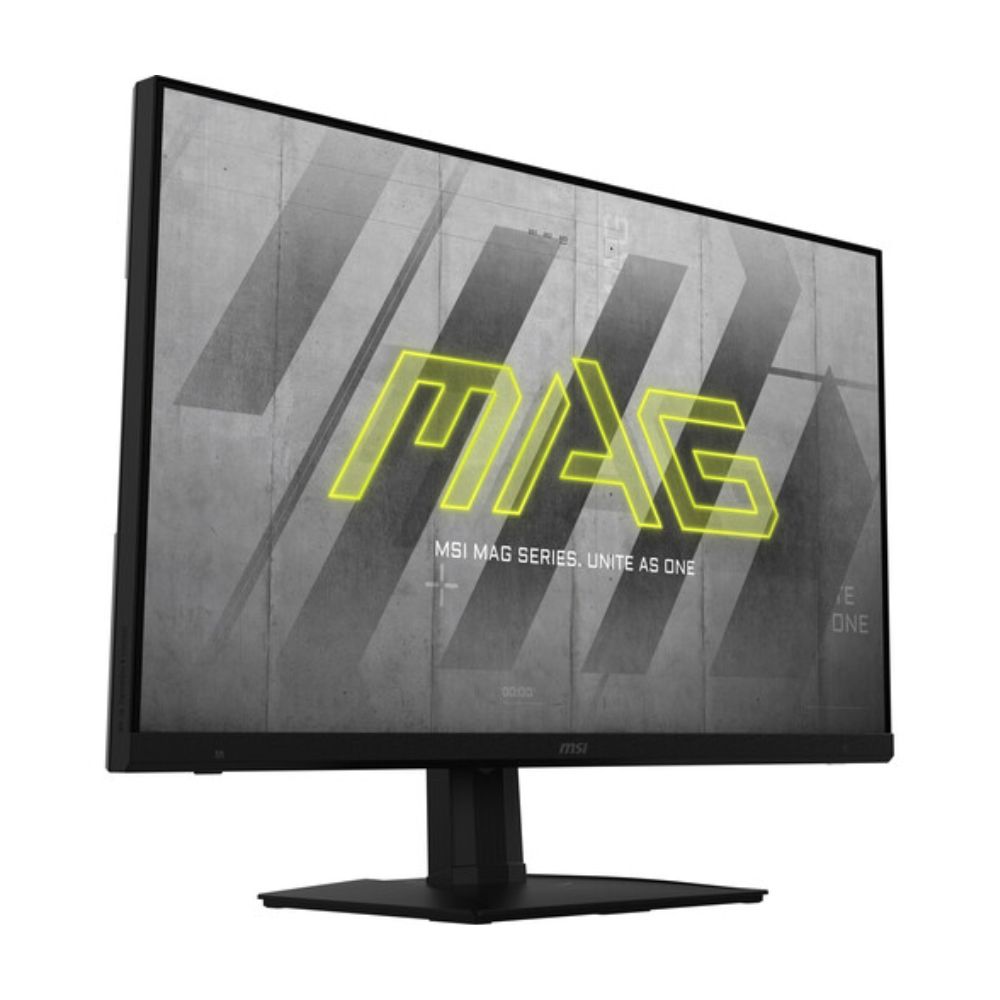
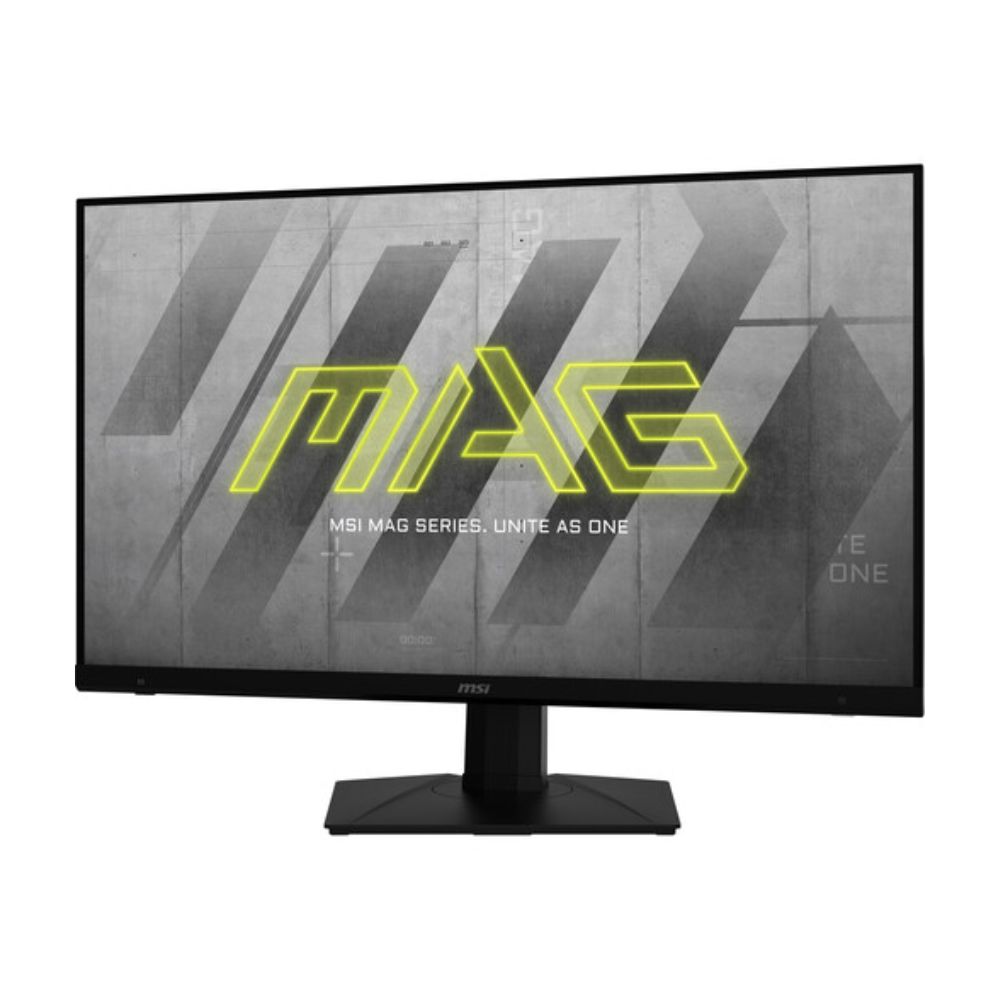
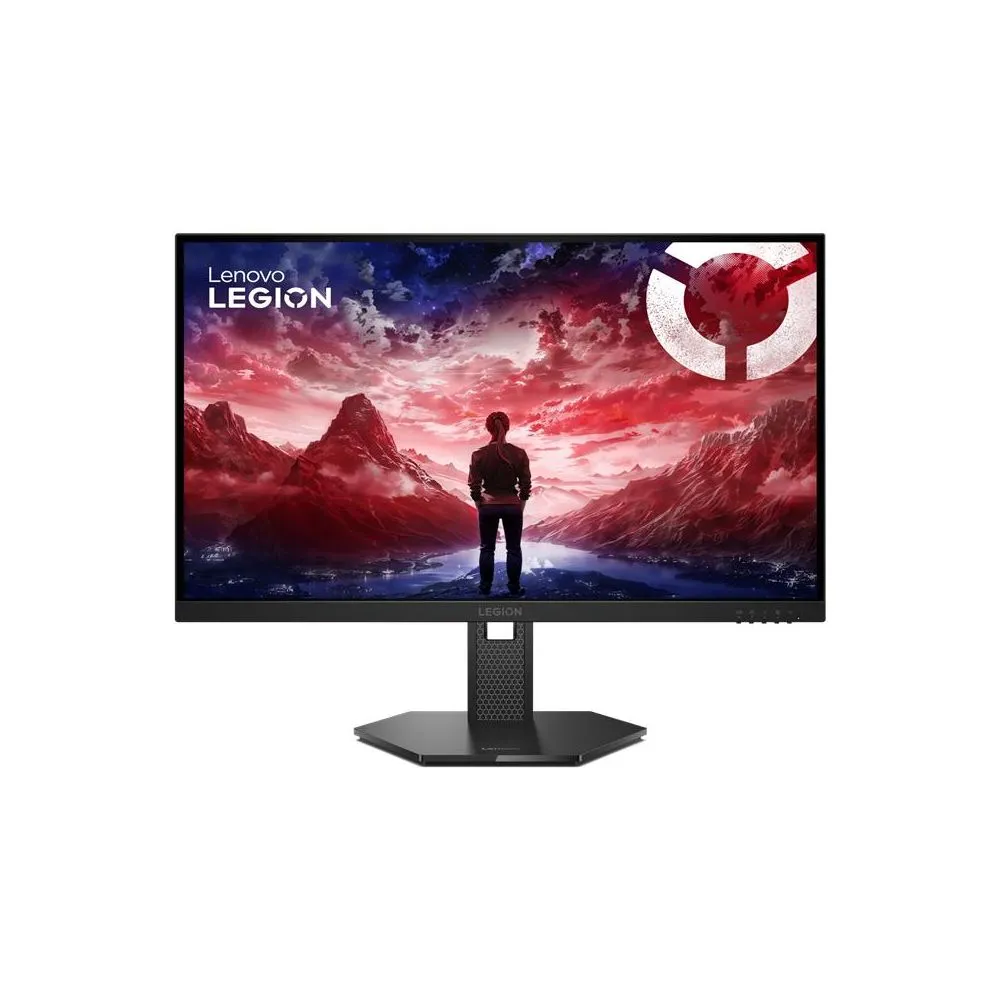
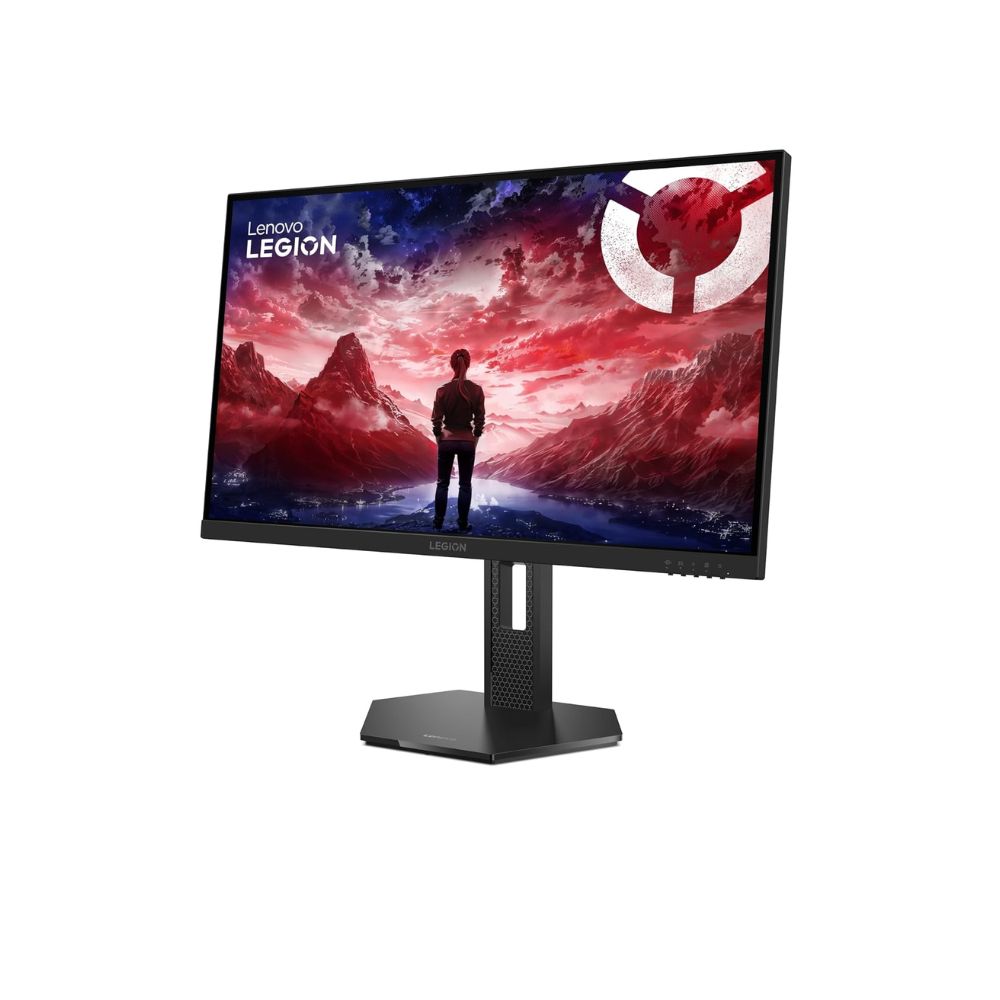
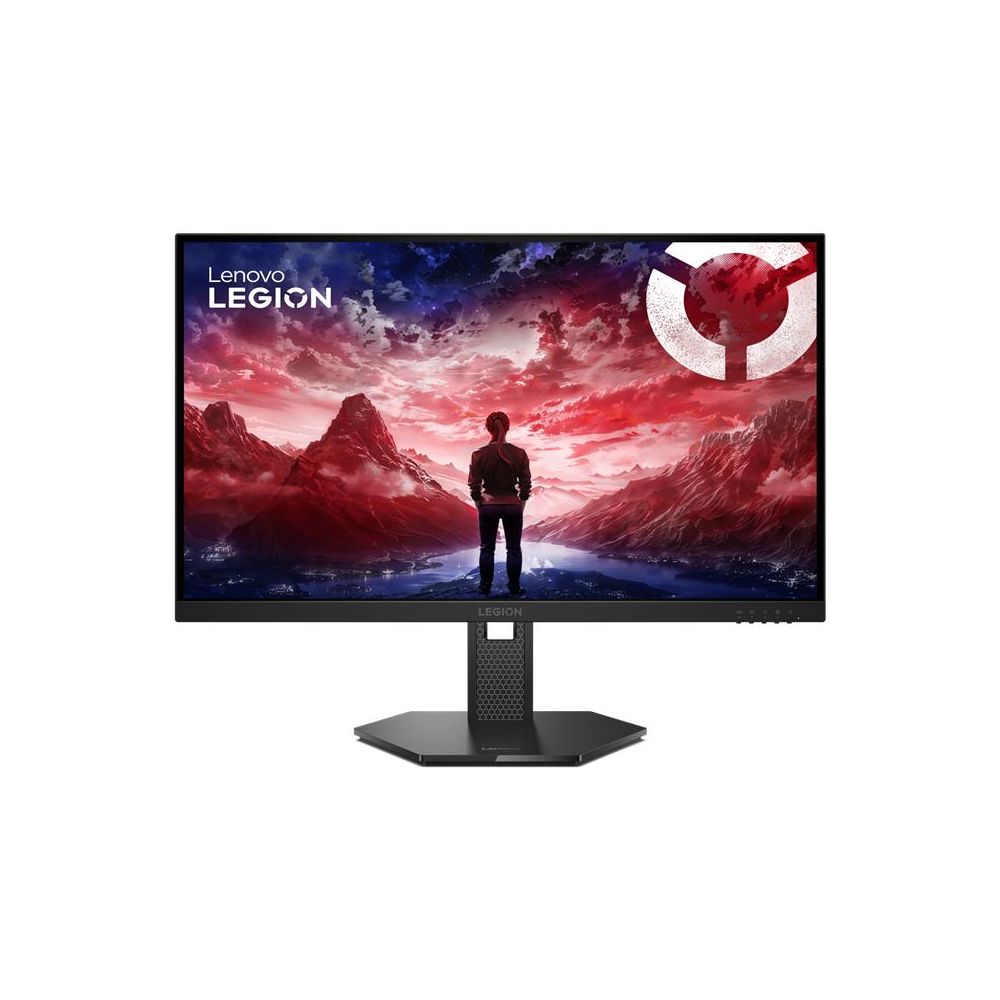
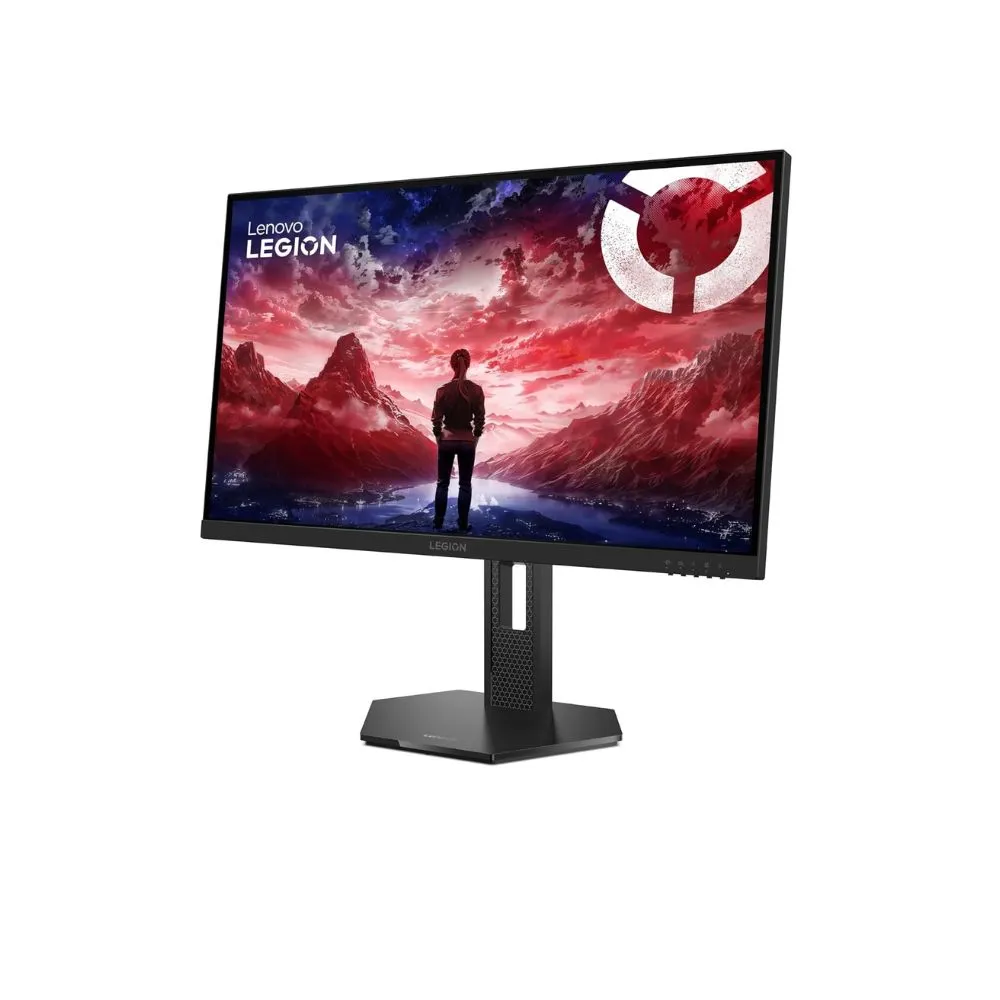
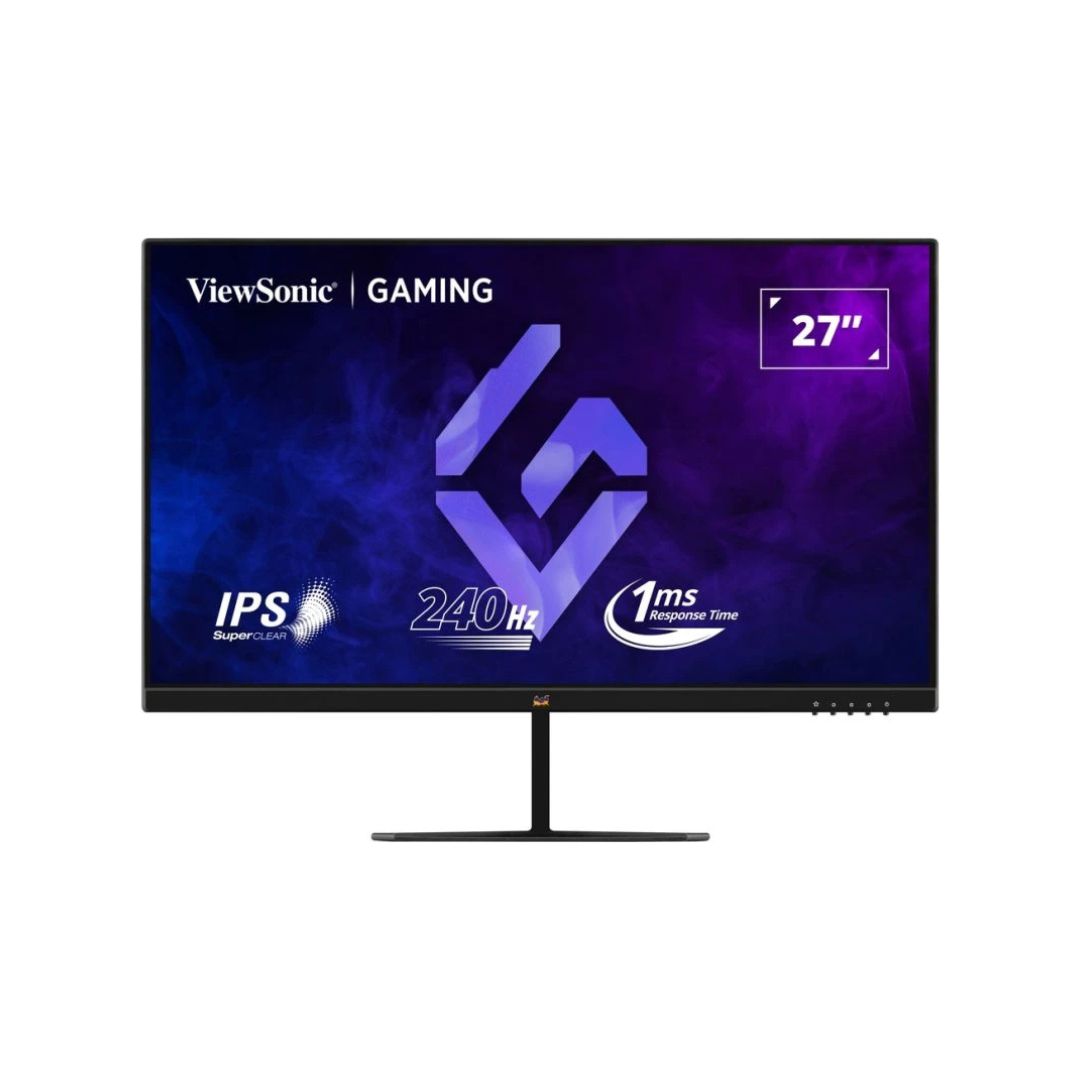
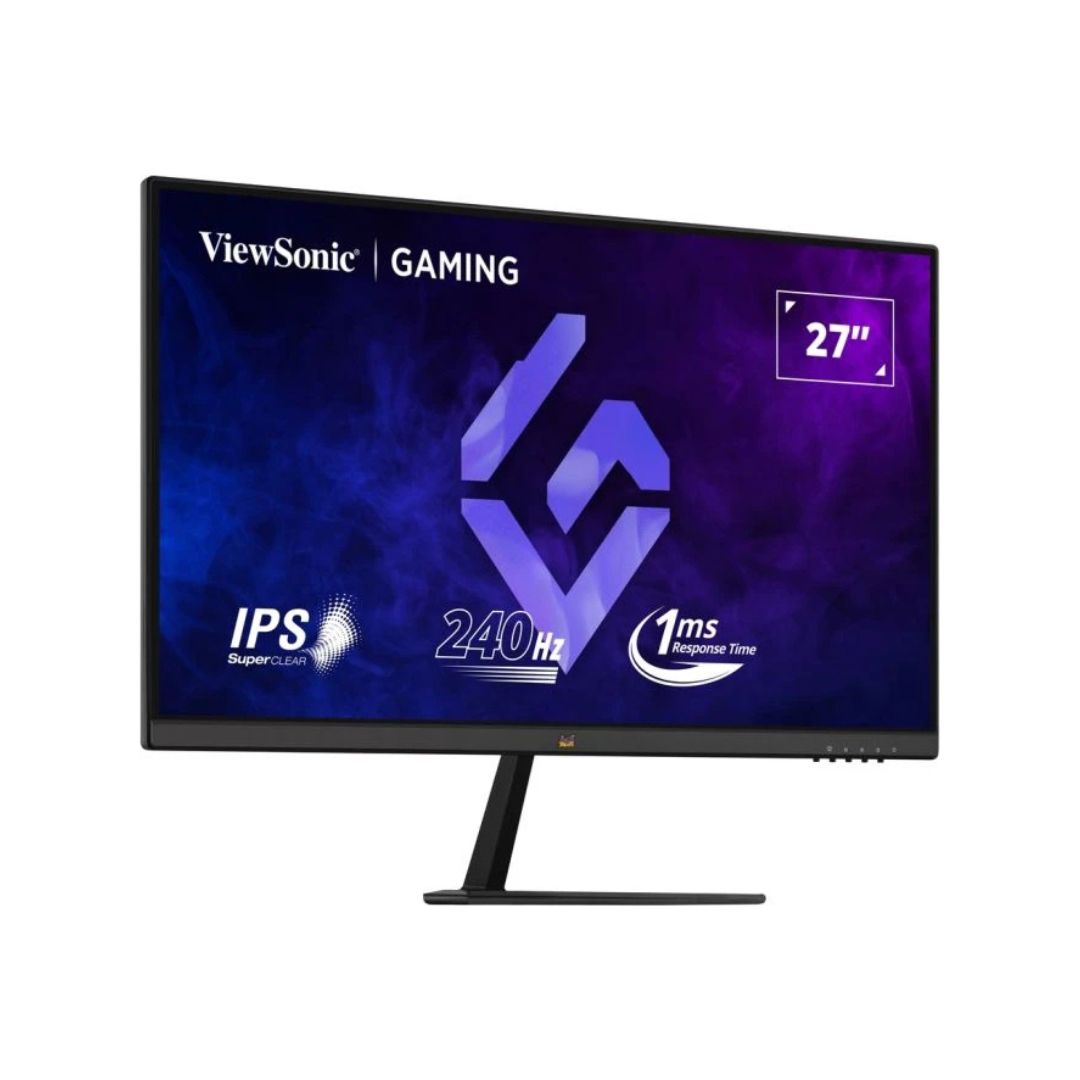
The monitor has a sleek, modern look with slim bezels around the panel for a clean and immersive experience. The sturdy stand allows adjustments for tilt, swivel, and height, and the VESA 100×100mm mount ensures alternative placement options. The black finish complements most gaming setups.
Set your GPU output to 240Hz via DisplayPort or HDMI 2.0 to utilize the full refresh rate. Enable FreeSync Premium or G‑SYNC when gaming to prevent tearing. Position the monitor so the top bezel is at eye level to reduce neck strain. Use Eye Saver mode for extended night use and clean the screen regularly with a microfiber cloth to maintain clarity.
RK175