New
New
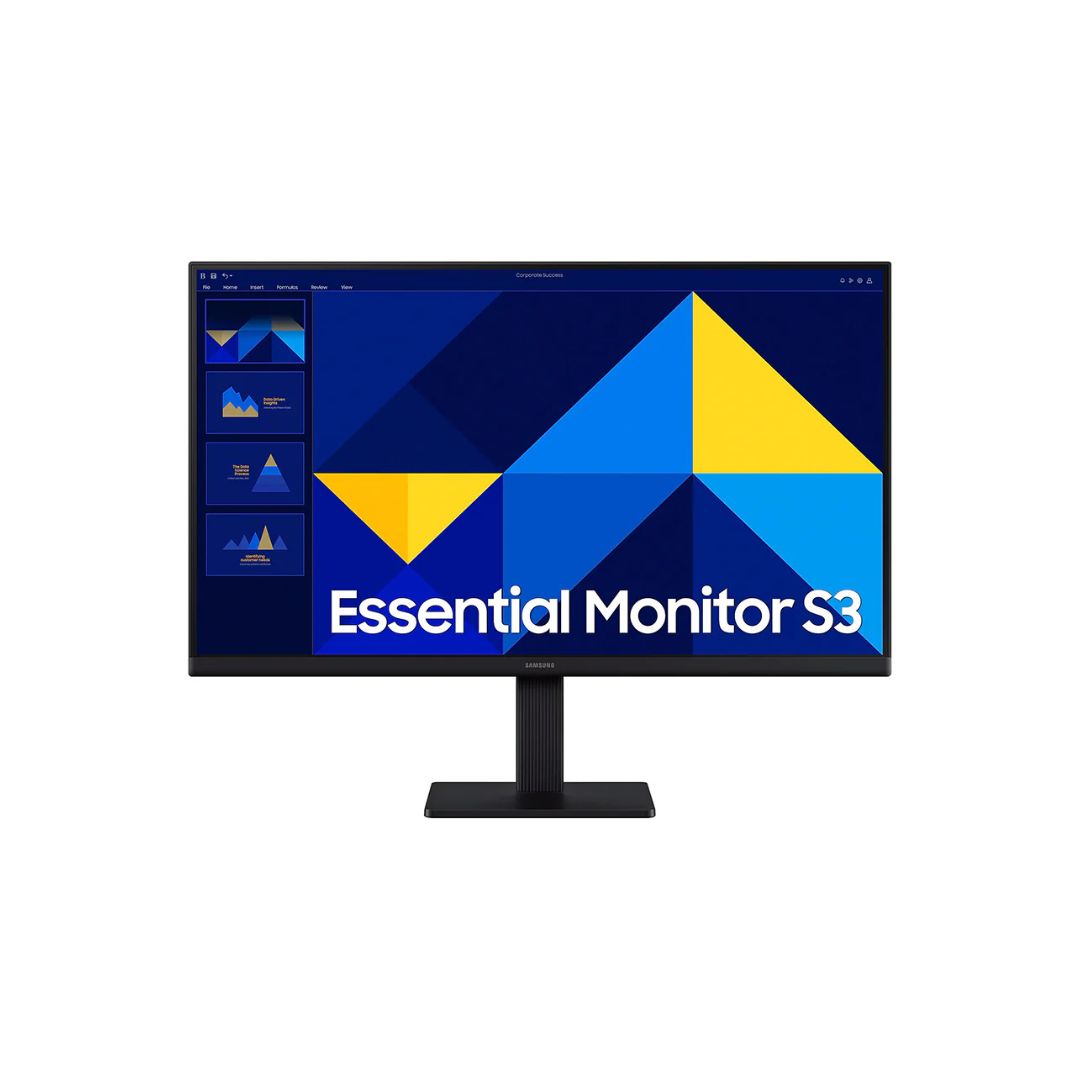
24″ Full HD (1920×1080) IPS panel 100Hz refresh rate with 5ms GtG response time Eye Saver mode & Flicker-Free technology 1× HDMI, 1× VGA (D-Sub), slim border design Wide 178°/178° viewing angles, static contrast 1000:1 3-Year warranty
The Samsung LS24D300G 24″ FHD 100Hz IPS Monitor offers a clean, slim design paired with reliable performance for everyday tasks and light gaming. With its high refresh rate and IPS panel, the Samsung LS24D300G 24″ FHD 100Hz IPS Monitor provides smooth motion, accurate colors, and comfortable viewing angles.
This monitor features a 24-inch flat IPS panel with Full HD resolution (1920×1080), delivering vivid colors across the screen and wide viewing angles. It supports a 100Hz refresh rate and a 5ms GtG response time to help reduce motion blur. The static contrast ratio is typical at 1000:1, providing distinguishable darks and brights in most lighting.
The Samsung LS24D300G 24″ FHD 100Hz IPS Monitor is compatible with any device supporting HDMI or VGA connections. The monitor supports VESA 100×100 mounting for flexible installation possibilities. It works seamlessly with Windows, macOS, and other systems via its standard port options.
Eye comfort features include Eye Saver Mode to reduce blue light exposure and a Flicker-Free screen to avoid visual fatigue during extended use. The monitor’s wide viewing angles allow consistent image quality even when observed off-axis. Tilt adjustment is included for more comfortable viewing.
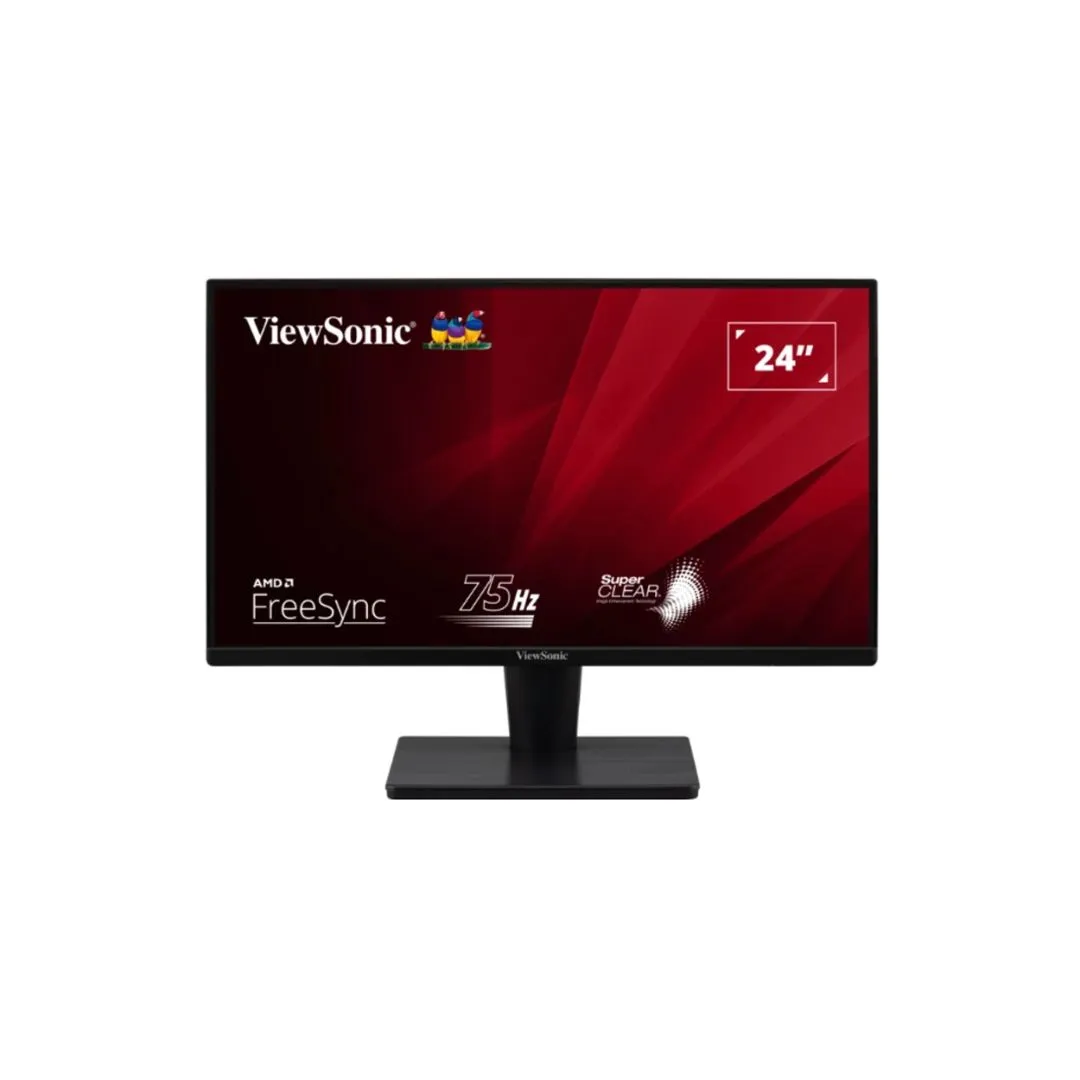
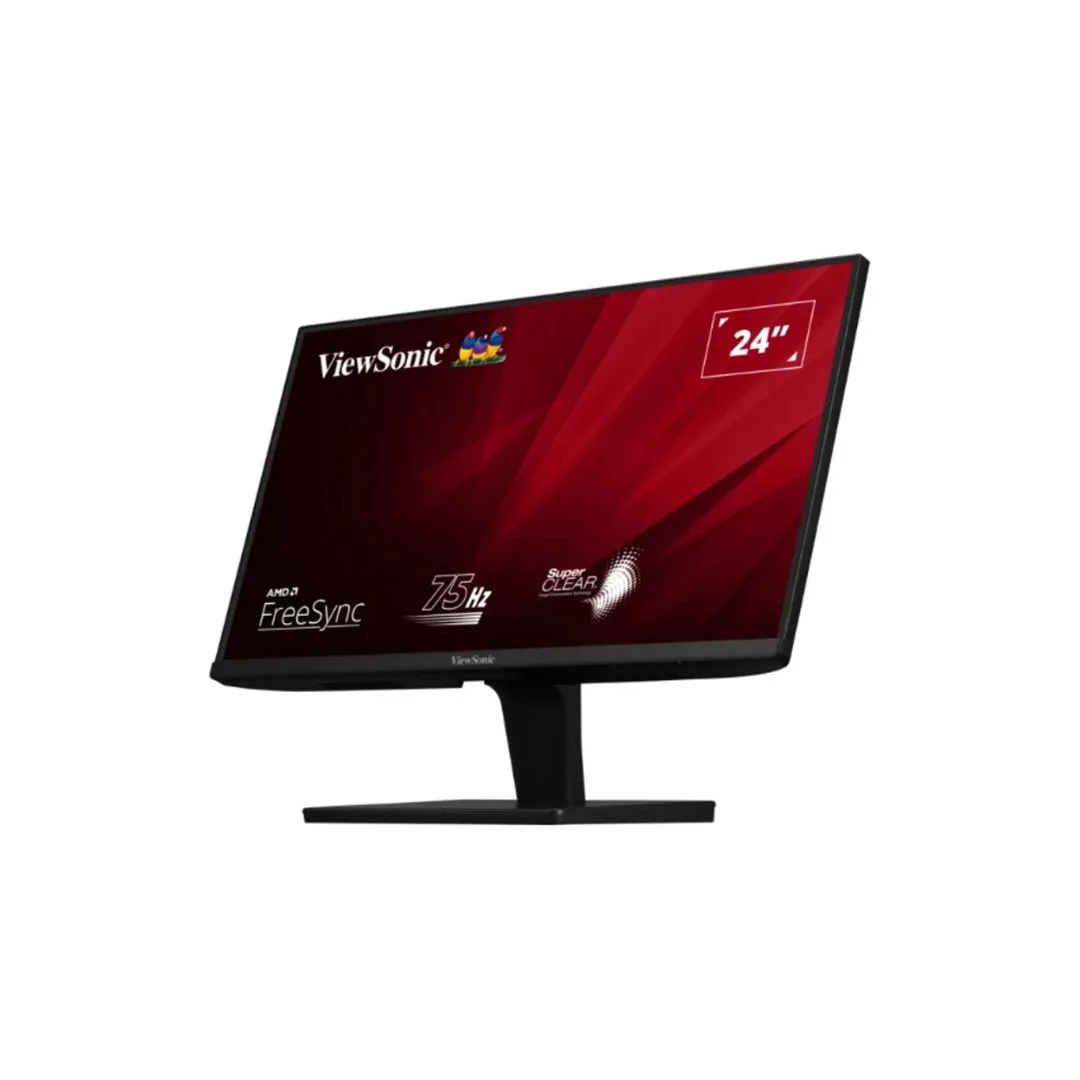
The design is sleek and modern with slim borders on three sides, contributing to a minimalist look. The casing and stand are finished in matte black. The monitor has a simple, lightweight build making setup easy, and it supports wall mounting via the 100×100 VESA mount.
Set your display output resolution to 1920×1080 at 100Hz to take full advantage of the refresh rate. Enable Eye-Saver mode in the monitor’s OSD when working in low-light environments to reduce eye strain. Use HDMI for modern devices and rely on VGA only when needed for older equipment. Keep the screen clean with a microfiber cloth and position the monitor such that the top of the bezel is around eye level for ergonomic comfort.
RK85