 New
New
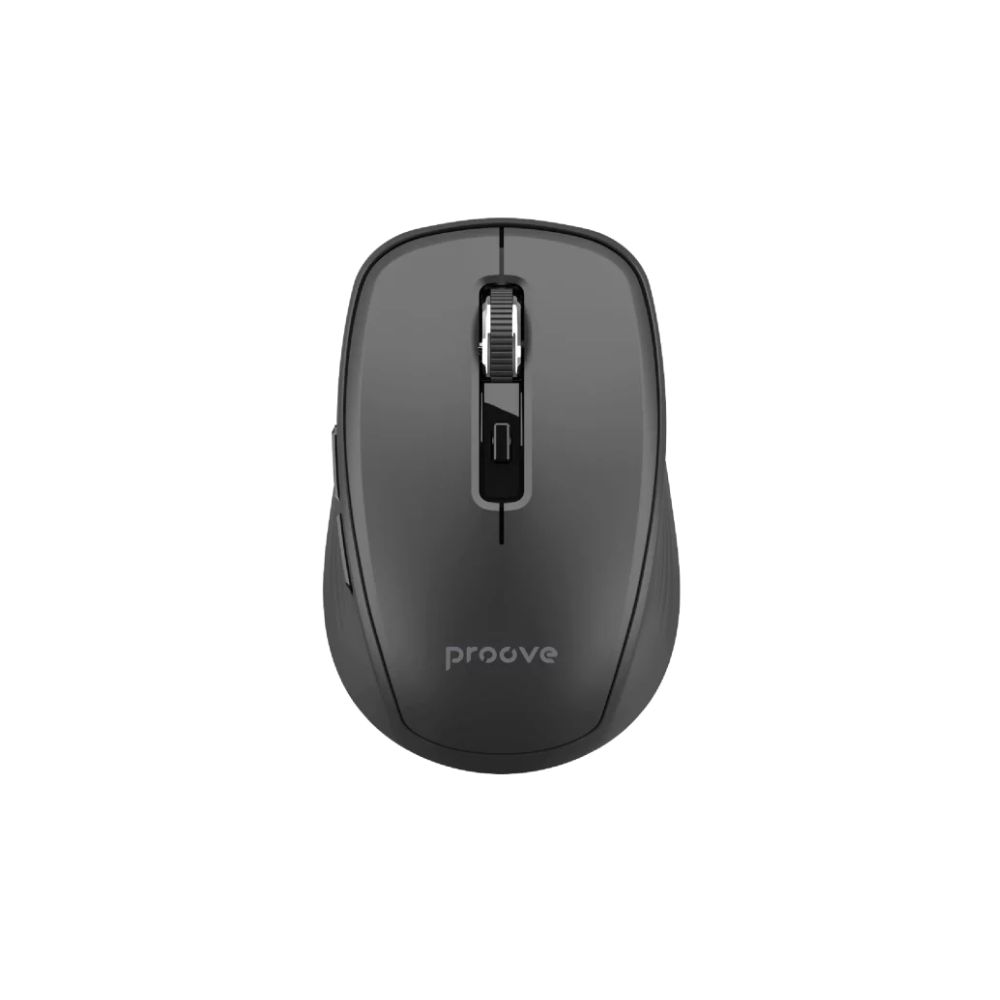
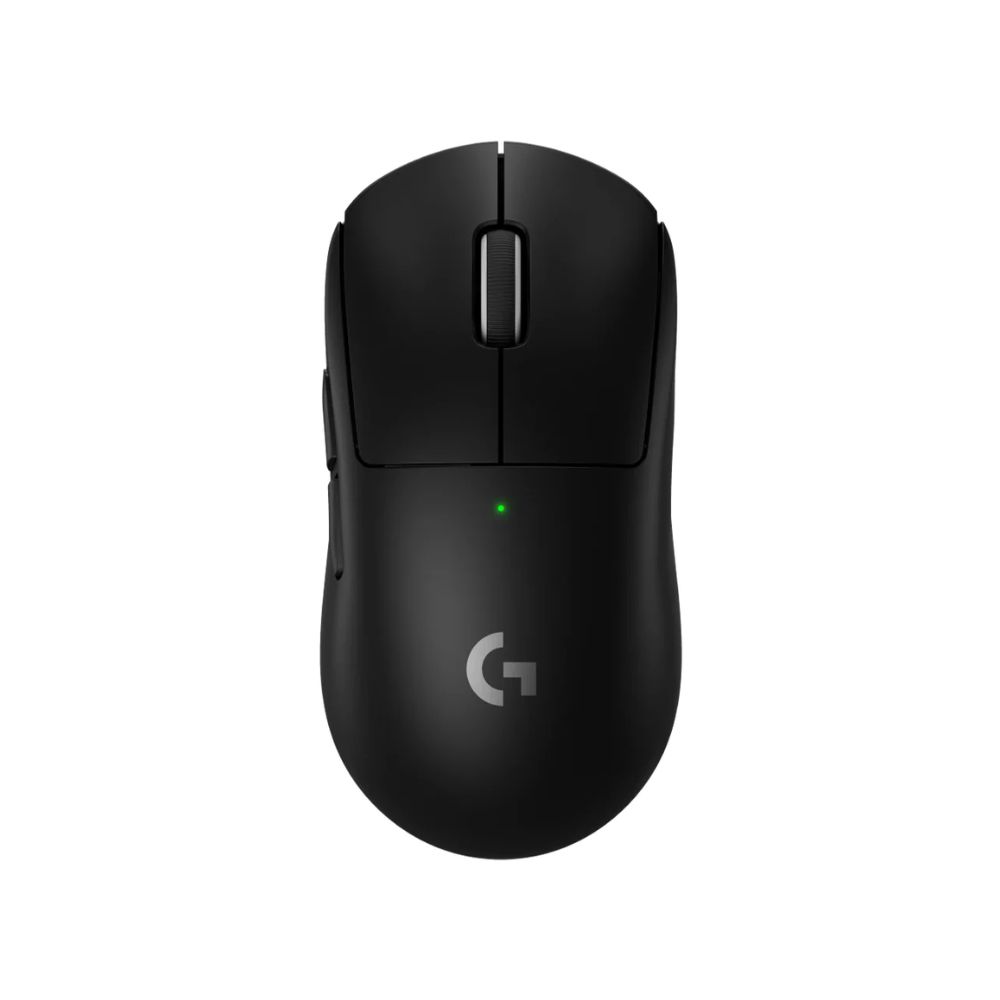
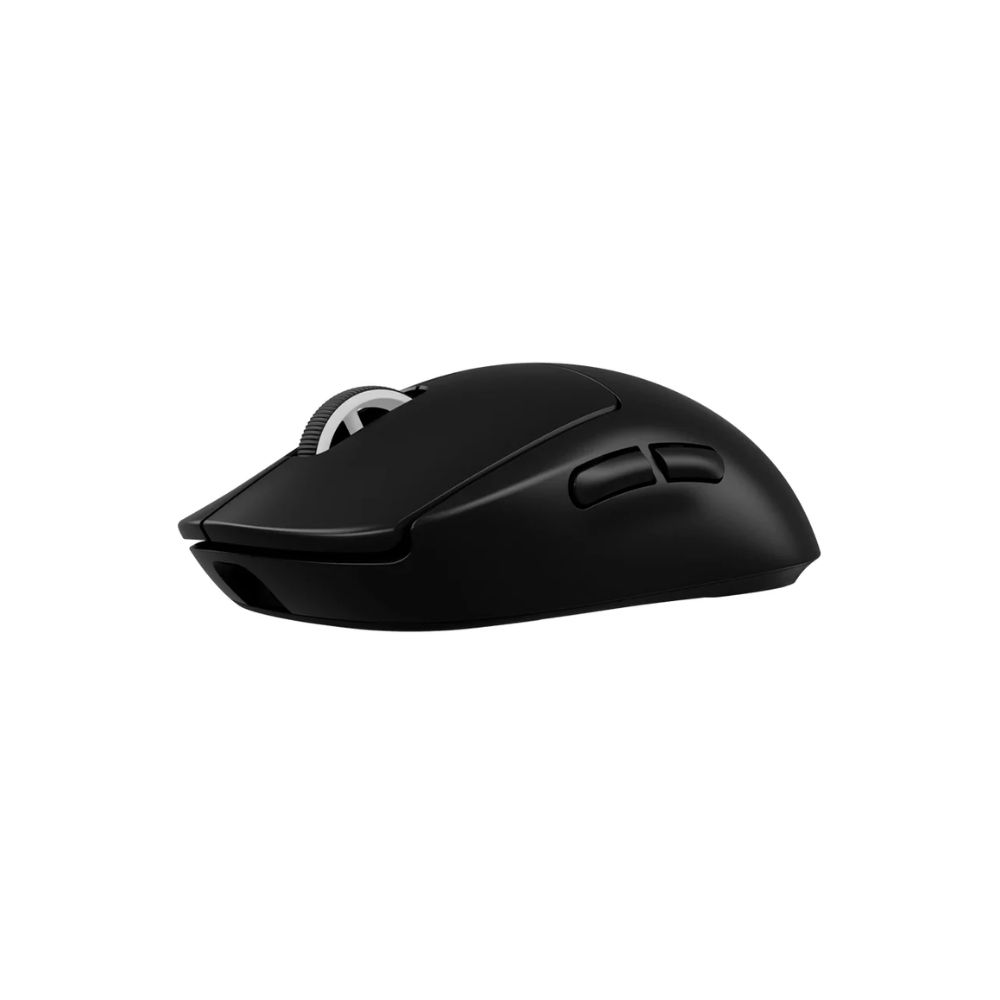
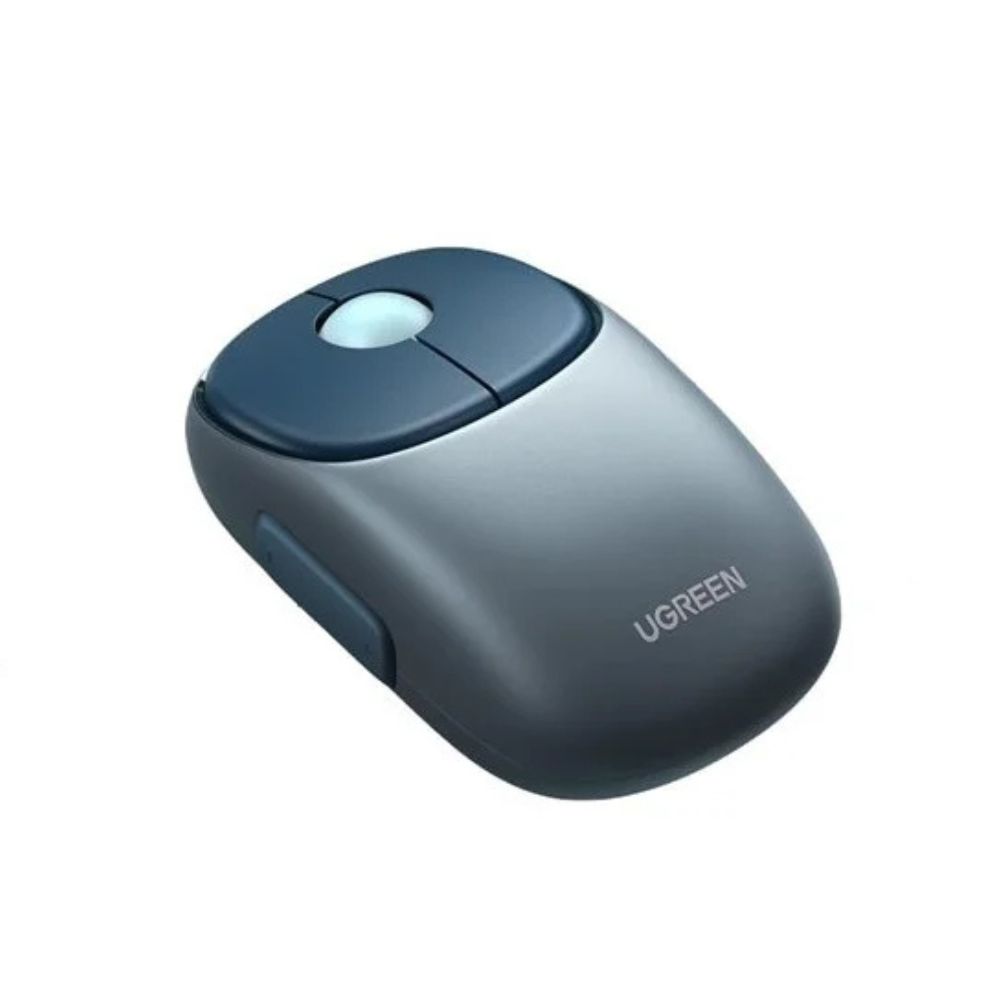
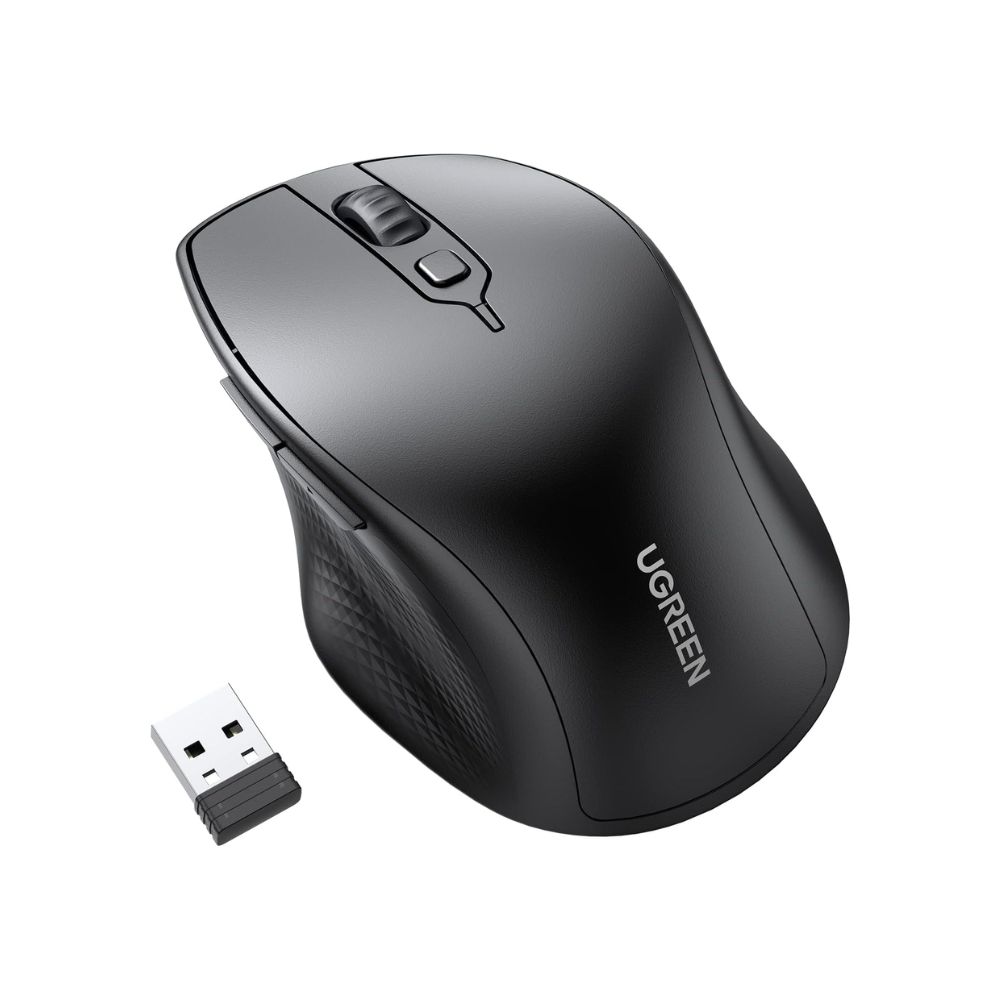
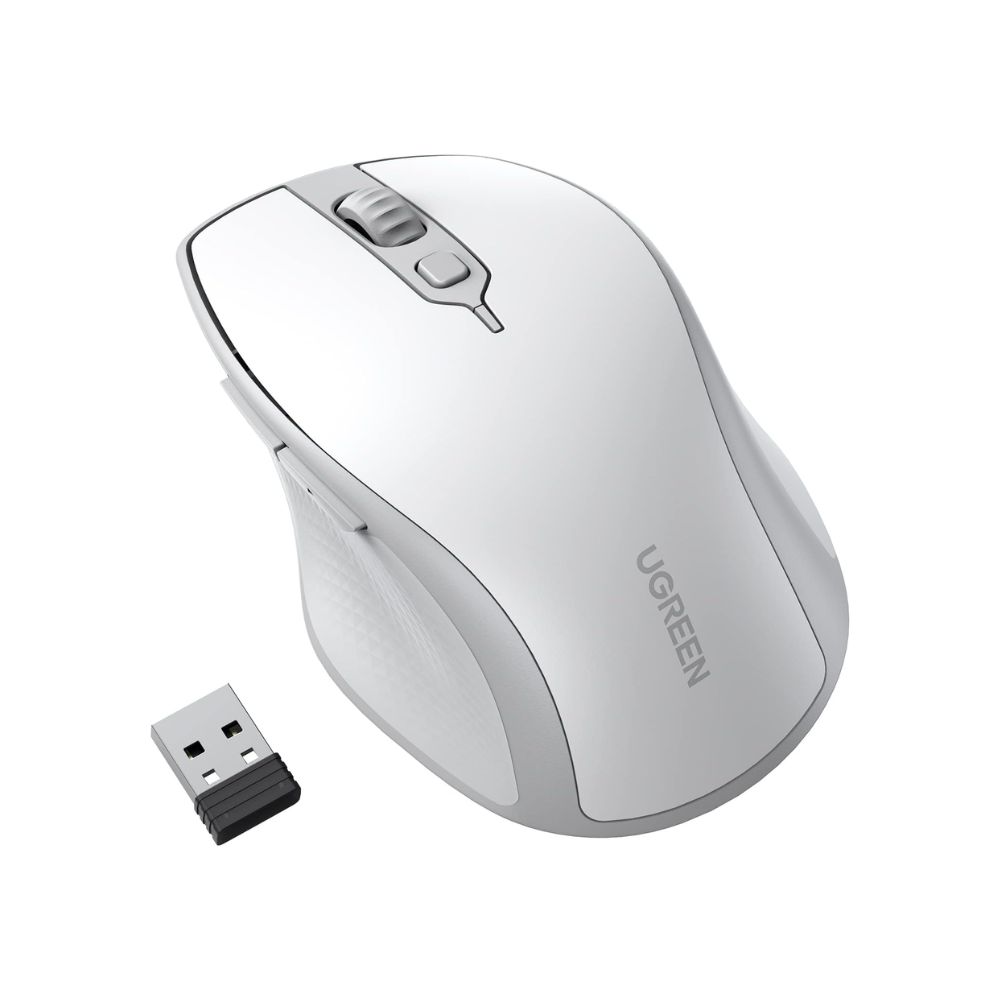
Boost your efficiency with the Proove Click Wireless Mouse . Featuring a 6-button ergonomic design, adjustable 800-1600 DPI laser sensitivity, and a reliable 2.4GHz wireless connection, this mouse is built for comfort and precision. Compatible with Windows, MacOS, and Linux, it’s the perfect cord-free solution for any professional workspace.
The Proove Click is a versatile wireless mouse engineered to enhance productivity across both professional and creative environments. Featuring a sleek, low-profile design in a classic black finish, it serves as a discreet yet stylish addition to any desktop setup. The body is constructed from high-grade ABS plastic , providing a durable matte surface that is resistant to fingerprints and wear, ensuring a comfortable grip through long working hours.
Designed for efficiency, the Proove Click offers a tailored navigation experience.
Six-Button Optimization: Beyond the standard left and right clicks, this mouse features an ergonomic six-button layout . These additional controls are strategically placed to streamline your workflow, allowing for faster navigation through web pages and documents.
Adjustable DPI Sensitivity: Adapt to your task instantly with switchable sensitivity levels ranging from 800 to 1600 DPI . Whether you need pixel-perfect precision for photo editing or rapid movement for data entry, the Proove Click adjusts to your pace.
Advanced Laser Sensor: Equipped with a high-accuracy laser sensor, the mouse provides smooth and responsive tracking on a wide variety of surfaces, including those that typically challenge traditional optical mice.
Stay connected without the clutter of cables.
2.4GHz Wireless Technology: Utilizing a dedicated 2.4GHz USB receiver, the Proove Click ensures a lag-free and reliable connection with an operational range of up to 10 meters . Simply plug and play without the need for complex driver installations.
Universal OS Support: This mouse is a true multi-platform tool, offering full compatibility with Windows, MacOS, and Linux systems.
Energy Efficient Power: The Proove Click is powered by a single AA battery , combined with an intelligent power-saving chip that extends battery life, making it a dependable choice for travelers and office professionals alike.
How do I adjust the DPI sensitivity? The Proove Click features a dedicated DPI cycle button located behind the scroll wheel. Pressing this button allows you to toggle between the 800, 1200, and 1600 DPI presets to match your preferred cursor speed.
Does it require a special mousepad? Thanks to its advanced laser sensor , the Proove Click tracks effectively on most flat surfaces. While a mousepad is always recommended for the best experience, this sensor is more versatile than standard optical sensors on reflective or textured desks.
How do I connect it to my laptop? The mouse comes with a small USB receiver stored inside the battery compartment. Simply insert one AA battery , plug the receiver into an available USB-A port on your computer, and the mouse will connect automatically within seconds.
Is it suitable for left-handed users? While the primary buttons work for everyone, the ergonomic shape and the positioning of the side navigation buttons are specifically optimized for right-handed use to provide the most comfortable thumb rest and control.