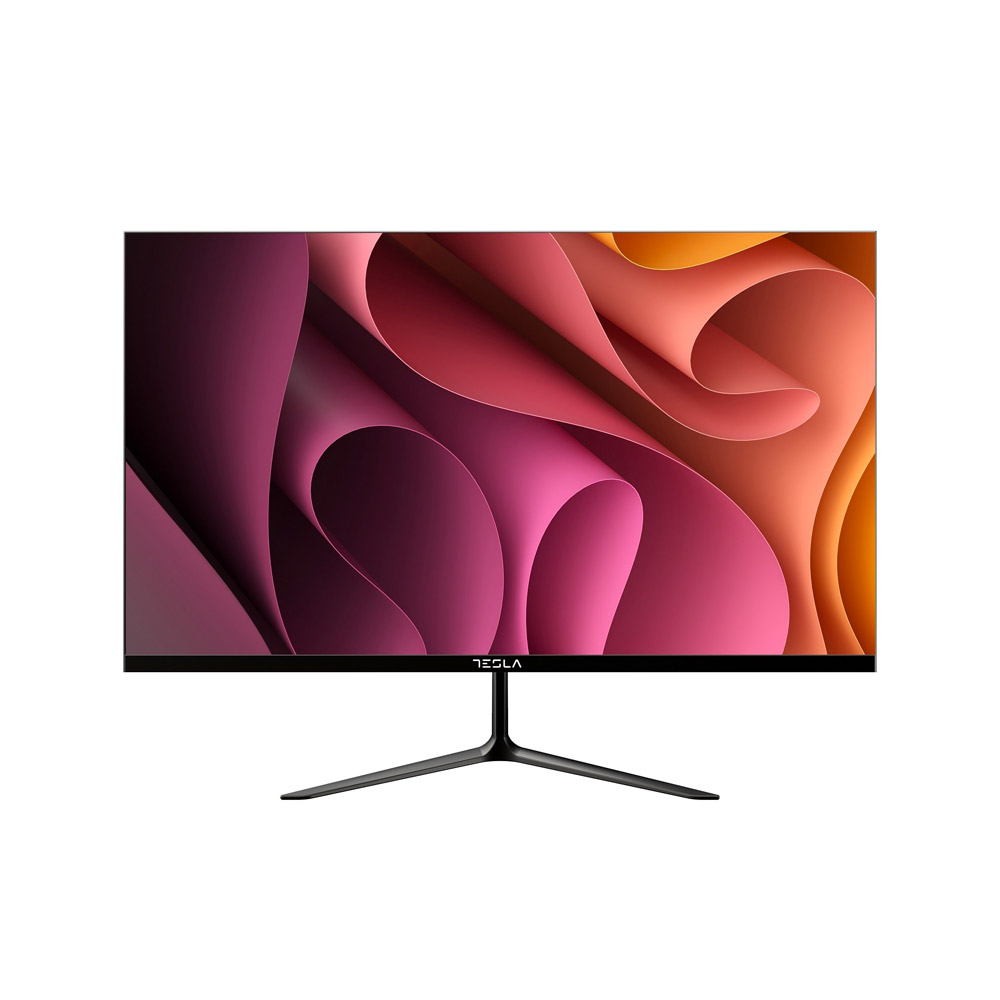
New
New
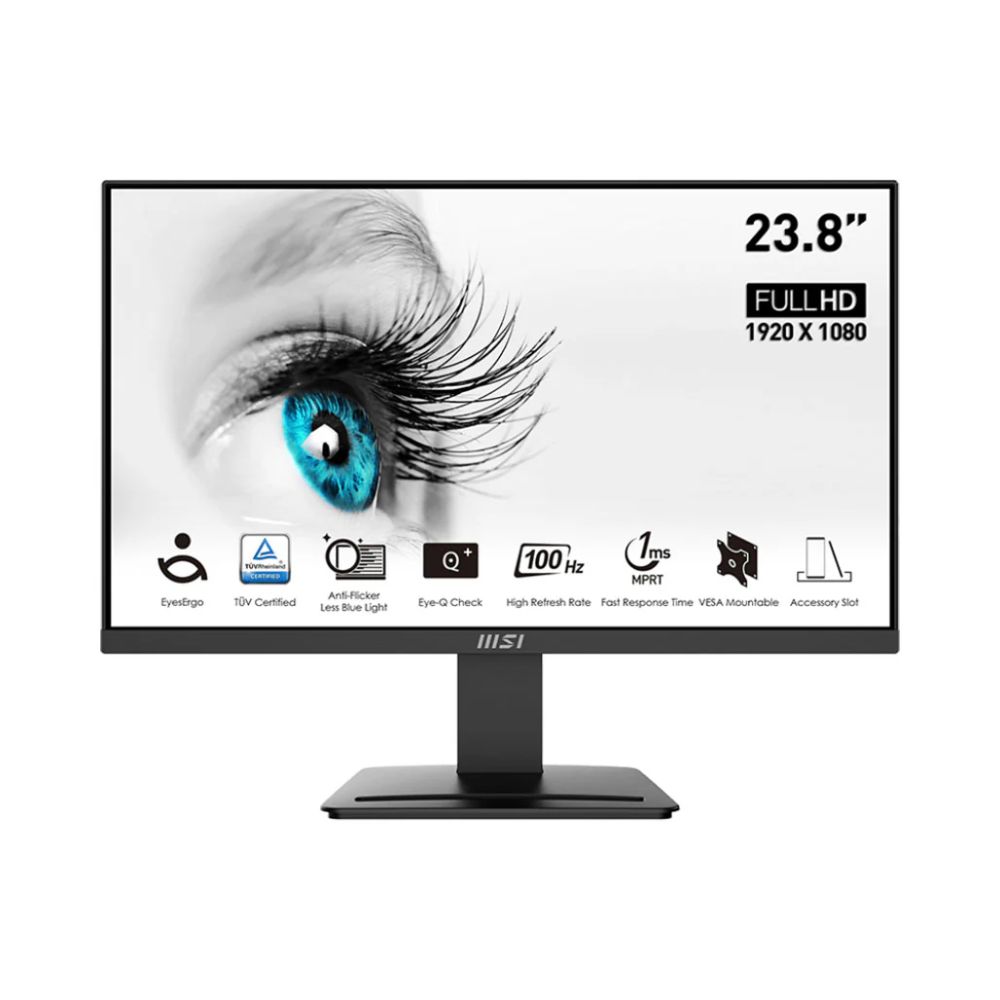
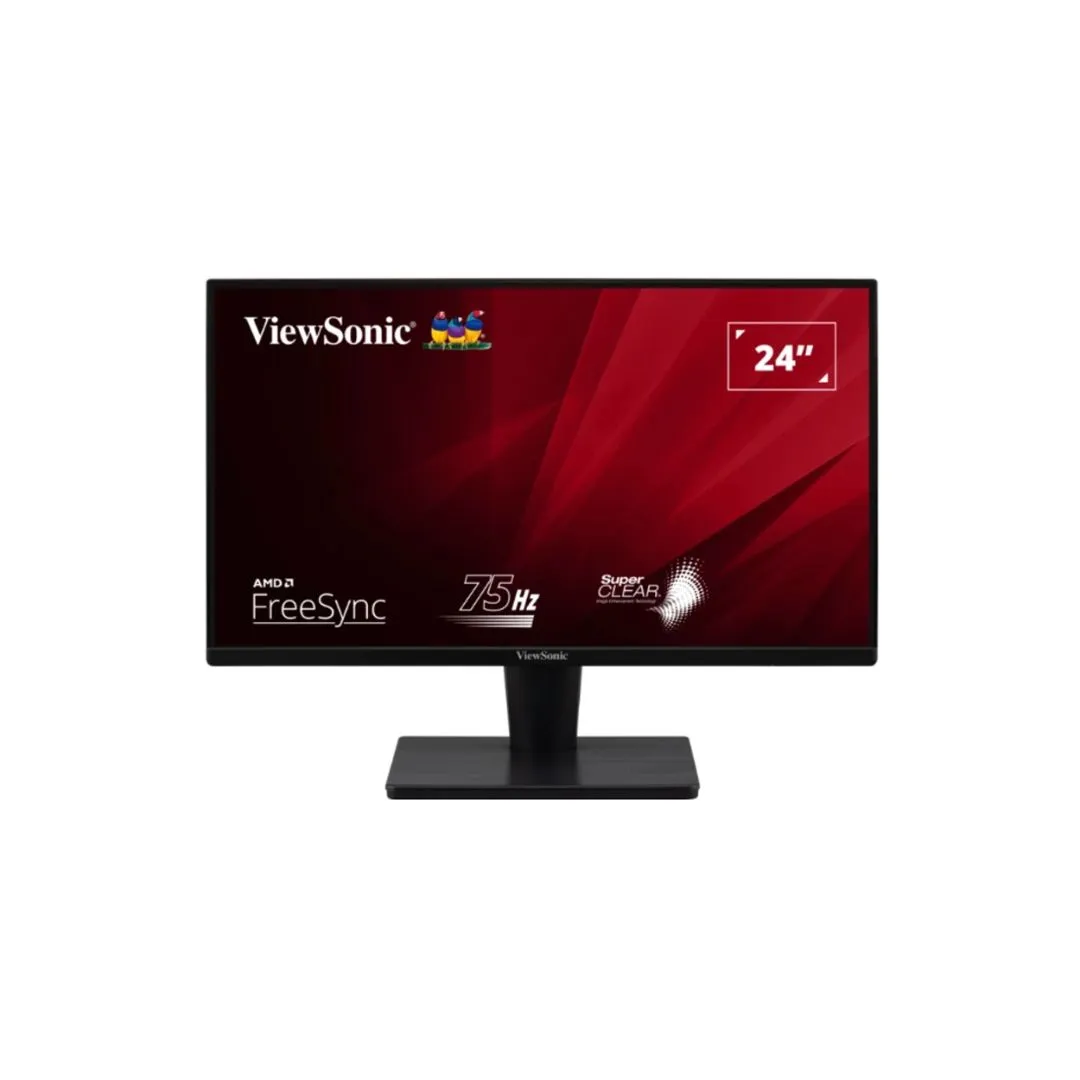
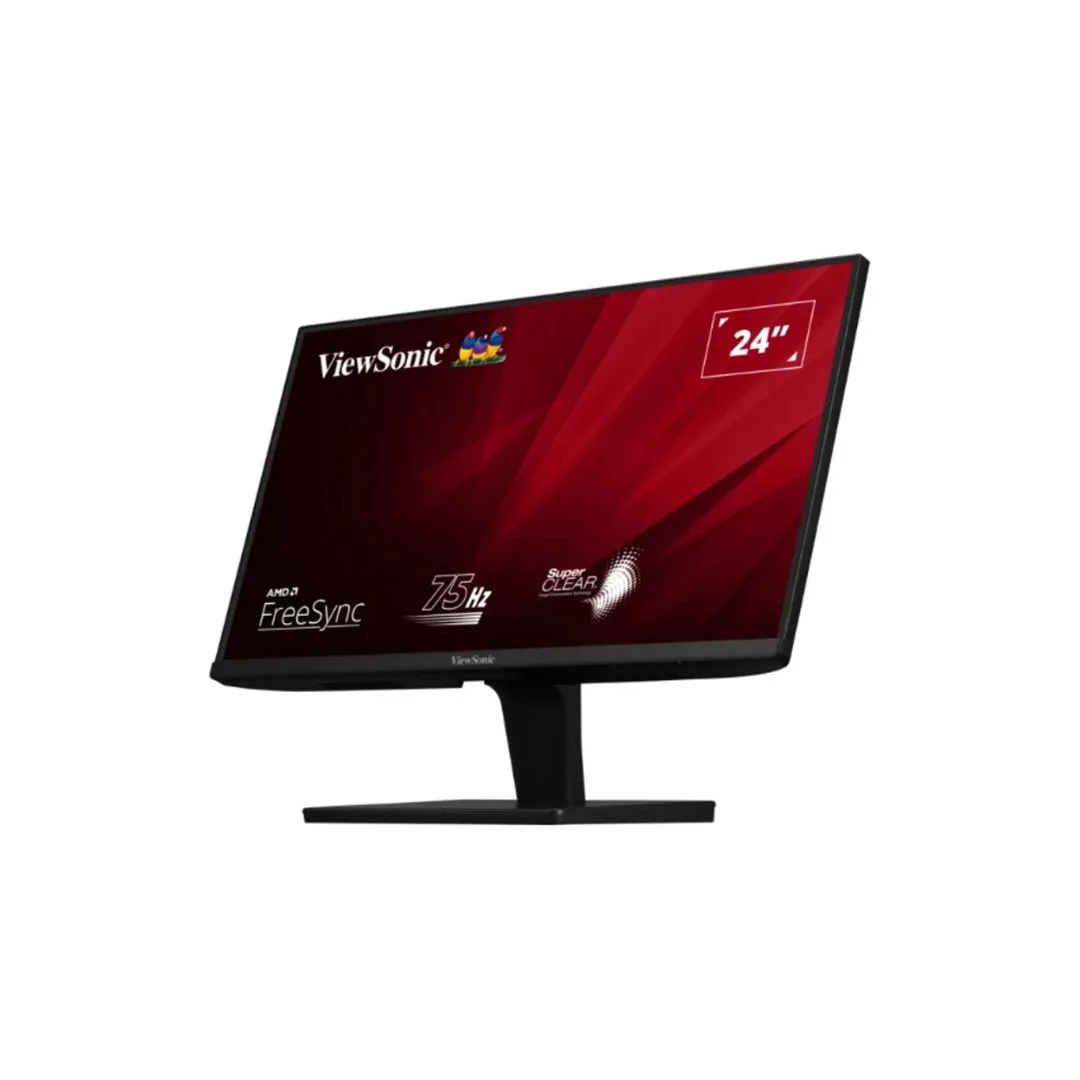
24″, 1920 x 1080 (FHD) FreeSync, 100Hz TUV Certified Eyesight Protection 1ms, VGA HDMI 1 Year Warranty
Perfect 23.8″ screen size for the programming, coding & website design workspace
TUV certified anti-flicker, less blue light display protects your eyesight and keeps your eyes healthy
100 Hz refresh rate & 1ms (MPRT) response time provides a better viewing experience
Check if your eyes have to take a nap with Eye-Q check function
Ergonomic software, Display Kit, provides the most convenient tool, the proper color & display mode to you while working with it everyday
Enjoy the vivid brightness and darkness with a 4000:1 contrast ratio
Keep the flexibility for your different devices with multiple input sources: HDMI™ port and DP port
Assemble and disassemble the device with tool-free design
Standard VESA mountable design
MSI PRO MP2412Resilient and Pioneering – Spirit of Your Business
Your business should be empowered to stop at nothing while navigating your journey with the MSI Business & Productivity Series products.
With MSI Eye Care Technology
Less Blue Light + Anti-Flicker + Anti-Glare
100Hz High Refresh Rate
MSI PRO MP2412 A high refresh rate display provides a better viewing experience. Also, the more images shown at the same time, thte less burden will impose on your eyes.
Eye-Q Check:Amsler Grid
MSI recommends you to take a rest for 20 minutes if any of the lines in the grid appear wavy, blurred or distorted; or if some boxes in the grid don’t look like a square or the same size.
Eye-Q Check:Astigmatism
To test, cover your left eye with your left hand and look closely at the image, then do the same with your right eye. MSI recommends you to take a rest for 20 minutes if some lines appear greyer than others.
Eye-Q Check:Posture Correction
MSI recommends you to sit up straight and adjust your eye position to one-ninth of the top edge of the screen. A good sitting posture can effectively prevent neck and shoulder pain.
*Enable Eye-Q Check function from OSD.
*The Eye-Q Check function is only for visual references. If you experience any visual discomfort, please consult a health professional or ophthalmologist for treatment.
Easy & Efficient Tool-free Design
With the tool less design, assembling the stand will be a breeze.
4000:1 CONTRAST RATIO
Enjoy a deeper black and more brilliant white in even the darkest and brightest scenes.
MSI PRO MP2412NV116