 New
New
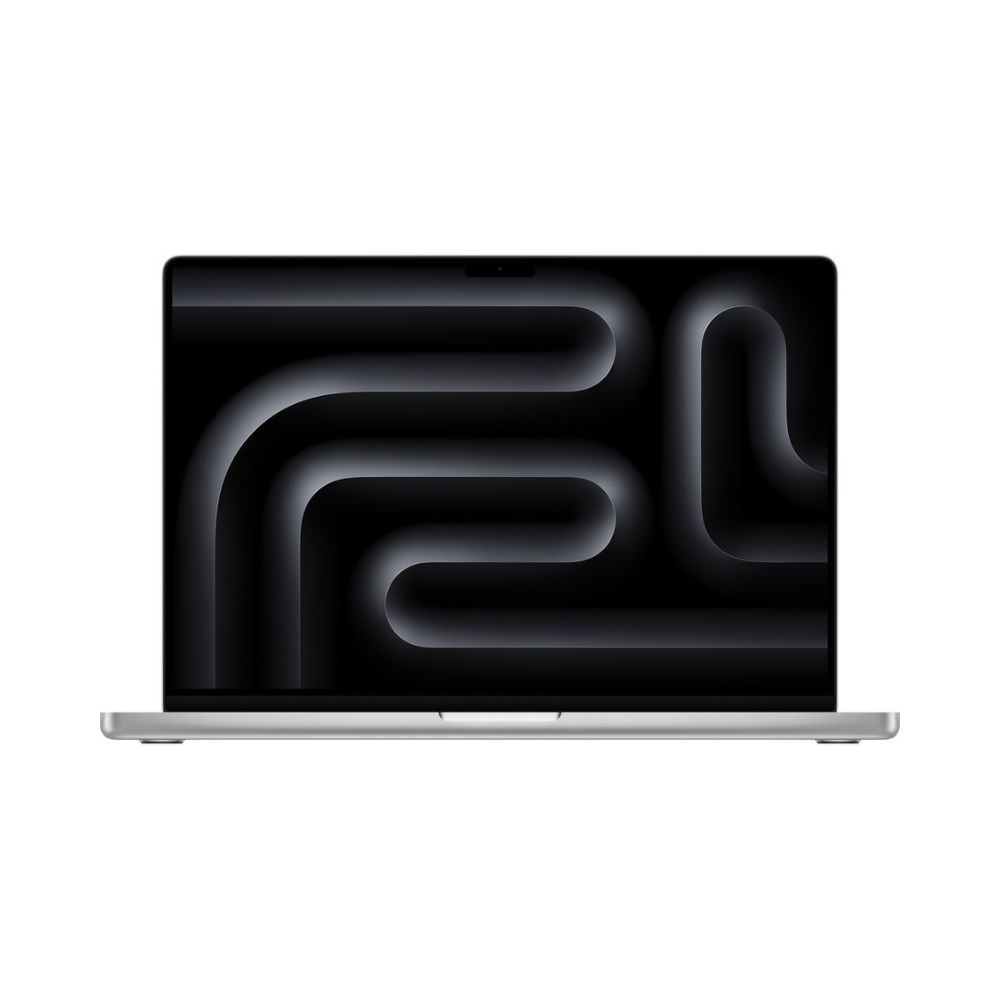
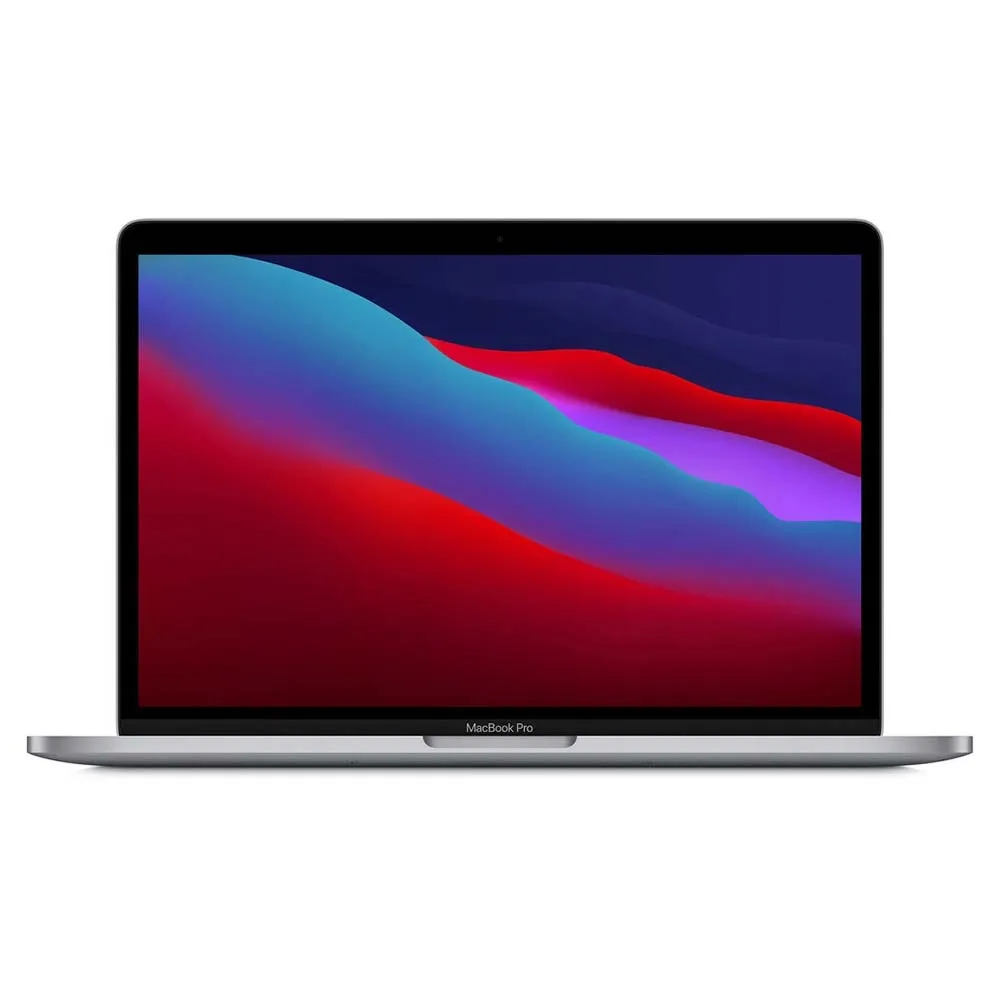
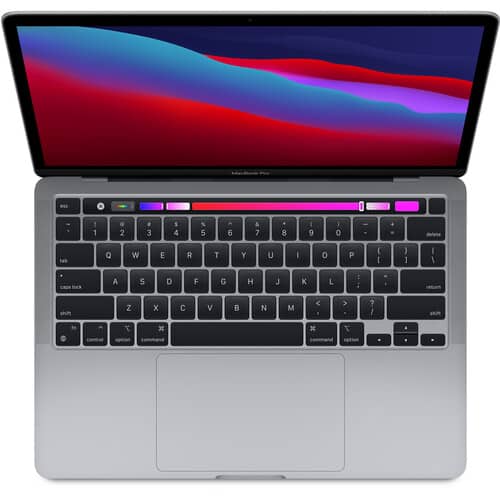
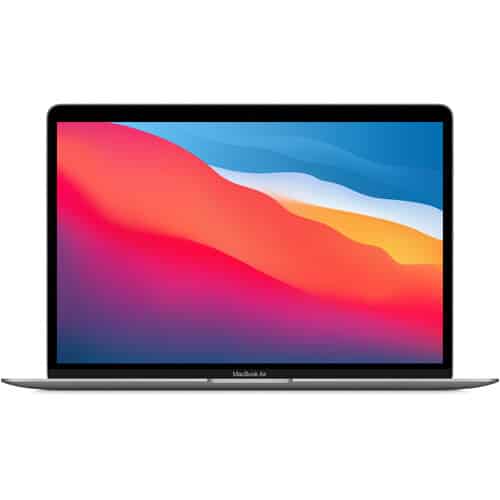
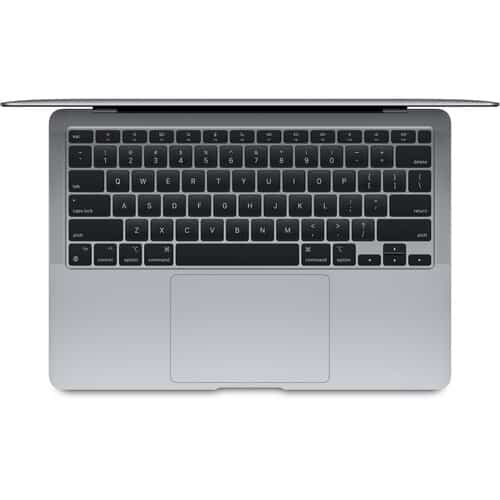
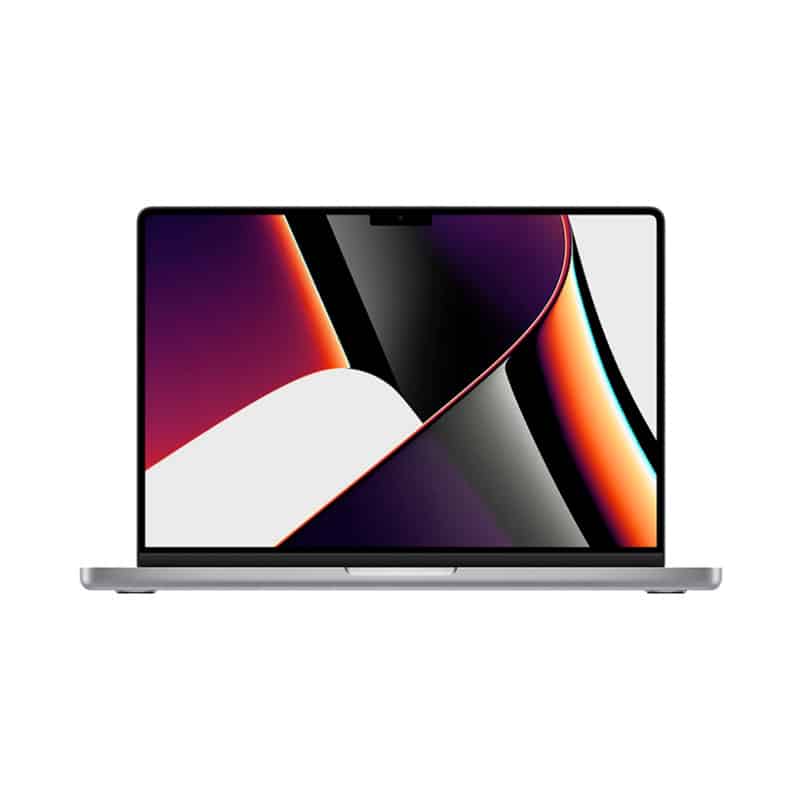
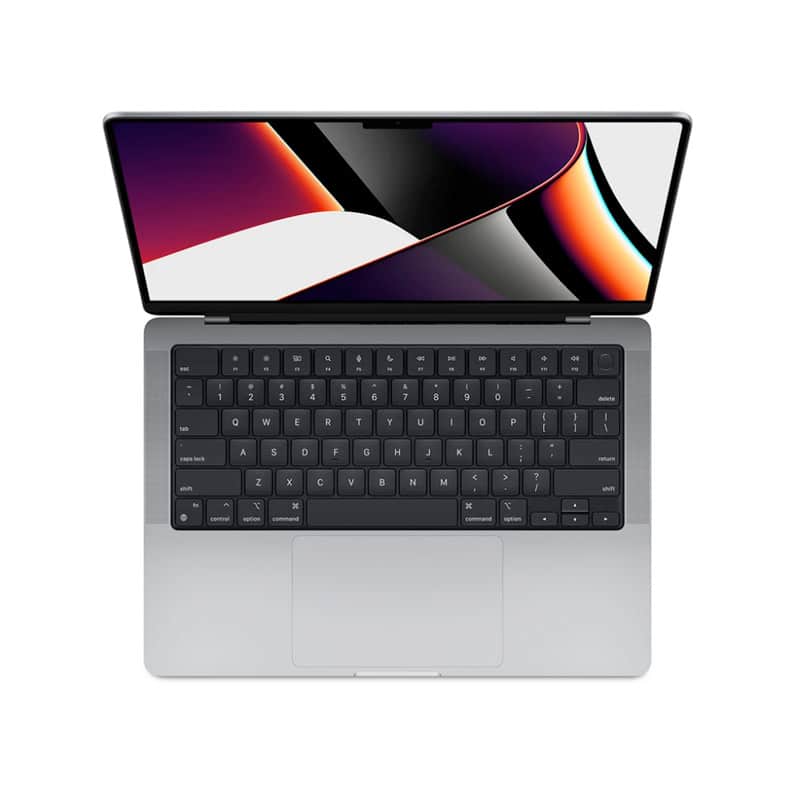
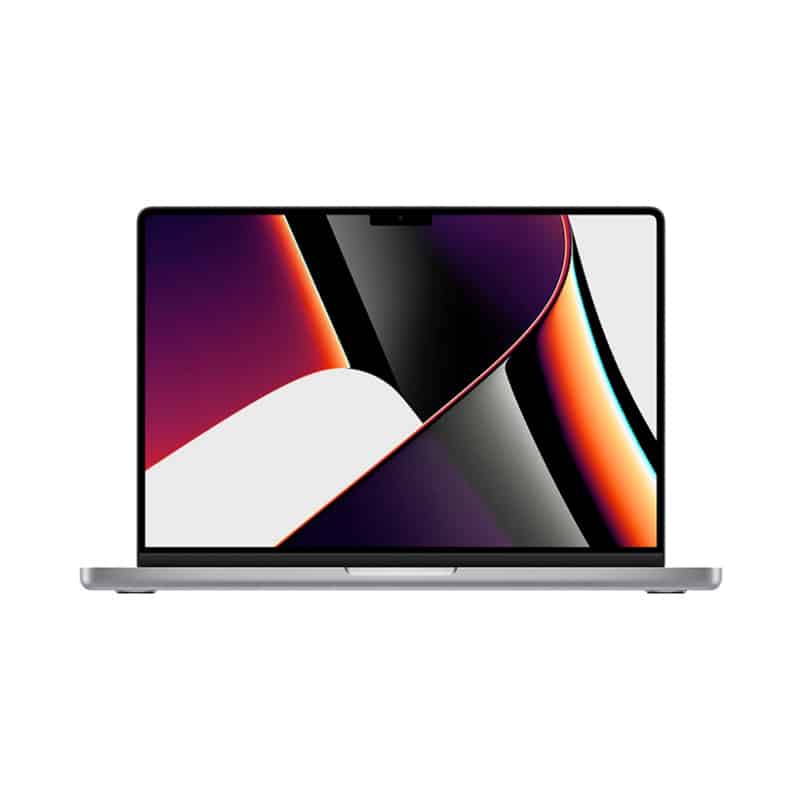
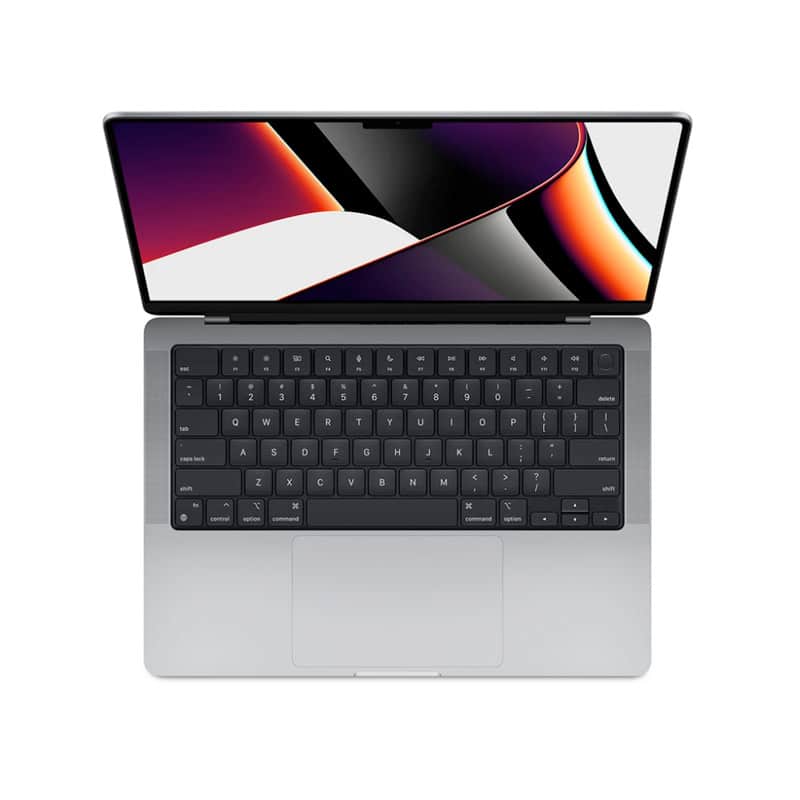
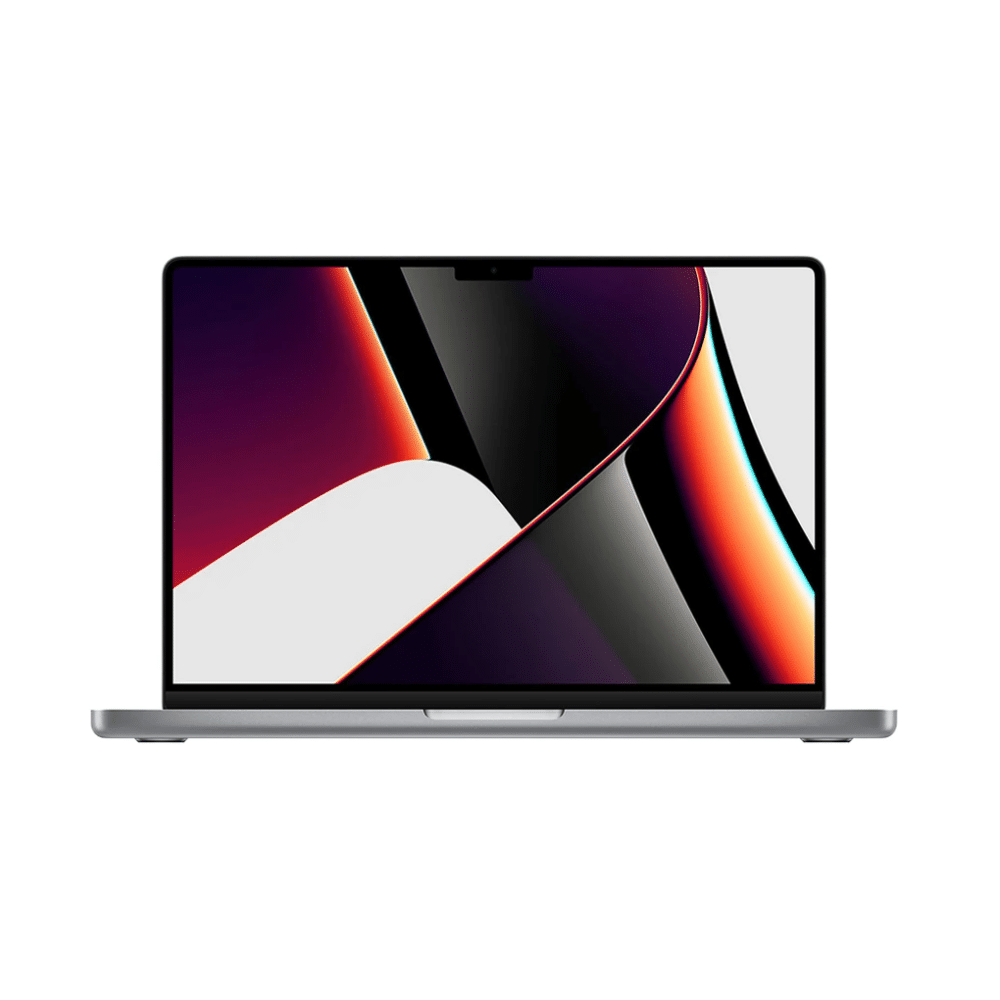
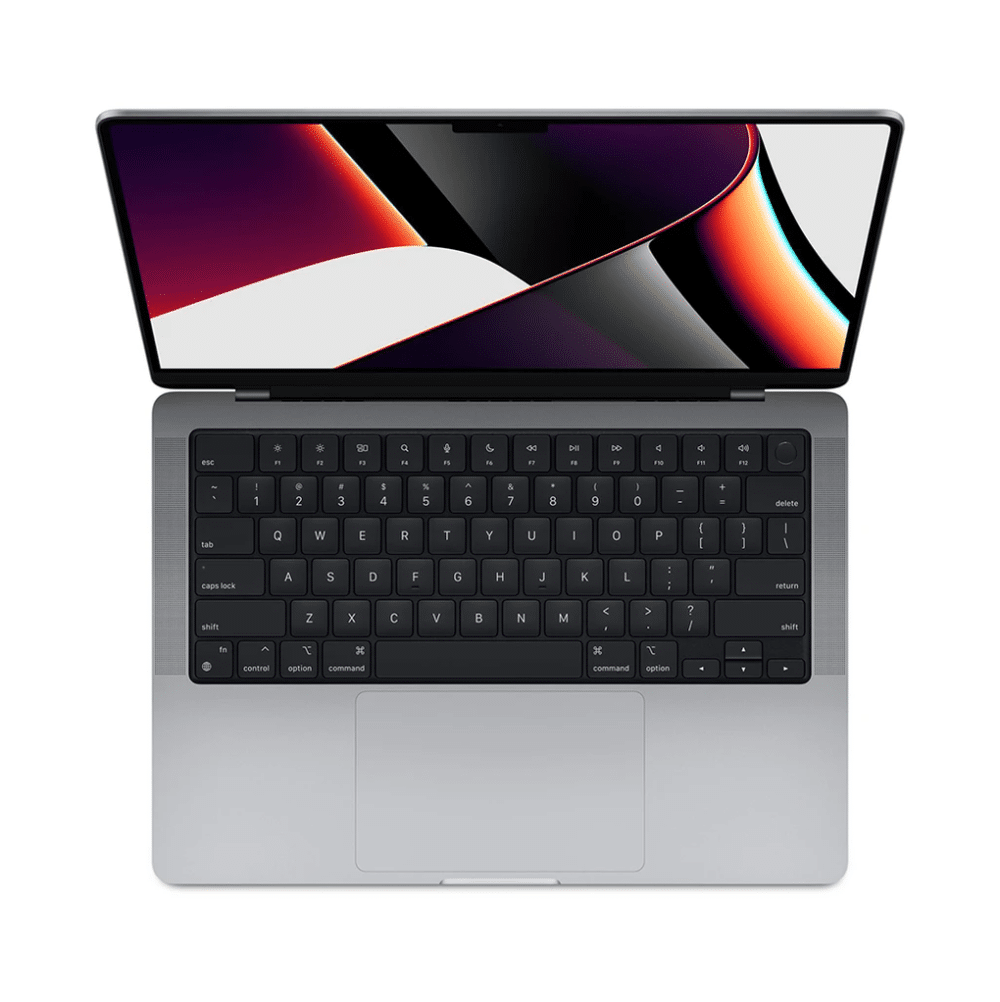
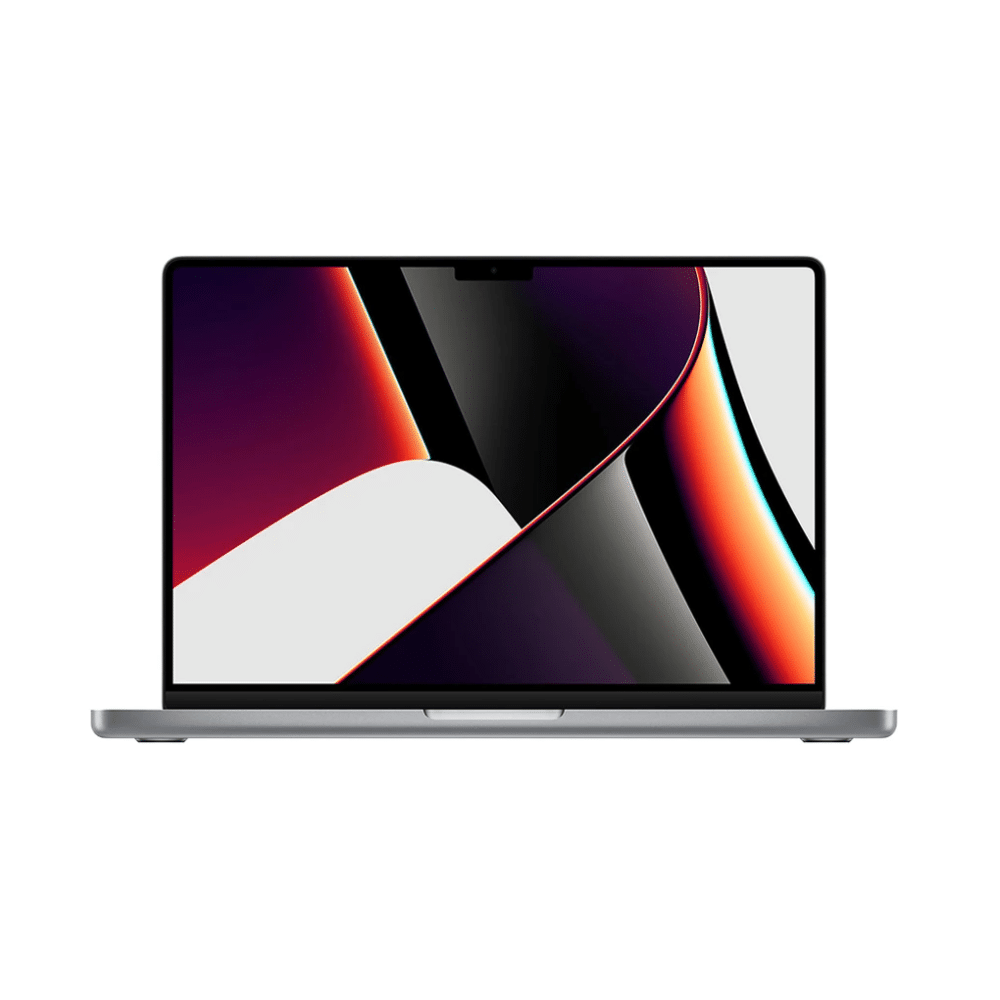
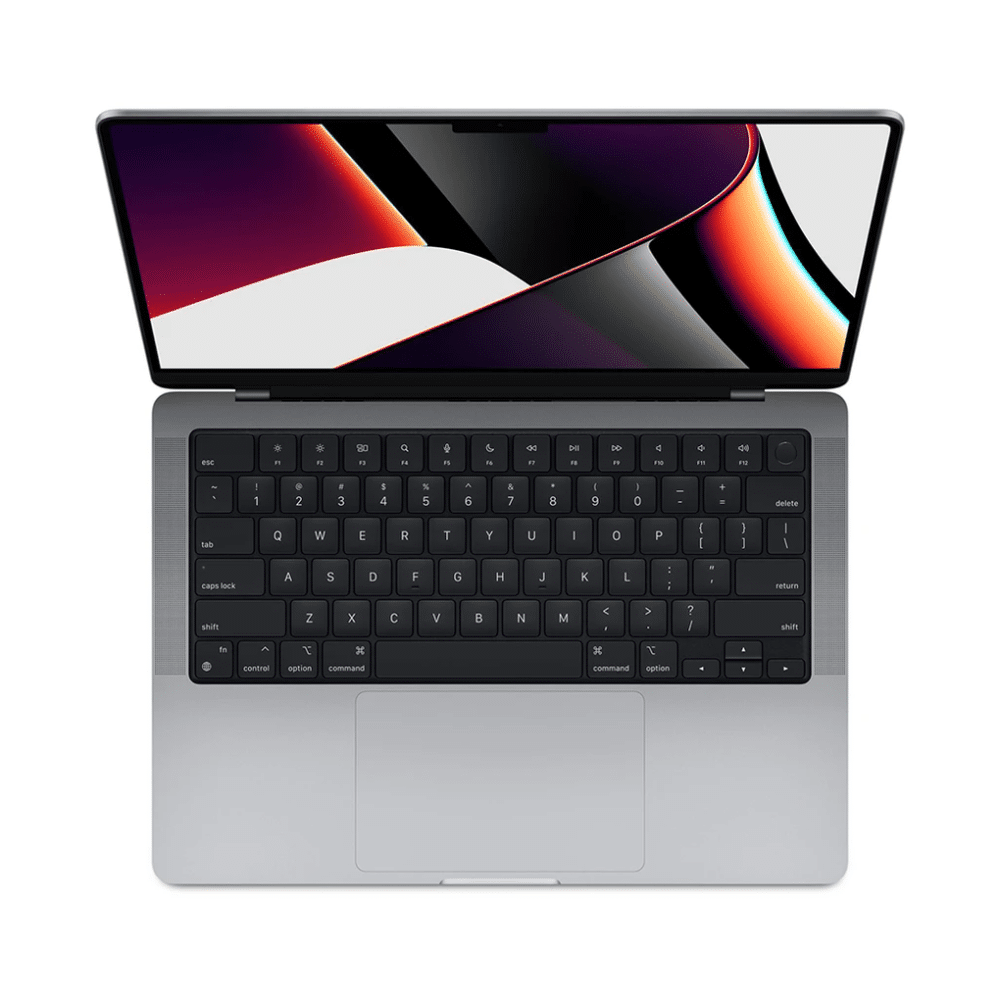
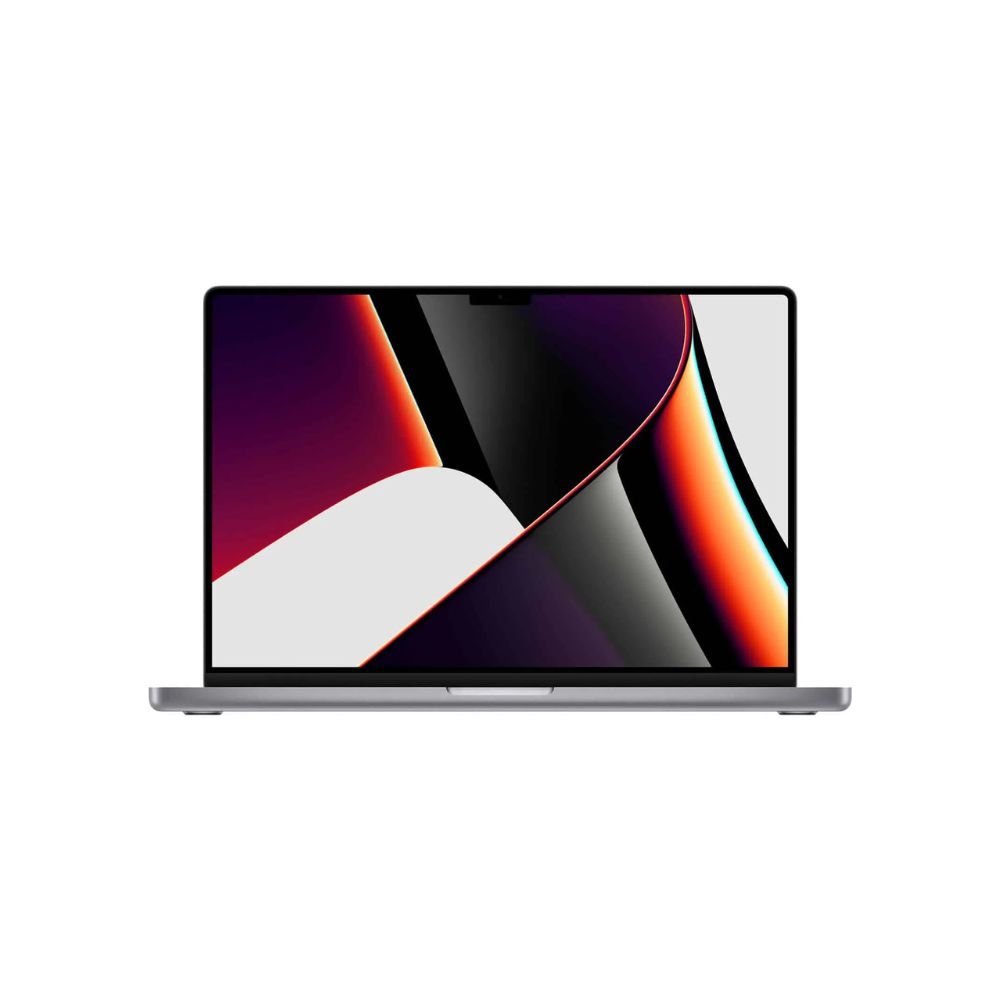
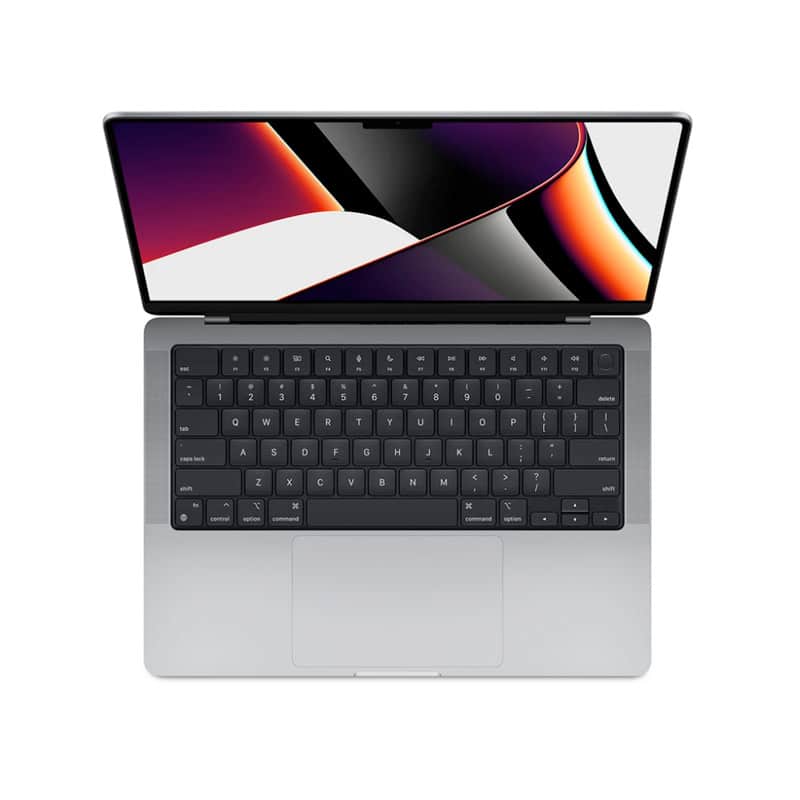
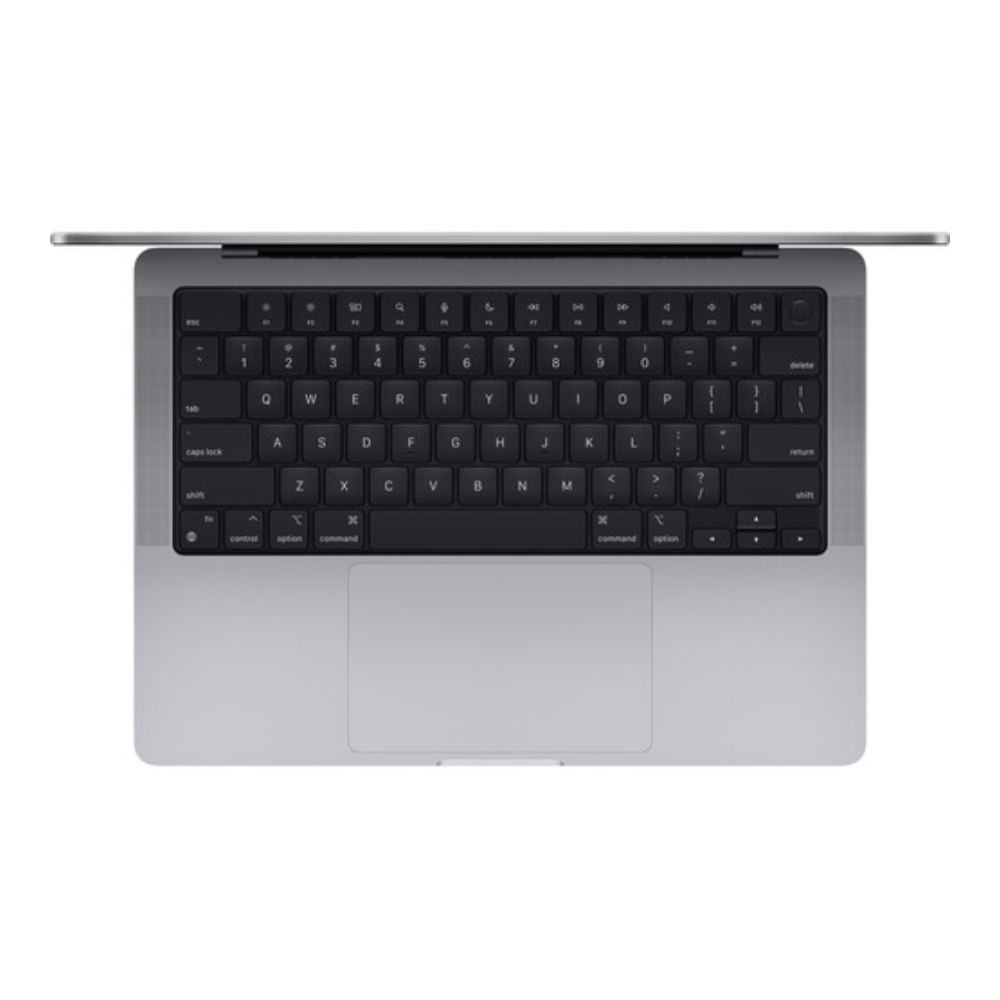
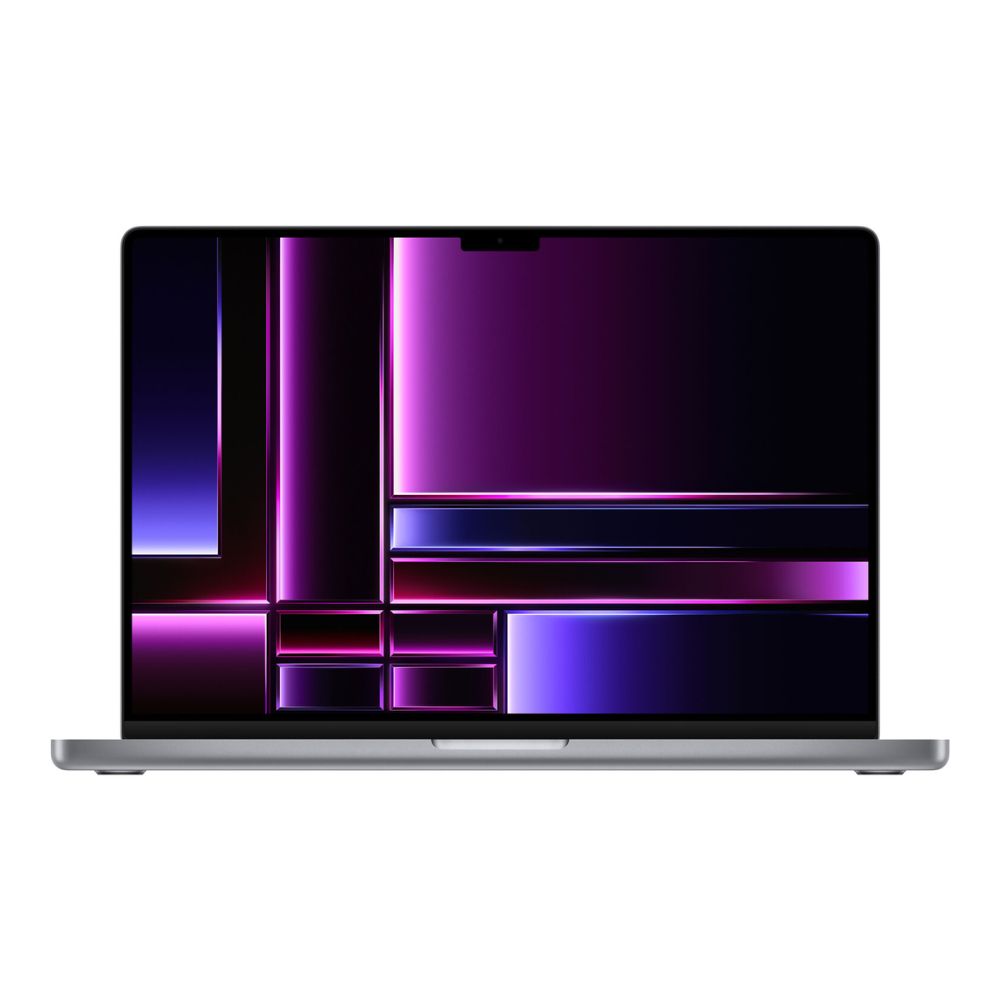
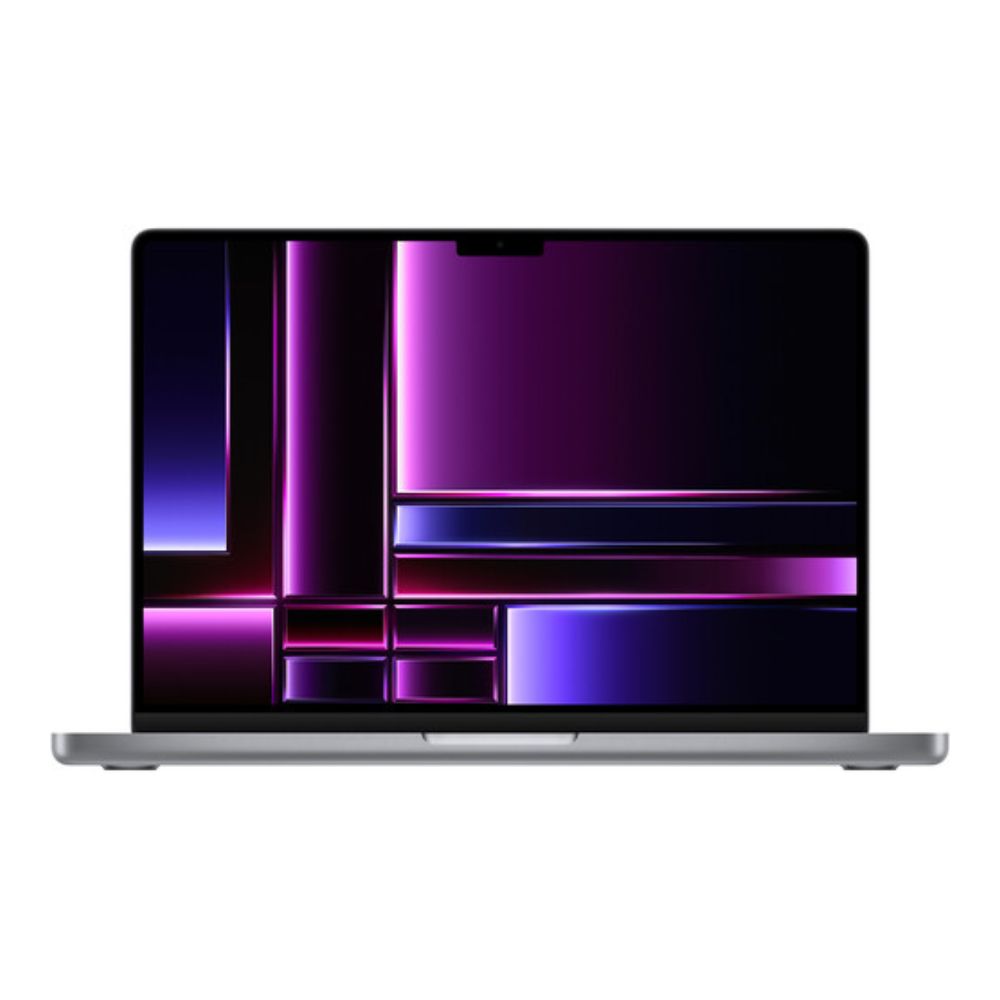
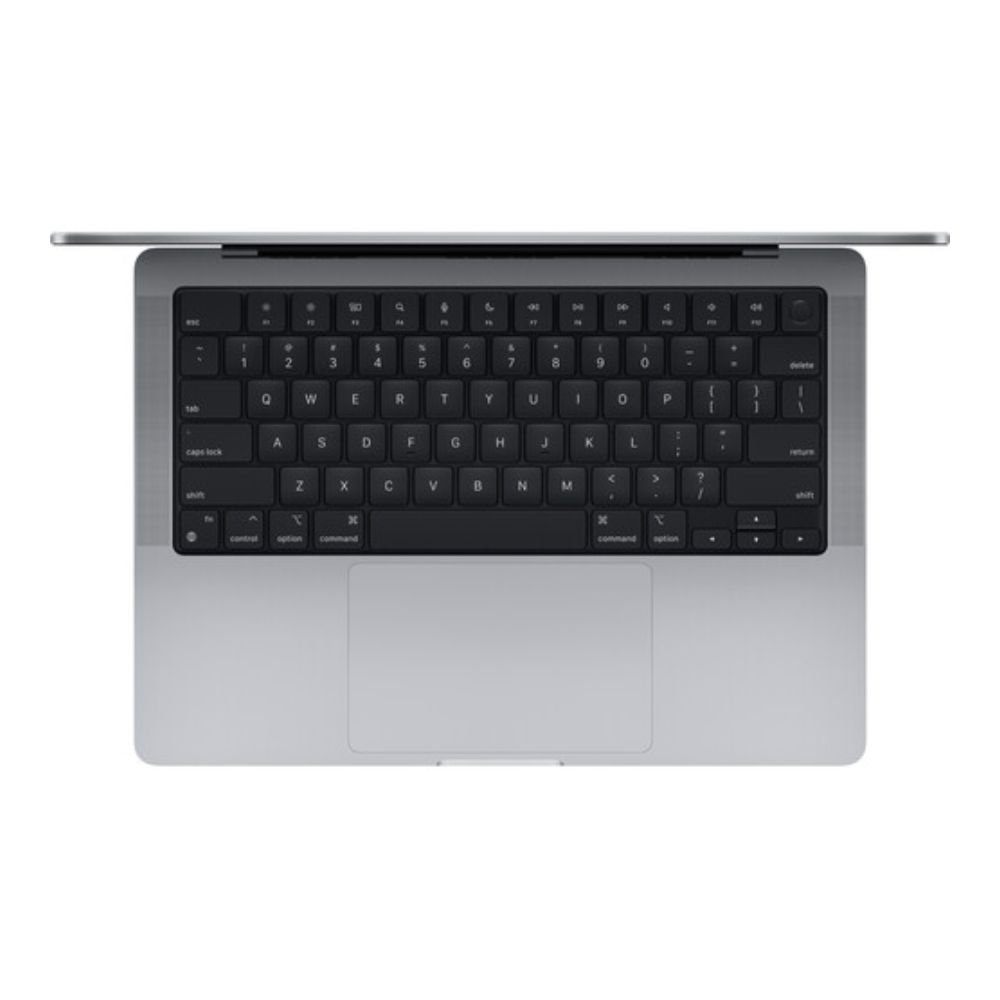
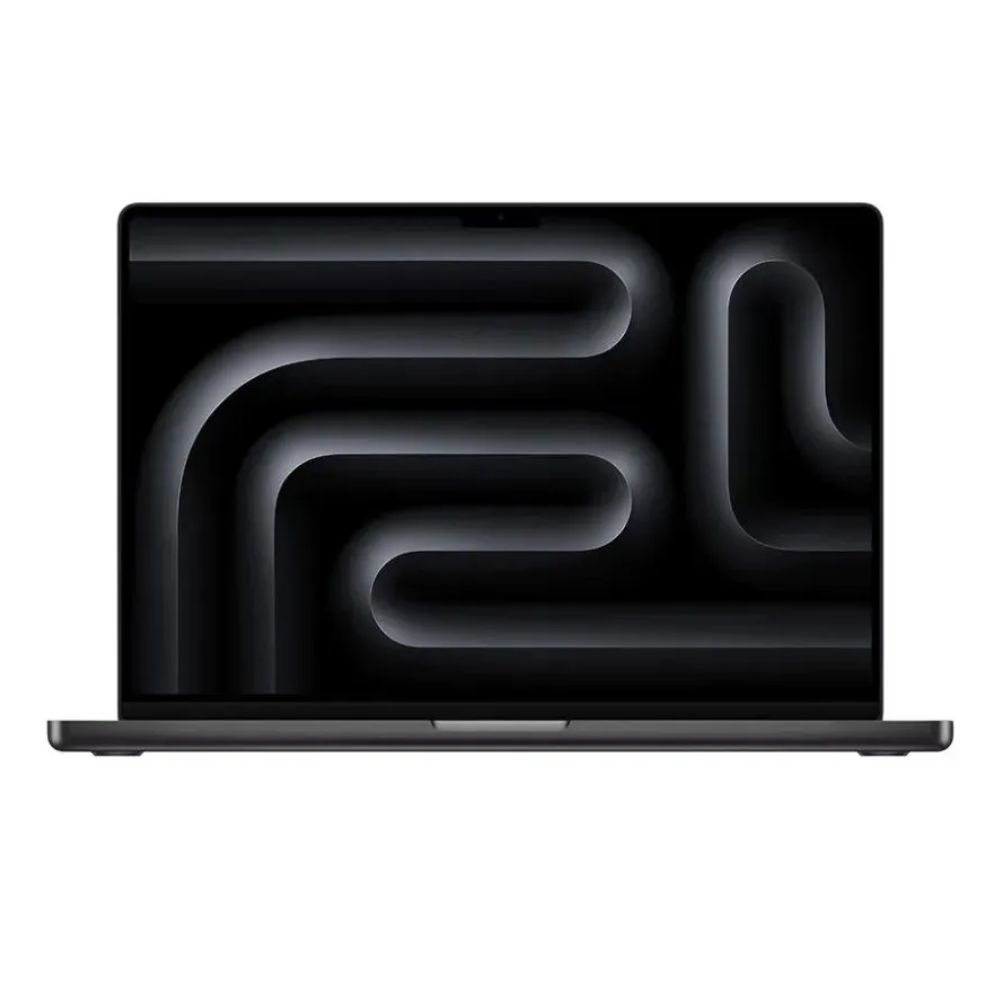
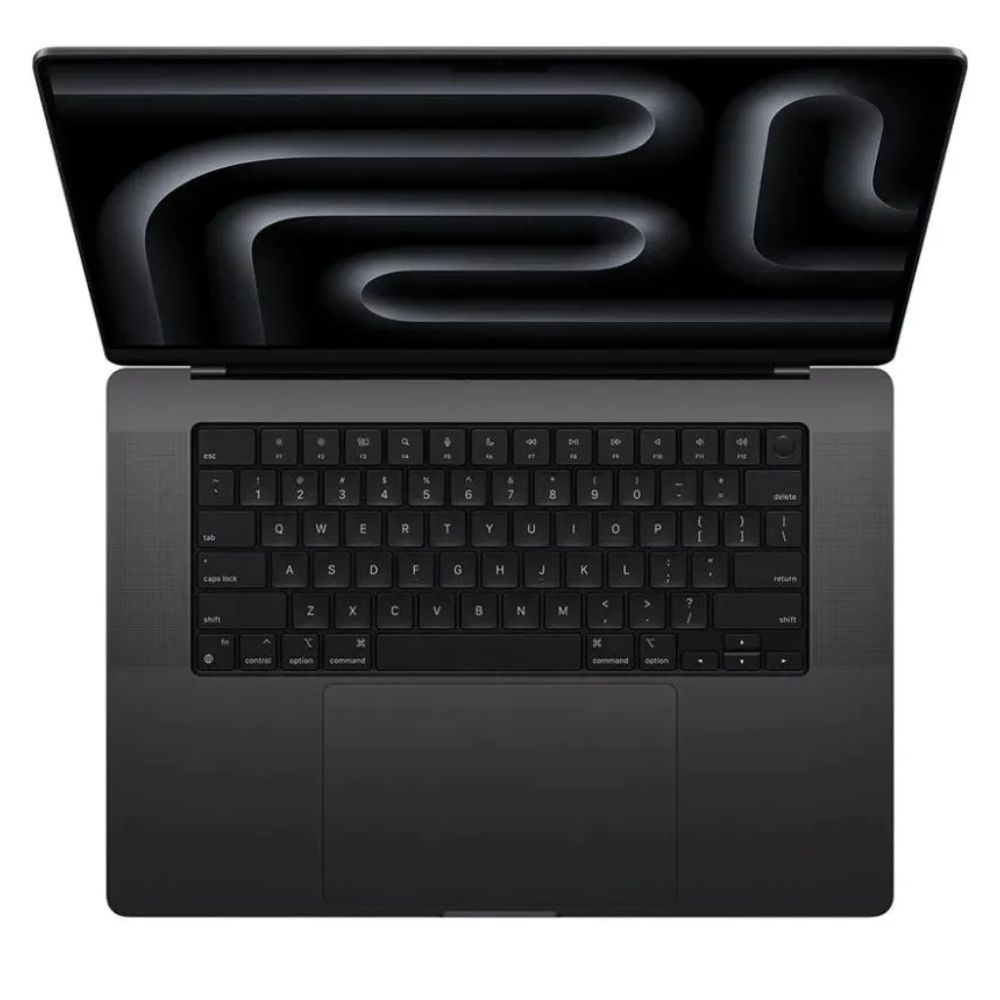
Apple M4 Pro 14-Core Chip 24GB Unified RAM | 512GB SSD 16″ 3456 x 2234 Liquid Retina XDR Screen 20-Core GPU | 16-Core Neural Engine Wi-Fi 6E (802.11ax) | Bluetooth 5.3 Thunderbolt 5 | HDMI | MagSafe 3 SDXC Slot | 12MP Center Stage Camera Backlit Magic Keyboard Force Touch Trackpad | Touch ID Sensor macOS with Apple Intelligence
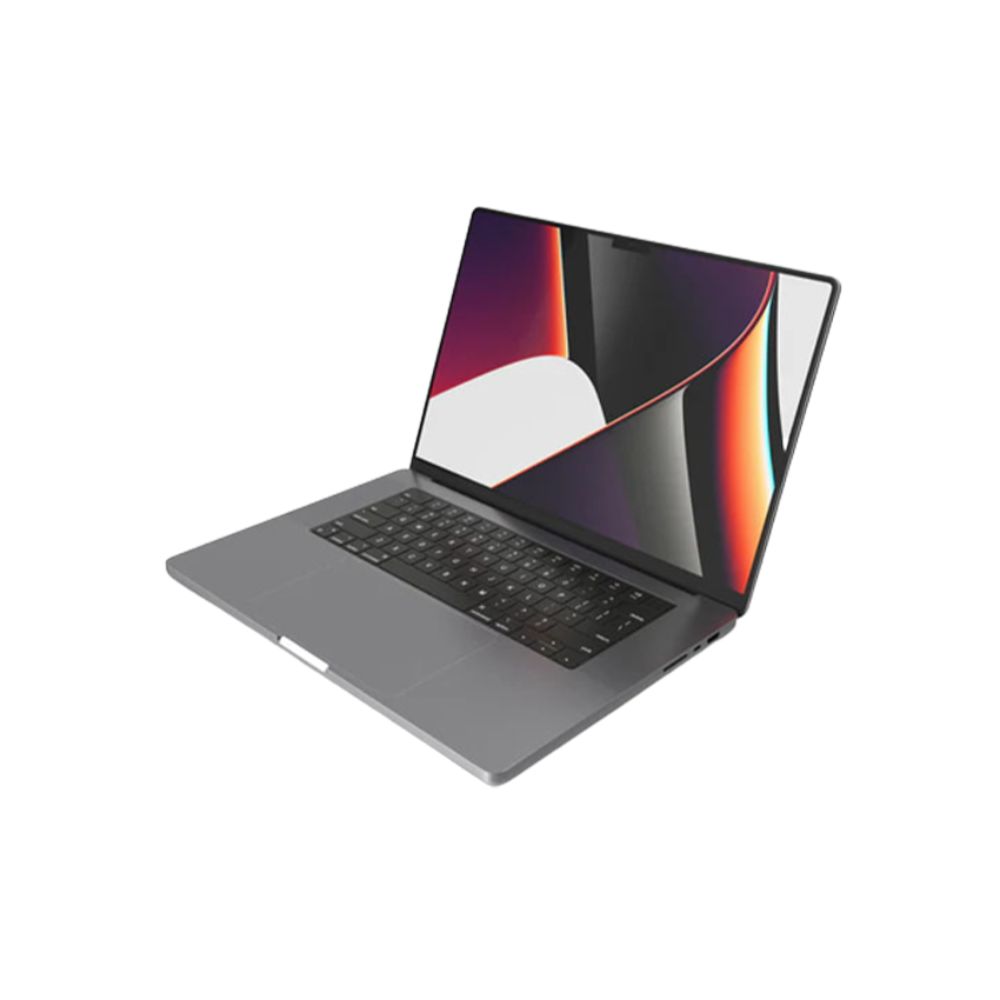
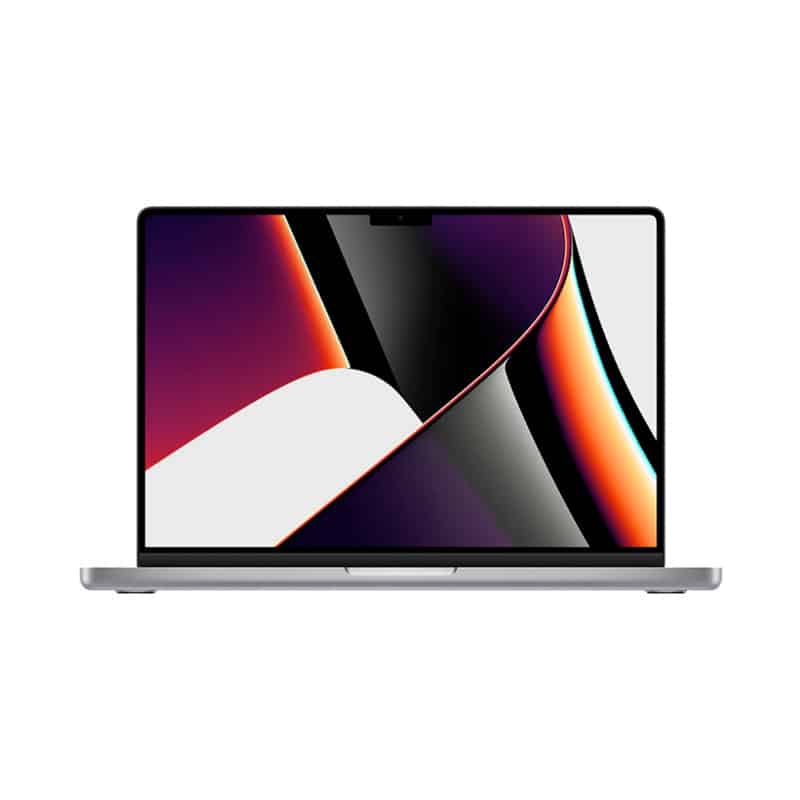
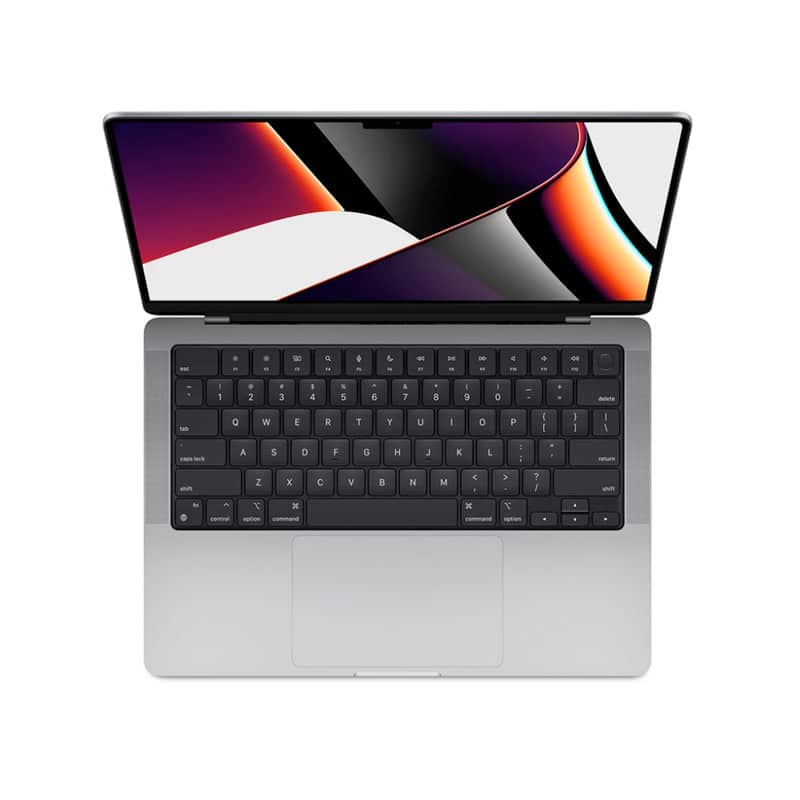
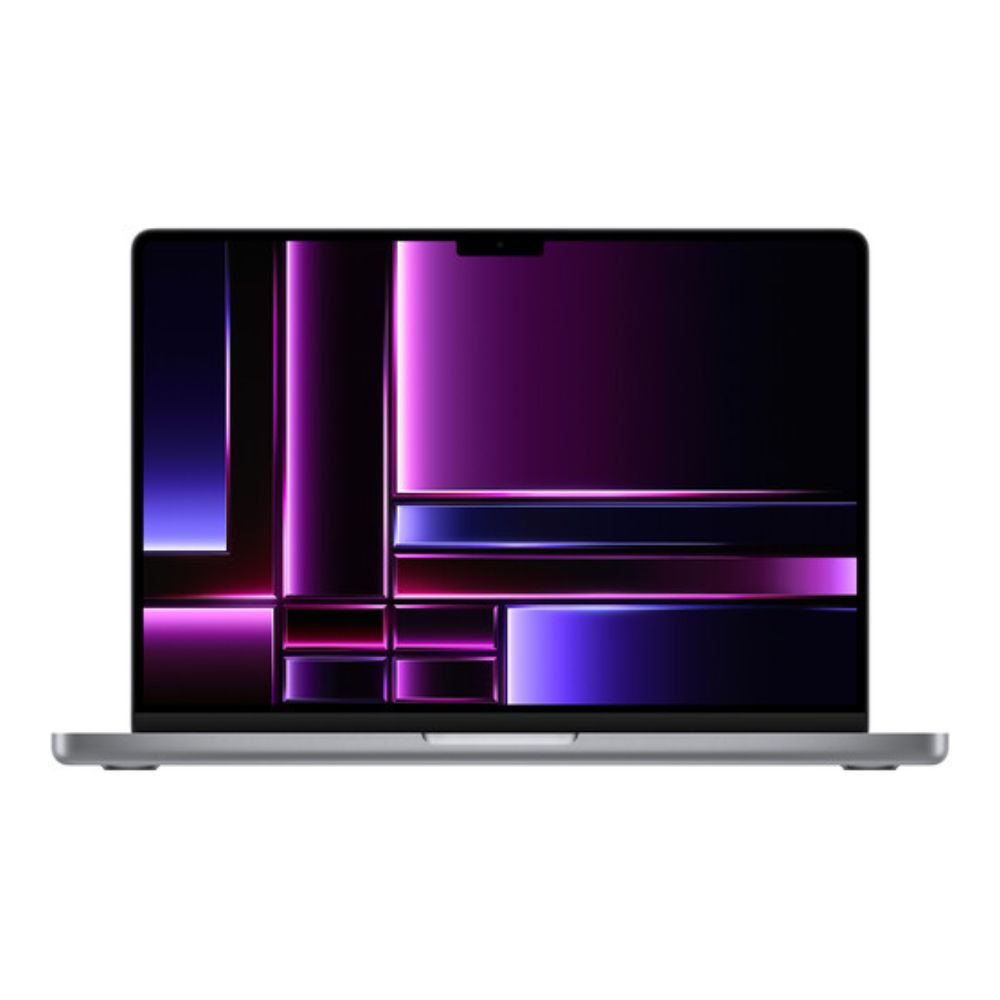
Delivering stunningly realistic visuals, the MacBook Pro houses a 16.2″ Liquid Retina XDR display. With support for up to 1000 nits of sustained brightness and 1600 nits of peak brightness with HDR content, a 1,000,000:1 contrast ratio, and a billion colors, the Liquid Retina XDR display can handle an exceptional range content with vivid color in a variety of lighting conditions.
This display supports the P3 wide color gamut and True Tone technology for brilliant, true-to-life color in photos and videos. ProMotion technology varies the refresh rate to up to 120 Hz to match the motion of your onscreen content, which helps preserve battery life while making tasks feel more fluid and responsive. Video editors have the option to lock in a refresh rate to match their footage.
Powerful Connections Three Thunderbolt 5 ports deliver 120 Gb/s of data throughput. There is also an HDMI port and a 3.5mm headphone jack alongside an SDXC card reader. The MacBook Pro can simultaneously support up to two 6K 60 Hz displays over Thunderbolt. Alternate configurations include one 6K 60 Hz display over Thunderbolt and a 4K 144 Hz monitor via HDMI. Single monitor options include either a 8K 60 Hz display or a 4K monitor at 240 Hz connected through the HDMI port. Productive All Day and Night This MacBook Pro is designed to deliver up to 24 hours, and may be charged up to 50% in just 30 minutes through the MagSafe 3 port. Made for Apple Intelligence A New Era with Apple Intelligence on the Mac Apple Intelligence harnesses the power of Apple Silicon and the Neural Engine to unlock new ways for users to work, communicate, and express themselves. It is available in U.S. English with macOS Sequoia 15.1 and includes systemwide Writing Tools, a newly redesigned Siri, and more. Writing Tools Apple Intelligence can proofread your text and rewrite different versions until the tone and wording are just right, and summarize selected text with a click. Siri With a new design, alongside richer language comprehension, you can seamlessly switch from speaking to typing requests to Siri. Siri has the ability to take actions across the system and draw on a user’s personal context to deliver intelligence that is tailored to them. It can also streamline your workflow and answer thousands of questions about Mac and other Apple products. Image Playground Image Playground gives users a new way to create fun original images, and Genmoji allows them to create custom emoji in seconds. Create fun, original images based on a description, a concept, or even a person from your Photos library. Priority Messages Get time-sensitive messages at the top of your inbox, like an invitation for a meeting in an hour or a reminder to check in for your flight. And Mail helps you summarize messages in a snap. Commanding Presentation 12MP Center Stage Camera The 12MP Center Stage camera helps you look natural, even in challenging lighting environments. Microphone Array The three studio-quality microphone array allows your voice to come through clearly on video calls and recordings while minimizing background noise. Six-Speaker Sound System The integrated sound system is comprised of two pairs of force-cancelling woofers and two tweeters, which are designed to fill the room with bold, bass-rich sound. Spatial Audio with support for Dolby Atmos creates an immersive movie and gaming experience. Mac + iPhone: Better Together iPhone Mirroring See and use what’s on your iPhone from your Mac. You can also drag and drop files between devices. Universal Clipboard Copy text, images, photos, and videos and paste them between your iPhone and Mac. AirDrop Wirelessly share photos, large files, and more between your iPhone, Mac, and other nearby Apple devices. No Wi-Fi network required. No Compromise Security Comprehensive Protection Security starts with Apple silicon and extends to the macOS architecture. This deep integration of hardware and software along with automatic software updates helps keep MacBook Pro stable and protected for the long term. The security architecture also powers features such as Touch ID, Find My, and advanced defenses that protect against viruses and malware. Touch ID Unlock your Mac, sign in to apps, and make secure payments with your fingertip. The Secure Enclave keeps your fingerprint data safe. Find My Locate your misplaced MacBook Pro and remotely lock or erase it if needed.