 New
New
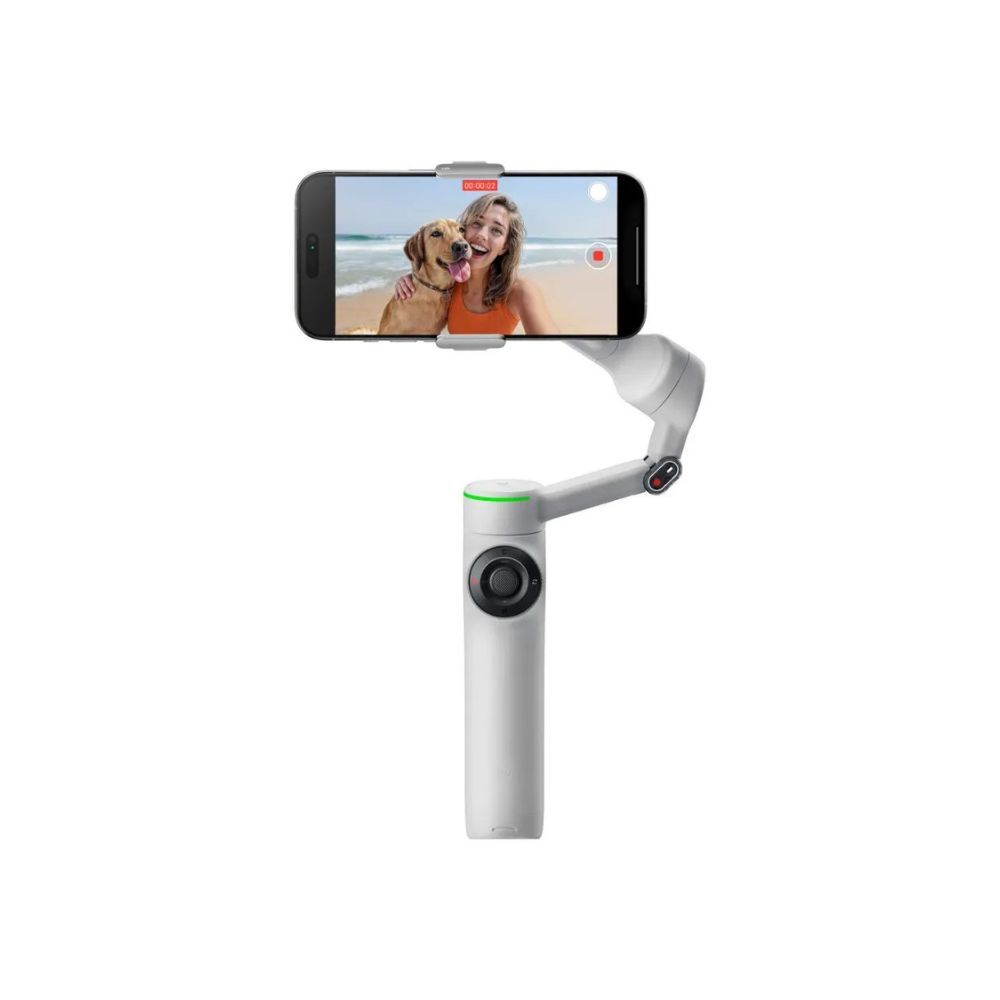
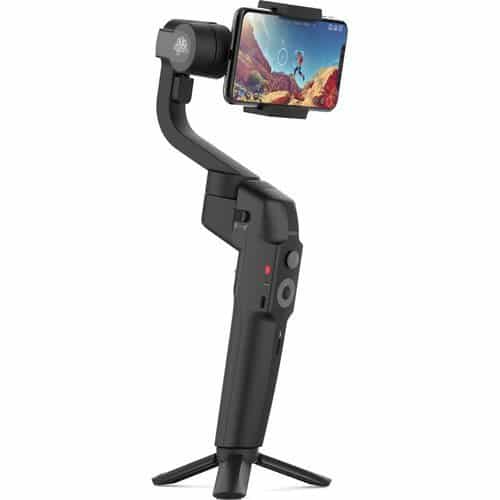
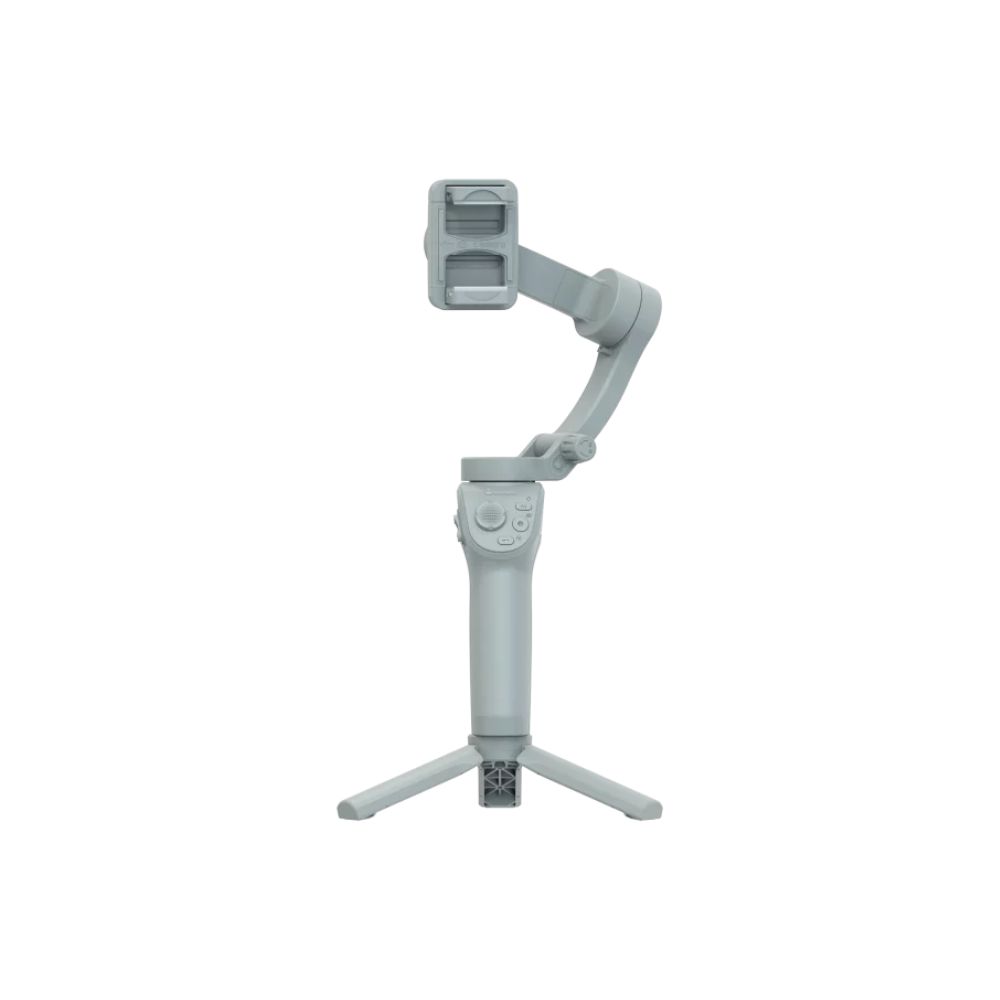
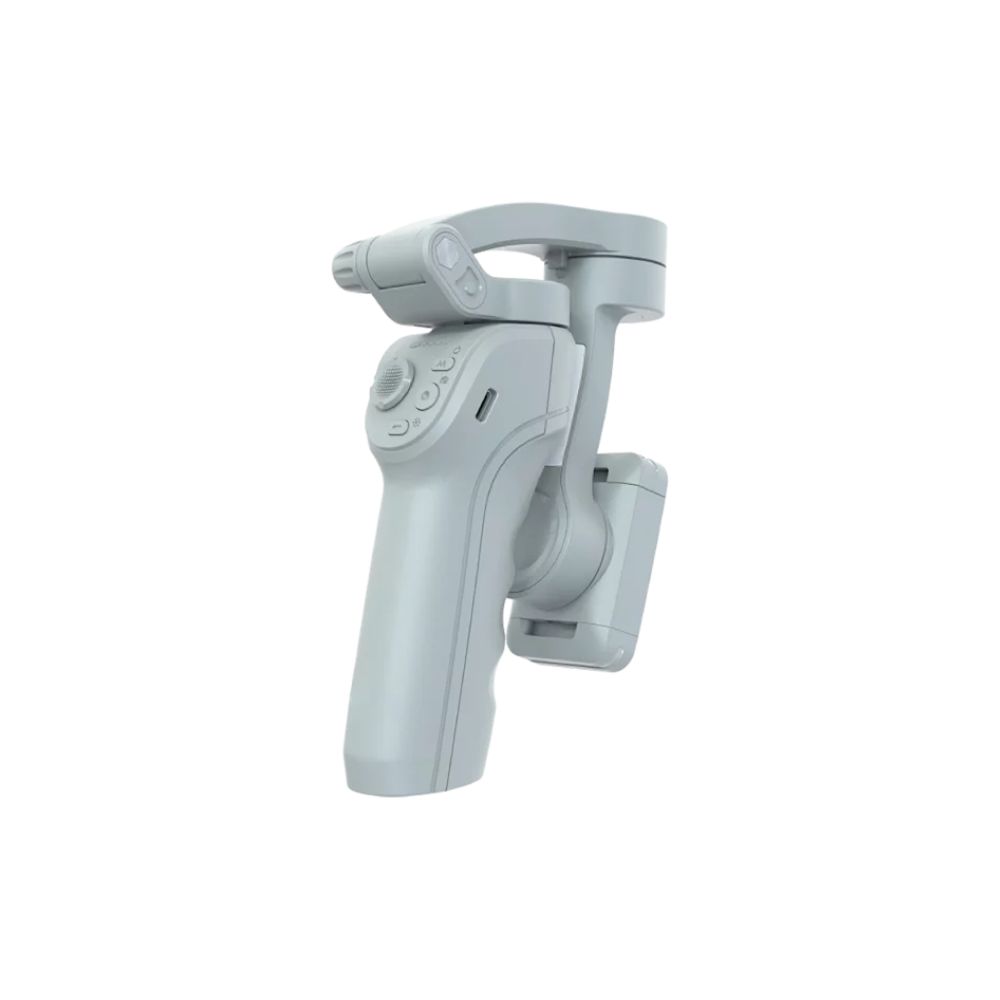
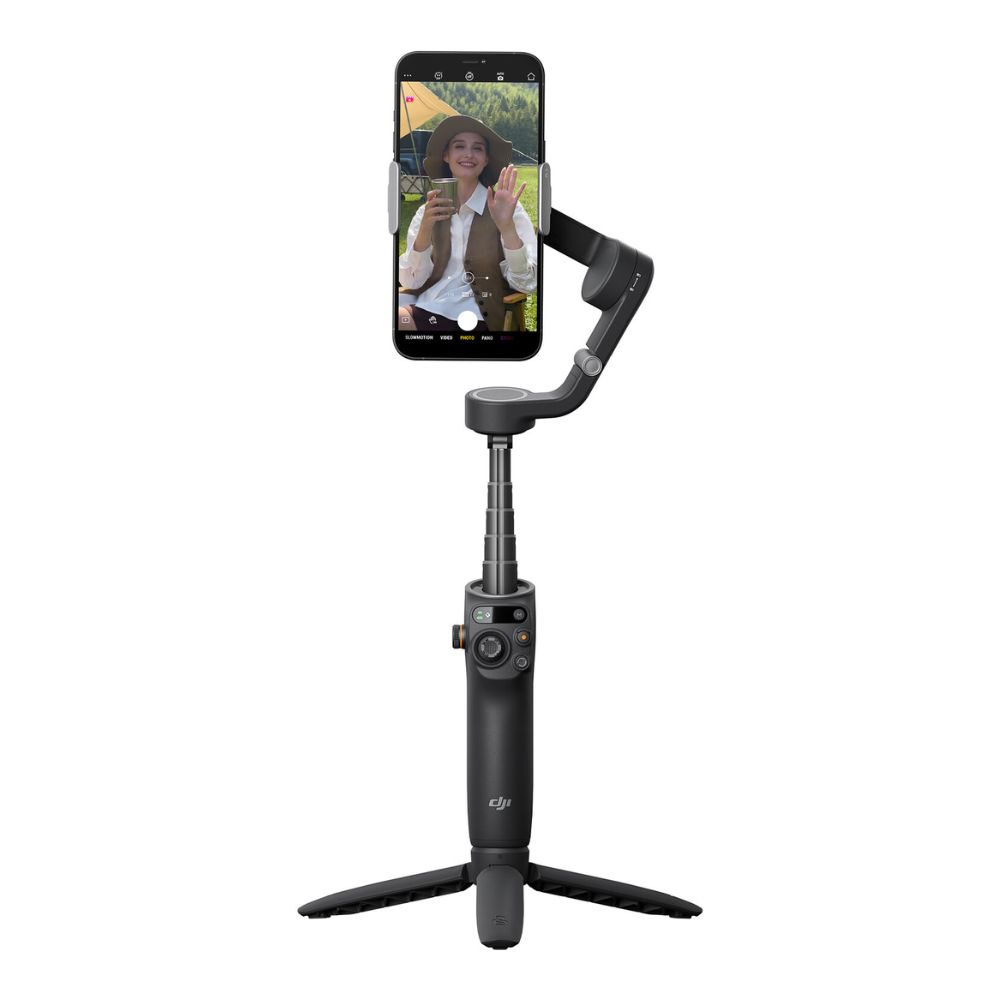
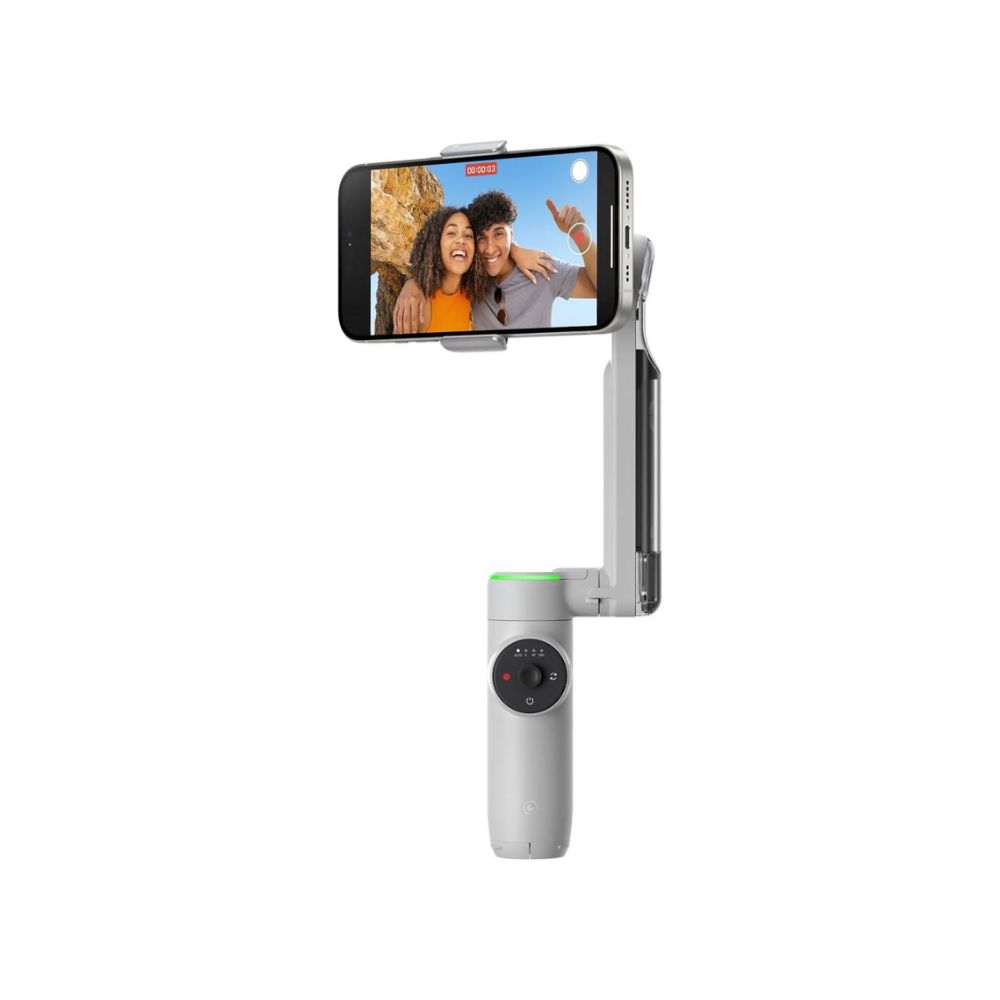
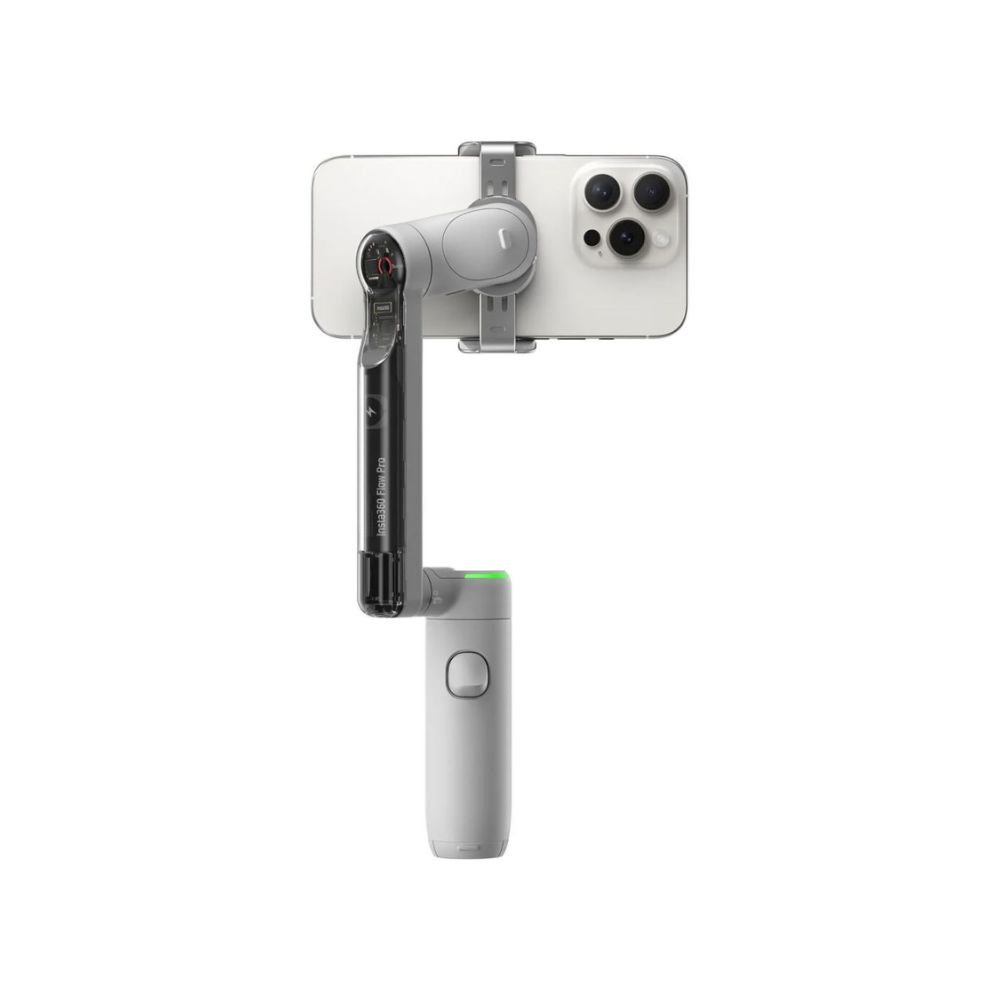
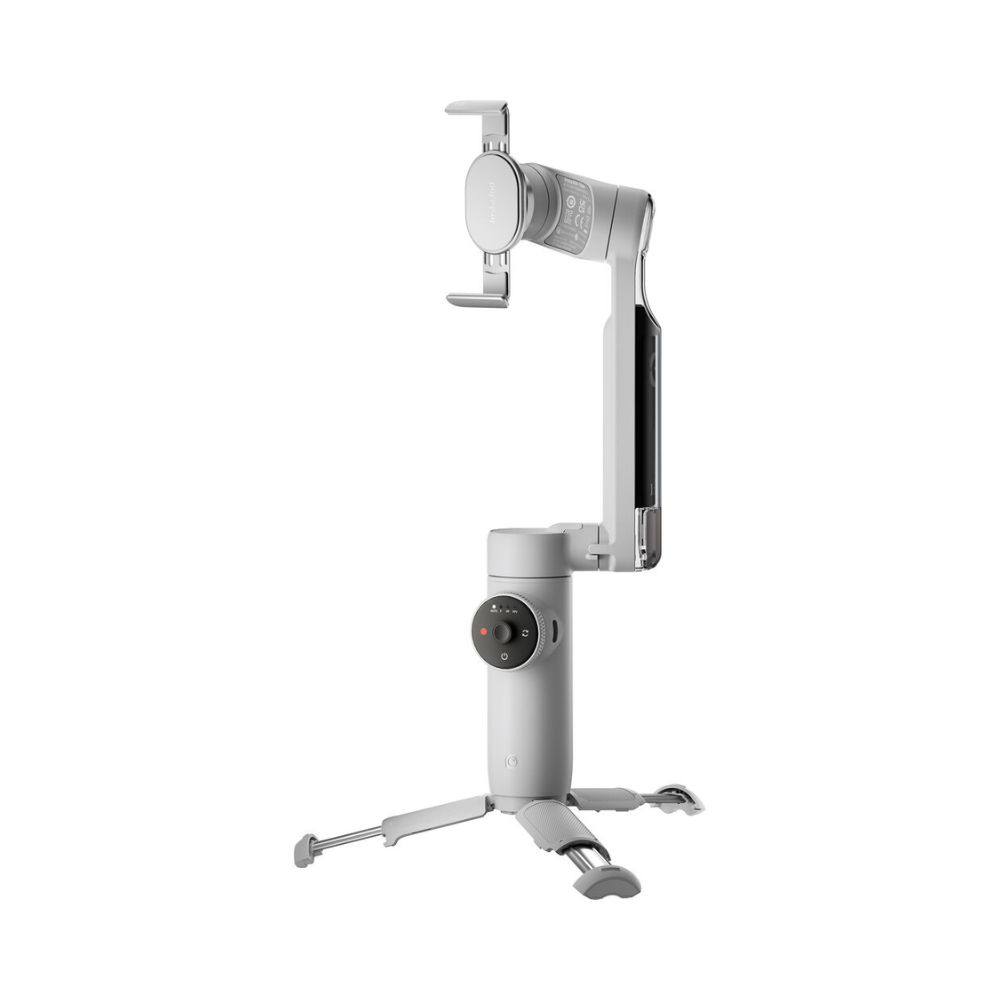
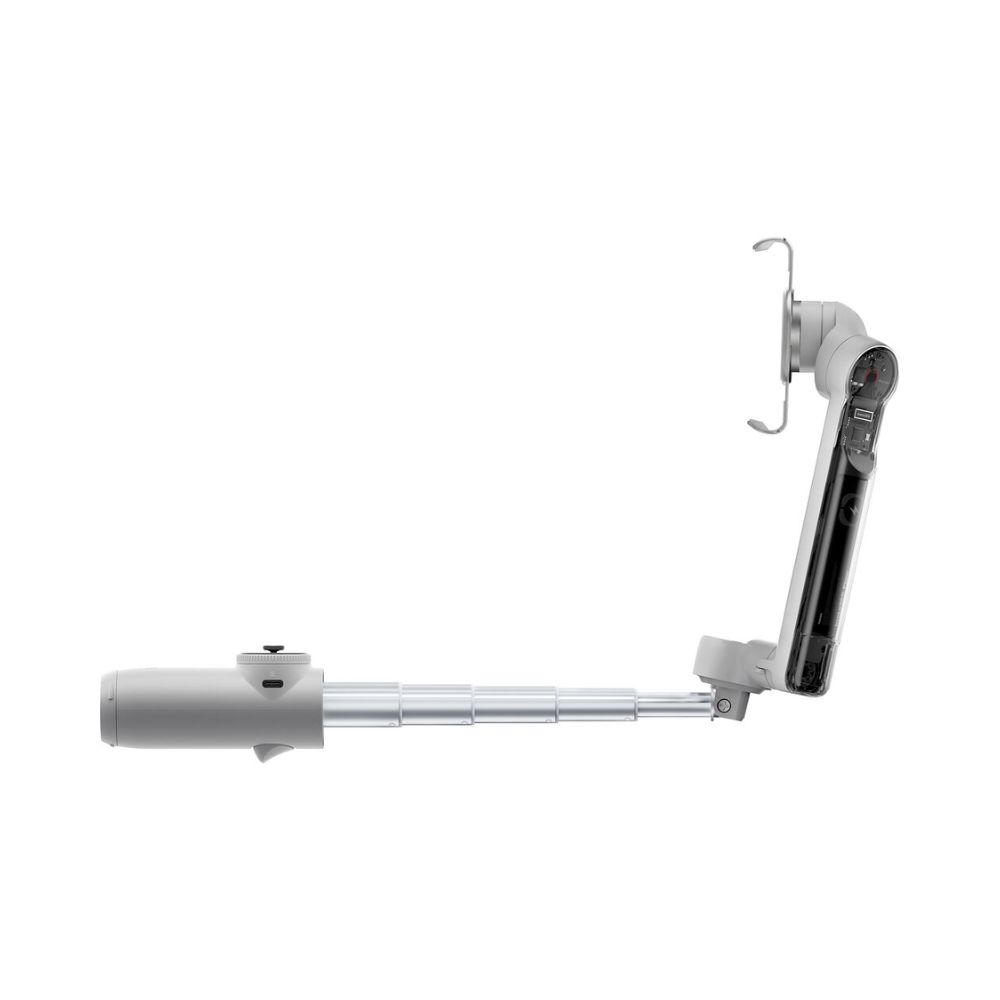
3-Axis Stabilization for Smooth Footage Built-In Selfie Stick and Tripod Deep Track 4.0 AI Subject Tracking 1-Tap Pairing, Native iOS Tracking Ring Light Indicator 360° Infinite Pan SmartWheel Control for Zoom/Mode/Trigger Magnetic Phone Clamp Edit with Insta360 App
Deep Track 4.0 technology keeps subjects in the frame and in focus with unmatched tracking accuracy.
If your subject moves out of frame, the gimbal will keep tracking it even when blocked from view.
Level up your slow-motion shots. Deep Track 4.0 is even supported for high frame rate videos.
Upon zooming in, the Flow not only can track your subject, but it will also automatically adjust gimbal settings for more stable shots.
Upgraded animal tracking accommodates more diverse subjects, from cats to dogs to horses.
Capture with iPhone Camera Tap your iOS smartphone to the Flow 2 Pro to pair the devices via NFC and Apple DockKit. This way, your Flow 2 Pro automatically connects the next time you pull it out. The gimbal features Apple’s DockKit subject-tracking technology, which ensures you stay in frame in videos, live streams, and video calls with your iPhone’s native camera app and across different app platforms. Compatibility with Third-Party Apps Insta360 Flow 2 Pro Make conference calls with Teams, Facetime, or Zoom for business meetings, stream live online for content creation, or teach a class remotely; the Flow 2 Pro keeps your subject clear, centered, and in focus for all third-party applications. USB-C Power Port and Battery Insta360 Flow 2 Pro Use the USB-C port on the gimbal to charge your phone while filming or recharge your gimbal’s battery when depleted. The integrated 1100mAh battery can shoot for 10 hours and recharges in just two hours. Selfie Shooting Insta360 Flow 2 Pro Record on your own with the teleprompter feature that provides your script as you move and shoot your POV scene. There is also a selfie mirror on the back of the phone clamp that allows you to see your own image as you use the rear camera. Smart Controls Insta360 Flow 2 Pro You can control the gimbal from a distance, so you don’t have to physically use the gimbal controls.You can use your smartphone or Apple Watch to set adjustments and start shooting, and you can also use a second smartphone to control your camera smartphone from a distance so you don’t have to be near your setup and capture a selfie scene.AI-enabled gesture control can facilitate hands-free control over your gimbal. Hold up your hand to start recording and tracking, and raise it once more to stop without needing to press a single button.
Comprehensive Shooting Modes Insta360 Flow 2 ProAuto: Automatically adjusts gimbal settings based on the environment
Follow: Responds to your movements for precise control, ideal for vertical shooting
Pan Follow: Ideal for horizontal shooting
FPV: Simulate FPV drone-like movements with gimbal stabilization
Dolly Zoom: Create cinema-like dolly zooms to add drama
Motion Time-Lapse: Create time-lapses of your environment
TimeShift: Speed up time and space for impressive hyperlapses
360 Panorama: Set up your tripod and record immersive 360/240/180° or 3 x 3 grid panorama shots
Barrel Roll: The smartwheel facilitates exciting barrel roll shots
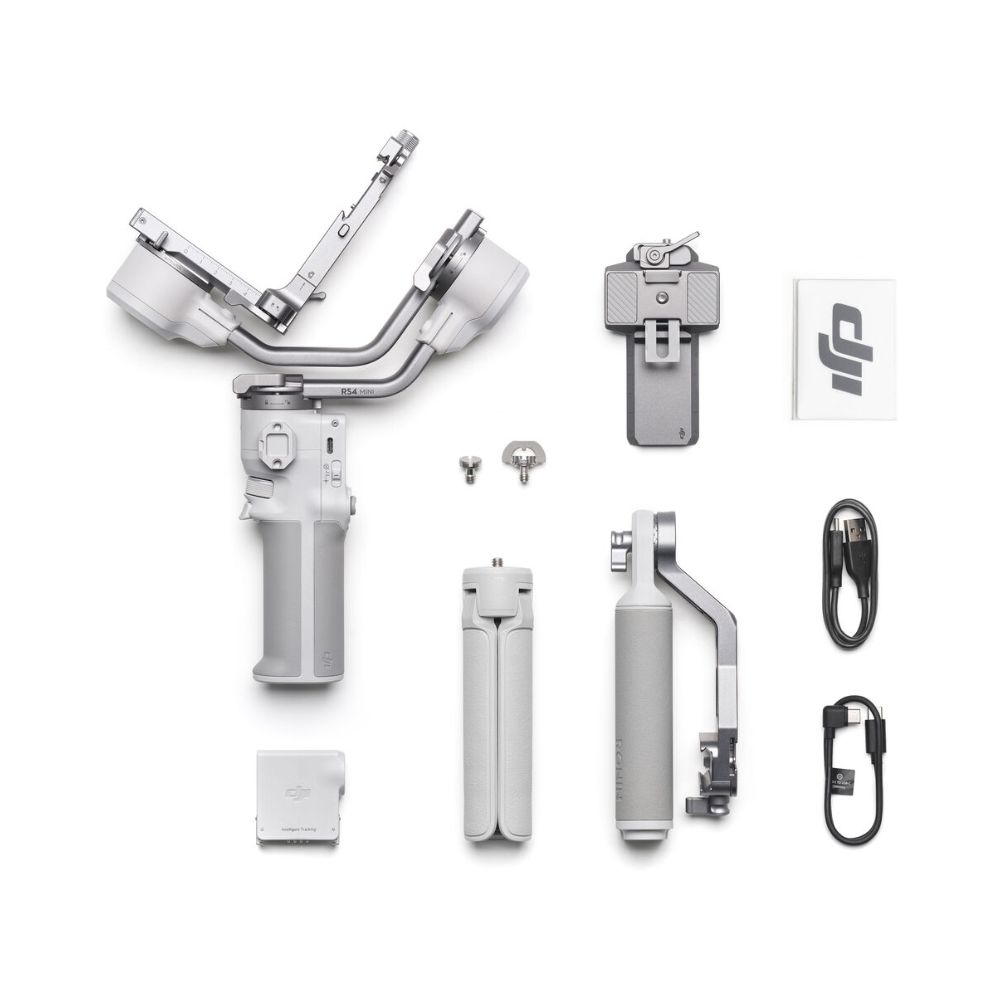
Cinematic Visuals Insta360 Flow 2 Pro With a full tilt range and wide range of motion, cinematic movements such as rising and follow shots add drama to your scenes. The iPhone app also allows you to capture Apple ProRes format and utilize Dolby Vision and Advanced HDR color technology for rich, colorful cinema-quality visuals. Hoop Mode Insta360 Flow 2 Pro When shooting sports such as basketball, the app features hoop mode that keeps track of the court, follows highlighted players, and captures every basket with full-court tracking. Intuitive SmartWheel Control Insta360 Flow 2 Pro The SmartWheel boasts a minimalist design and gives you quick, easy access to various useful functions, from shooting controls to video replay and more. Single press the back button to toggle Deep Track 4.0, double press to re-center, triple press to flip the camera around for Max Selfie mode. It facilitates a quick ratio change, zoom control, video replay, and quick access to creative effects. Insta360 App Create cinematic effects with dynamic camera movements and speed controls in the Insta360 app, including Widescreen mode, Hoop mode, TimeShift, Motion Time-Lapse, Barrel Roll, and Dolly Zoom. Master your shots with AI-powered editing tools. FlashCut tells a story with your clips, editing together the highlights on the beat of the music.Items Included