New
New

7680mAh
Up to 18 hrs of Daily Use
Up to 360 hrs of Standby
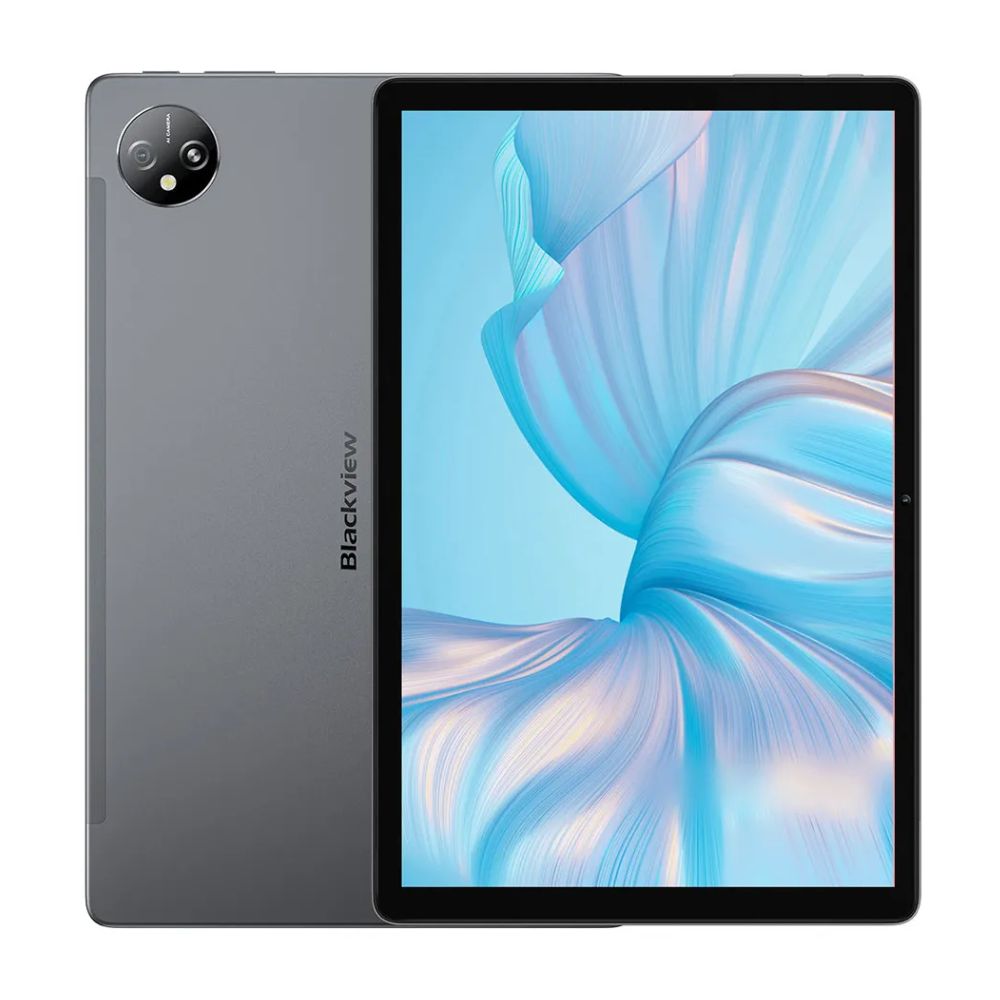
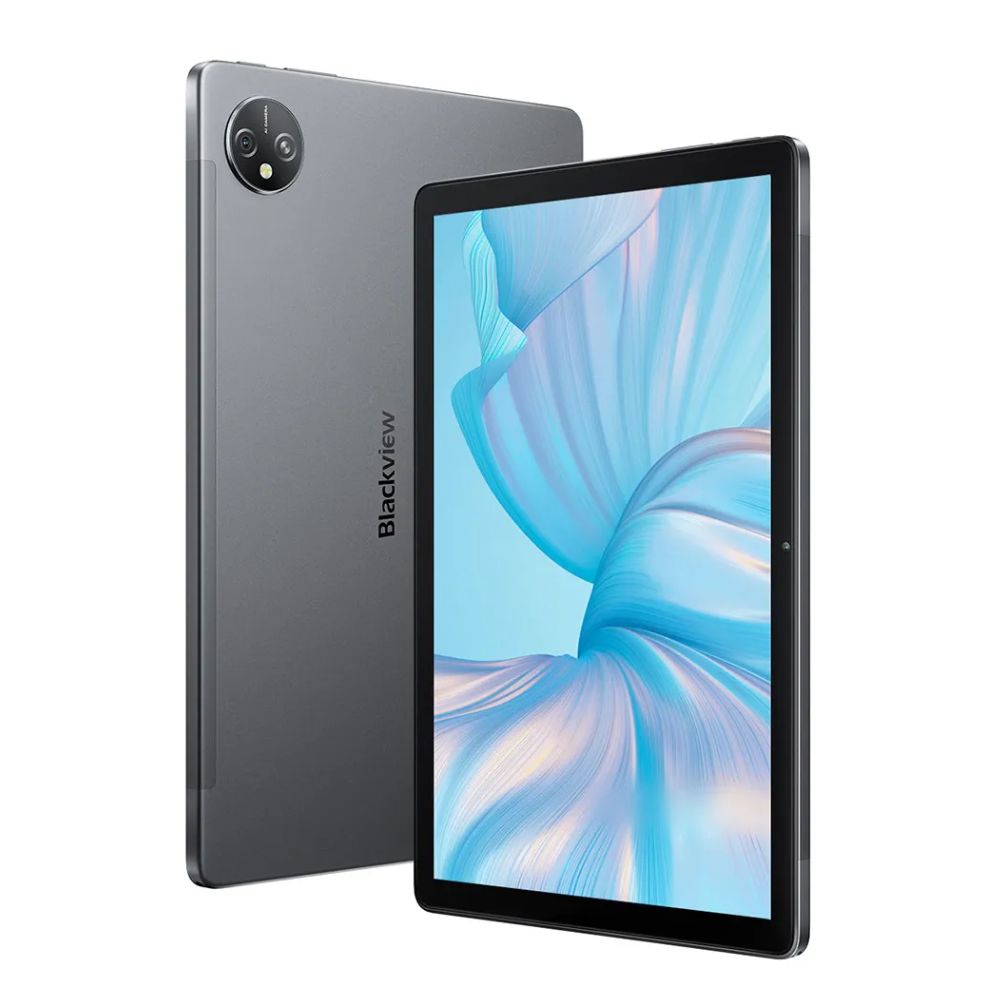
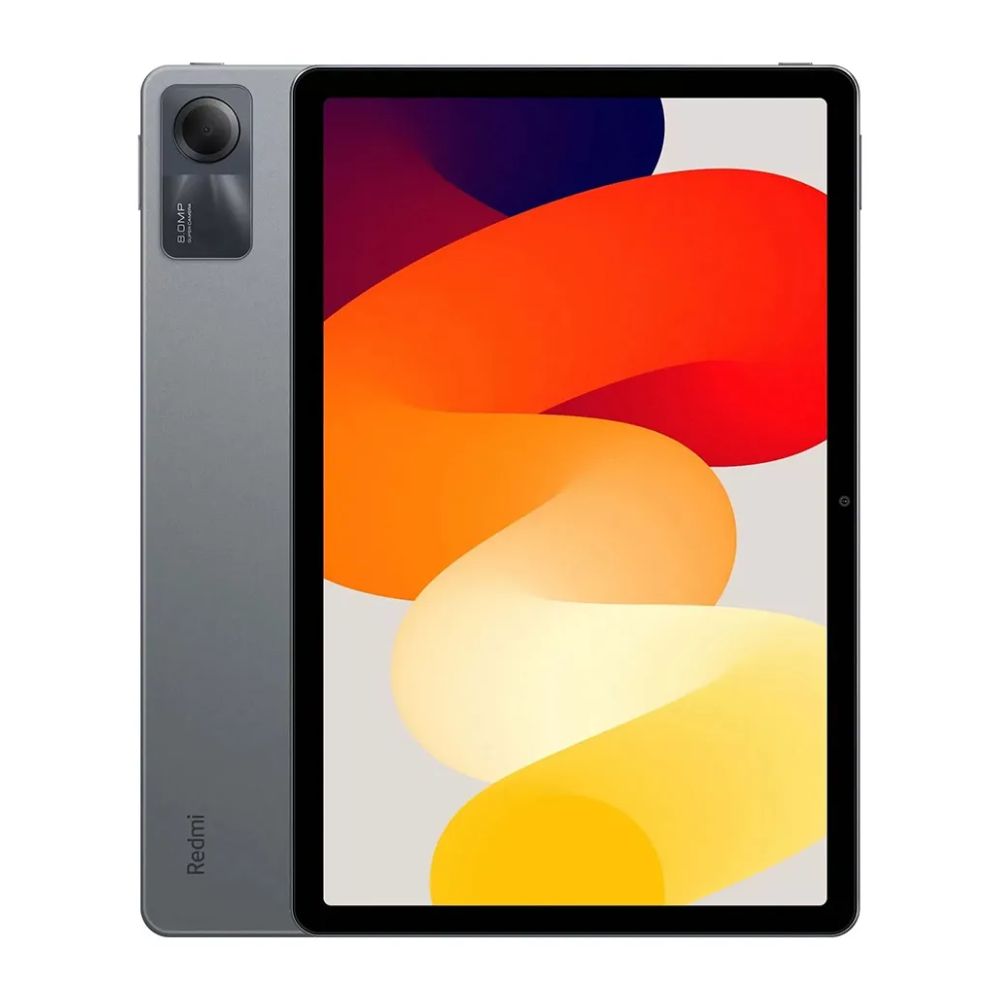
11-inch Ultra-large Full View Screen
Bigger Screen. Bigger Show’s on
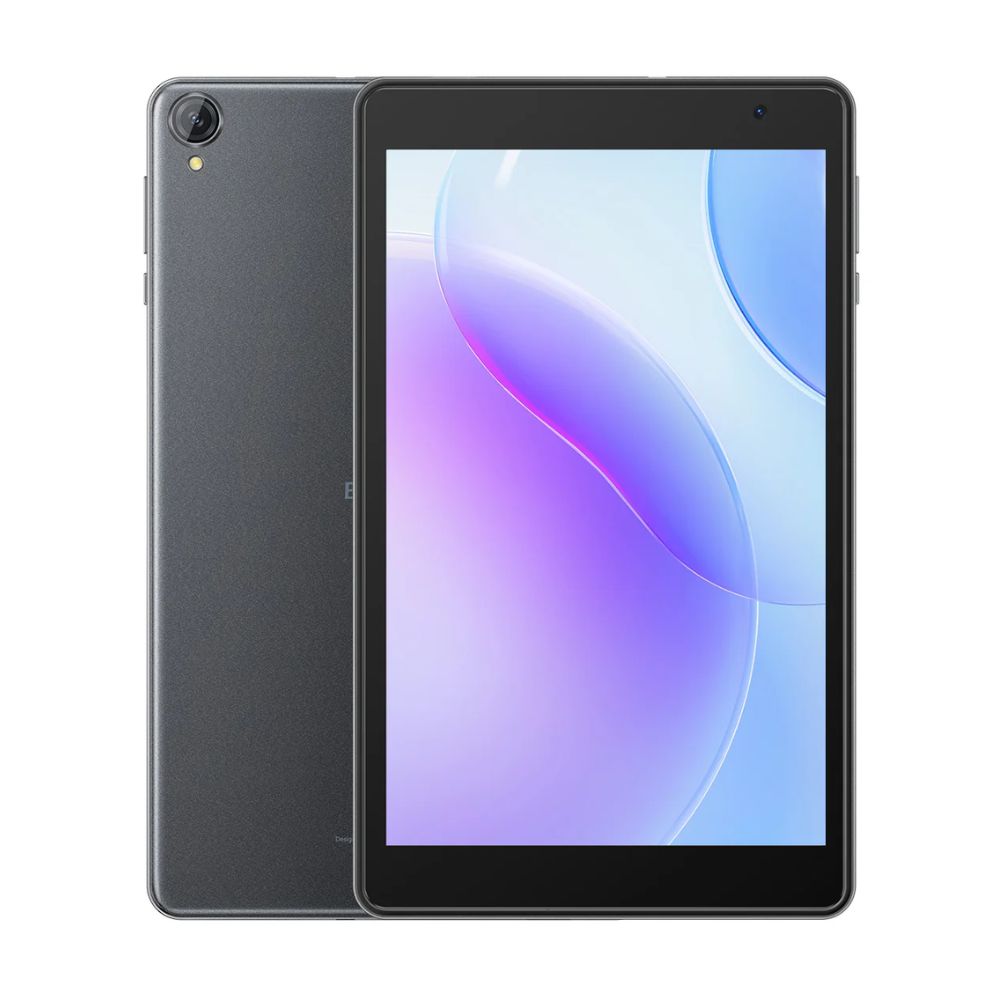
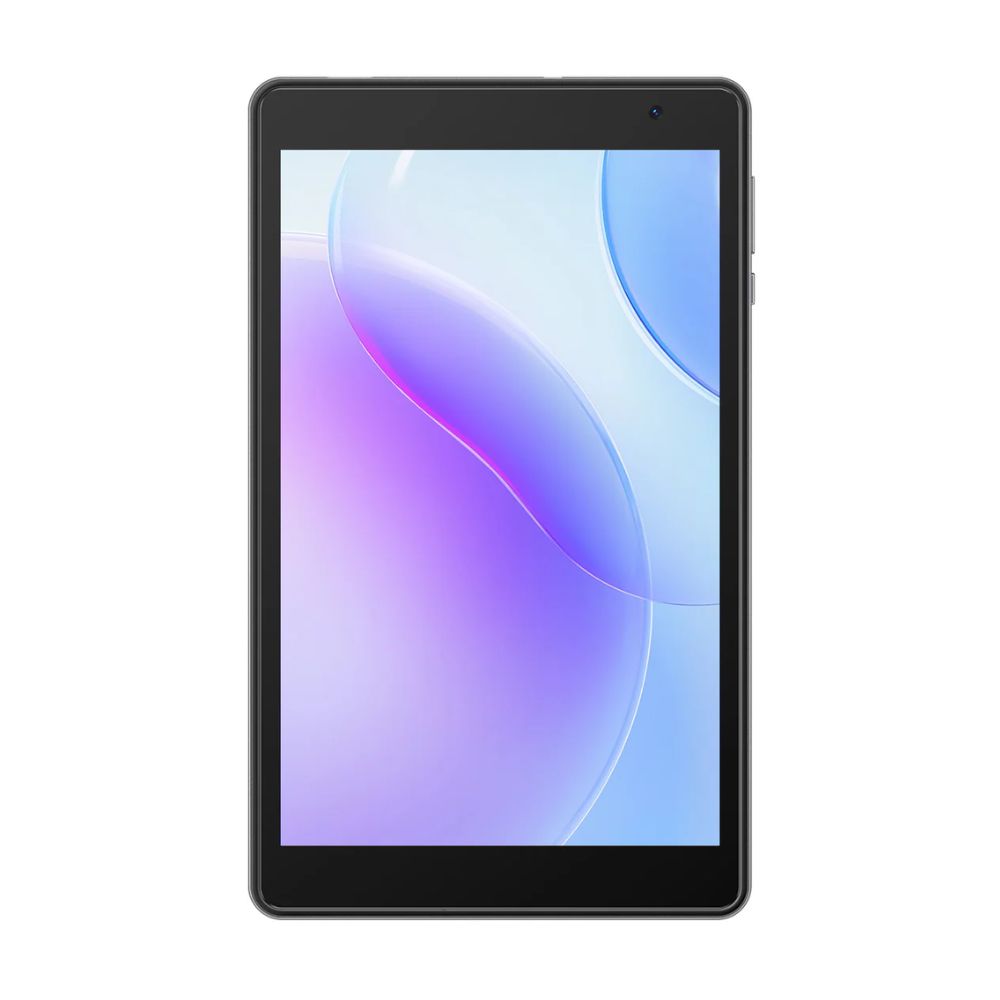
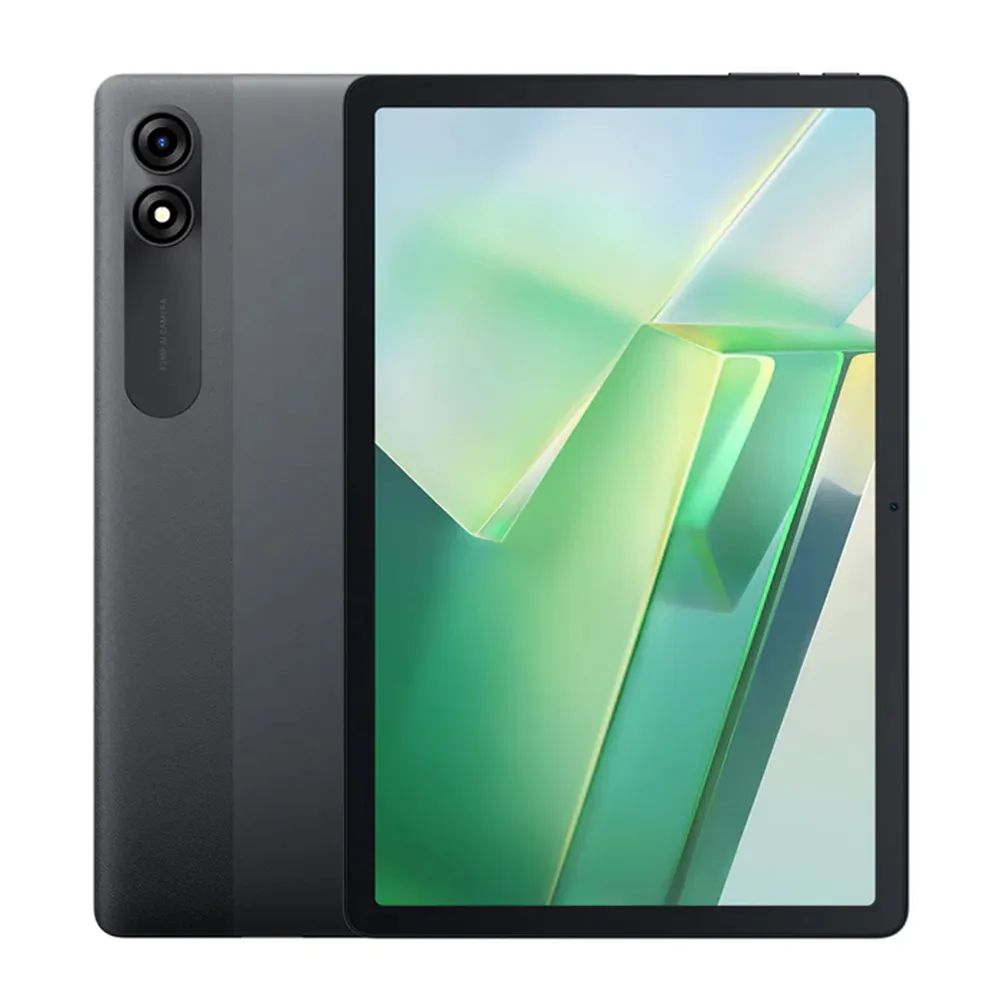
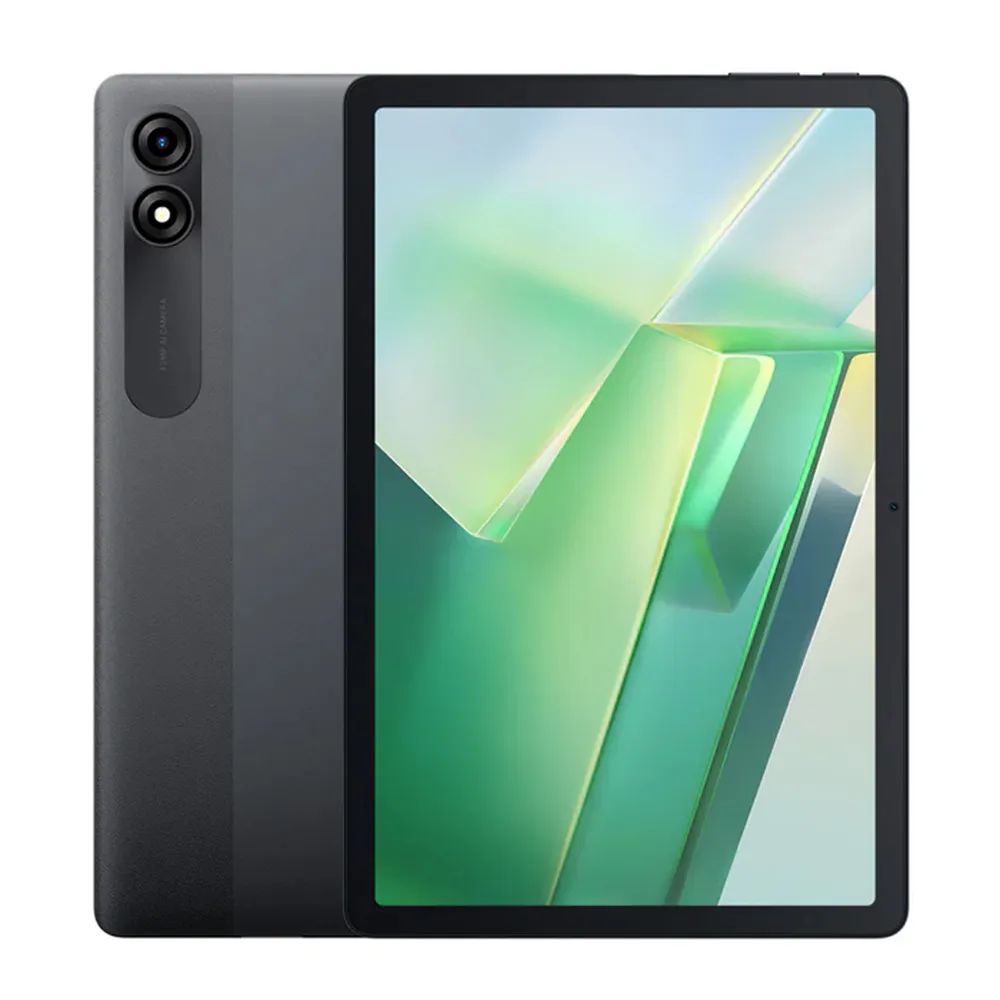
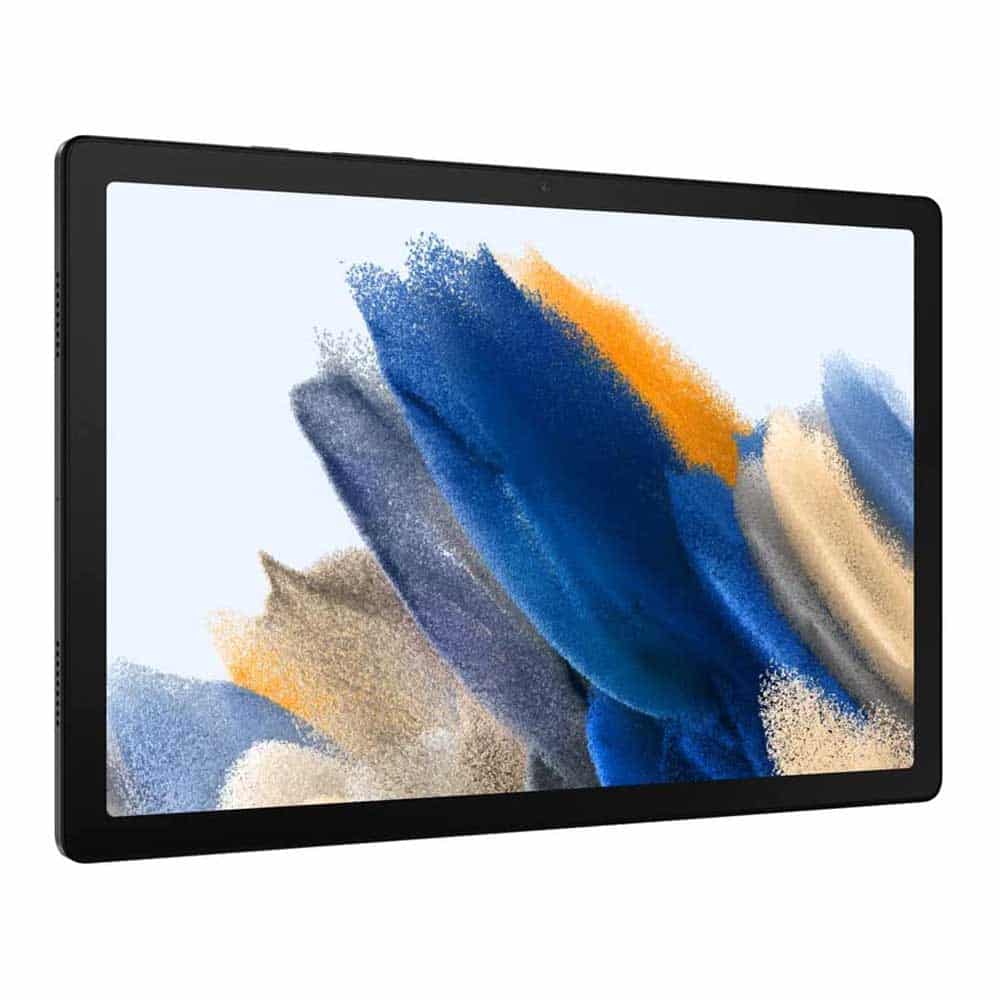
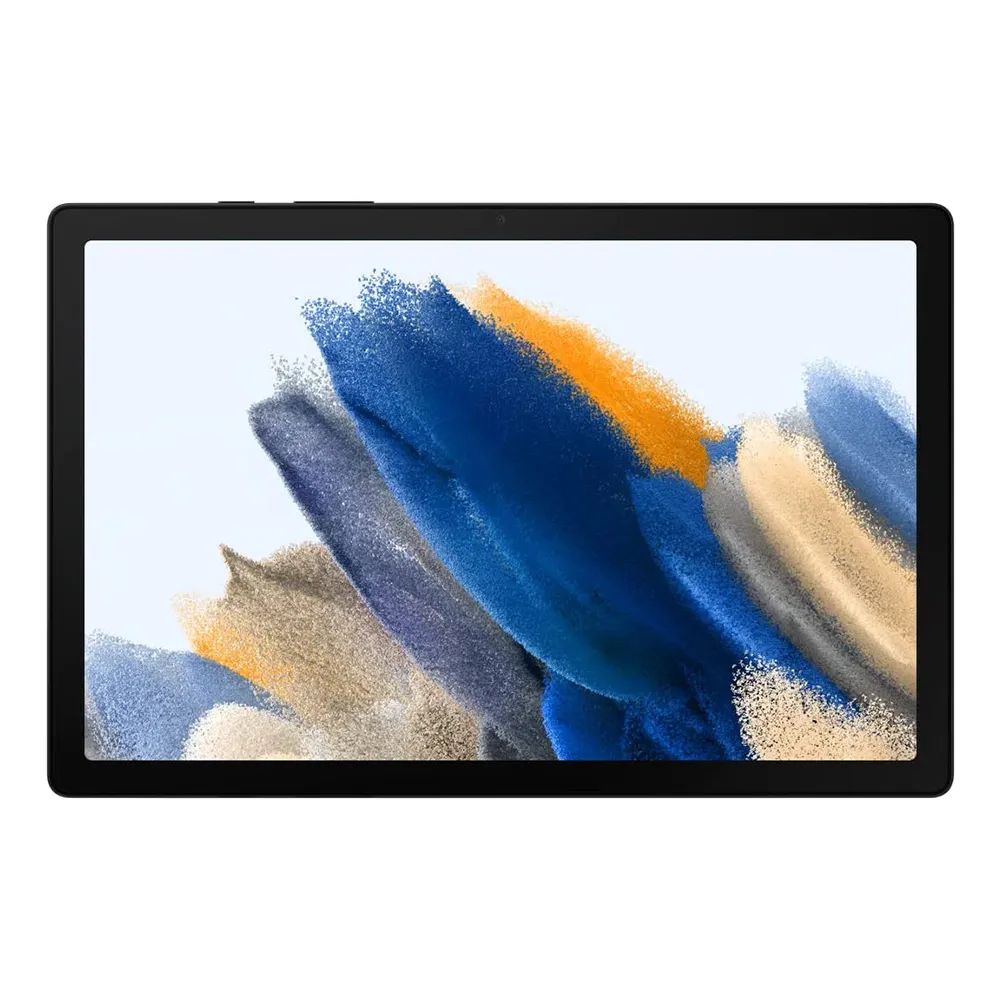
Get closer to the action with an 11-inch ultra-large screen and full-view surface that’s easy on the eyes, you can lie down, sit, or stand to watch great images and videos without any dead spots, and everything you see is vivid and bright coming to life in front of you.
Blackview Tab 16 – 8 – 256GB1080P Widevine L1 Support
Get Immersed in Cinematic Enjoyment
Tab 16 supports Widevine L1, which allows you to watch 1080p Full HD movies and videos on YouTube, Disney+, Hulu, and Amazon Prime Video . You’ll also hear every detail of Smart-K stereo sound with quad-box speakers immersing you in a stunning audio-visual feast.
Blackview Tab 16 – 8 – 256GBSmart-K Quad-box Speakers
Get Ready for an Acoustic Feast.
Smart-K quad-box of Tab 16 deliver symmetrical audio from both sides, for you to indulge in a stronger and more even sound field. Tuned by Awinic, this tablet presents authentic and rich sound details true to the music and your mood.
Blackview Tab 16 – 8 – 256GBMulti-Window & Split-screen view
Divide Your Screen. Conquer Your Day.
Get things done all on Tab 16. Take notes, collaborate, and work seamlessly between apps. From online to in-person learning, Tab 16 is designed for all kinds of productivity.
Blackview Tab 16 – 8 – 256GBKeyboard
11-inch PC-like Experience with Touchscreen
Getting things done is much easier with an 11-inch ultra-large touchscreen, and a custom Blackview Keyboard equipped with a large touchpad and intuitive functional keycaps gives you a seamless PC-like experience.
5 Languages Supported
*Blackview Keyboard is not included.
Blackview Tab 16 – 8 – 256GB
WPS Set
Office App Insert
With a preinstalled WPS Office set that includes Word, Excel, PowerPoint, and PDF, Tab 16 handles documents, spreadsheets, and presentations all in one place, thus significantly improving working and study efficiency.
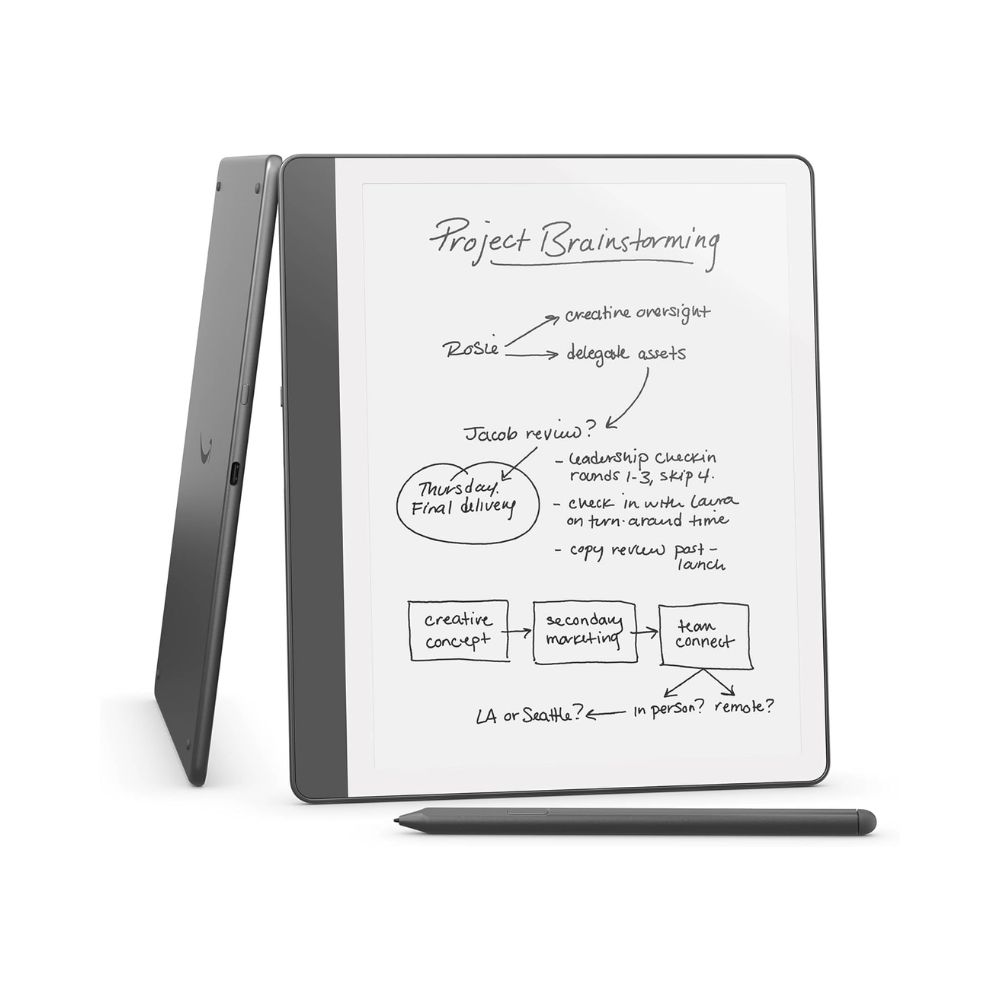
Free Stylus Pen
Go Ahead, Jot for Joy
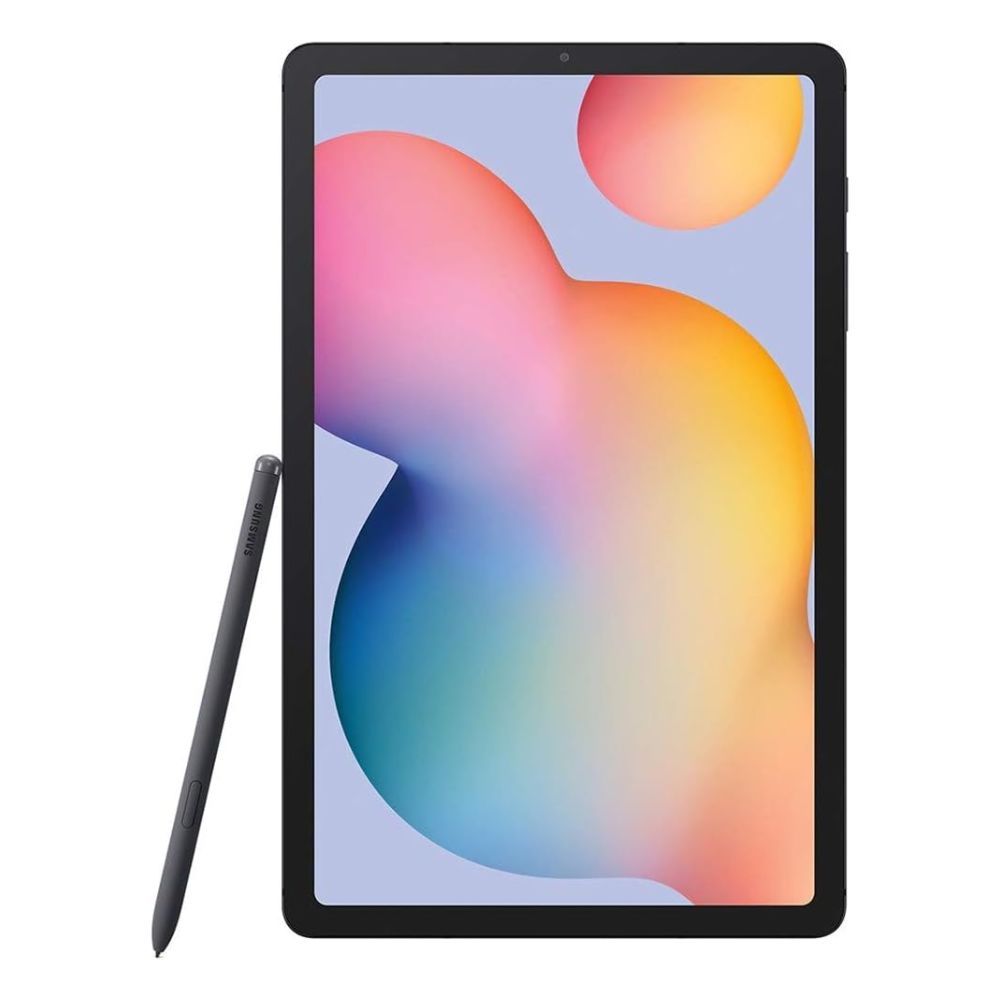
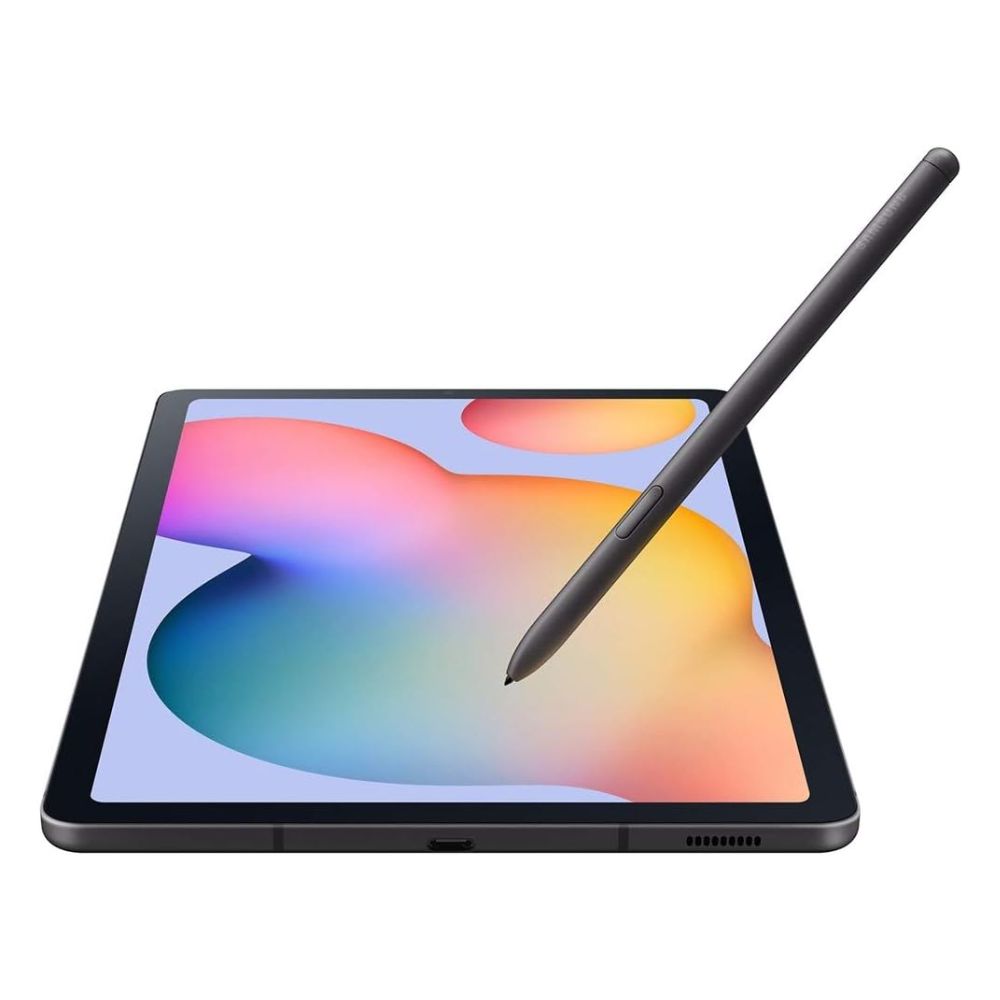
Blackview thoughtfully gifts each Tab 16 purchaser a stylus pen that combines a transparent tip design and advanced technology, the pen is great for taking notes, jounaling, and drawing.
3 Reading Modes
Eye-Soothing Comfort
With three kinds of eye protection modes built-in, Tab 16 Certified also by TÜV Rheinland for low blue light can effectively filter harmful blue light to reduce eye fatigue. Plus, Tab 16 reduces eye strain, particularly. Important for young children, allows them to have fun and learn with confidence on the tablet.
3-darkness-level
Dark Mode
Reading Mode
Reading Mode
Eye Comfort Mode
Dark Mode
Bigger is Better
A Screen Everyone Will Love
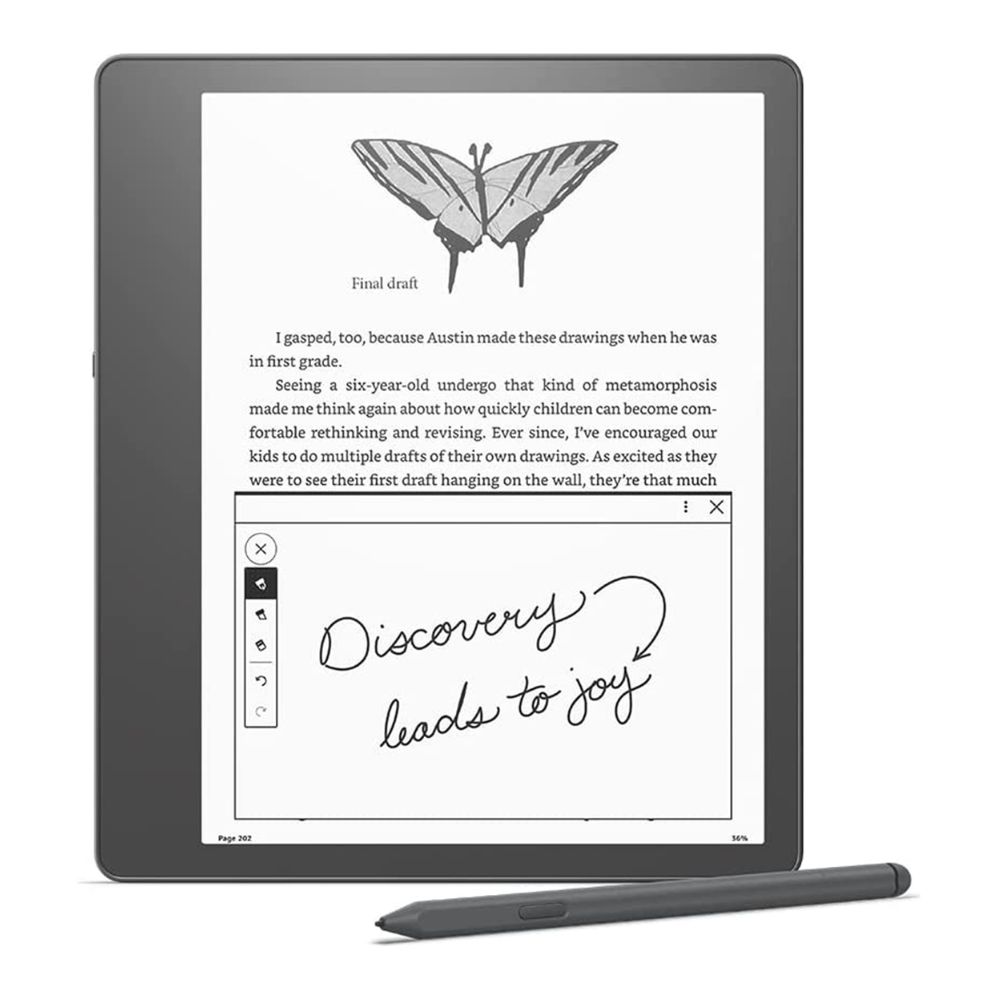
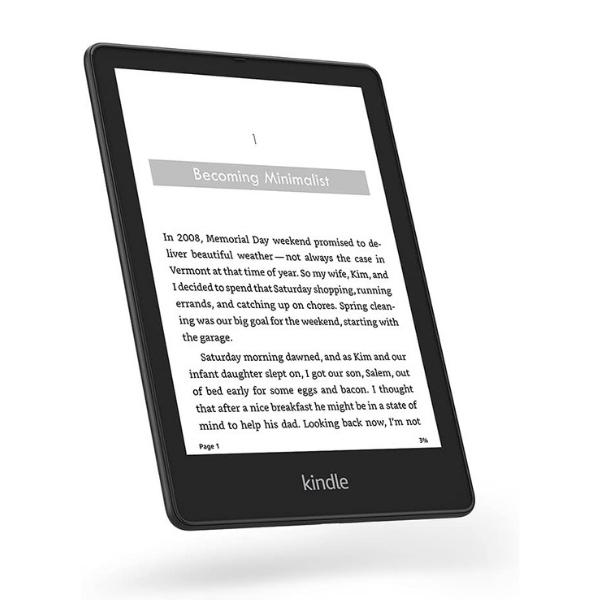
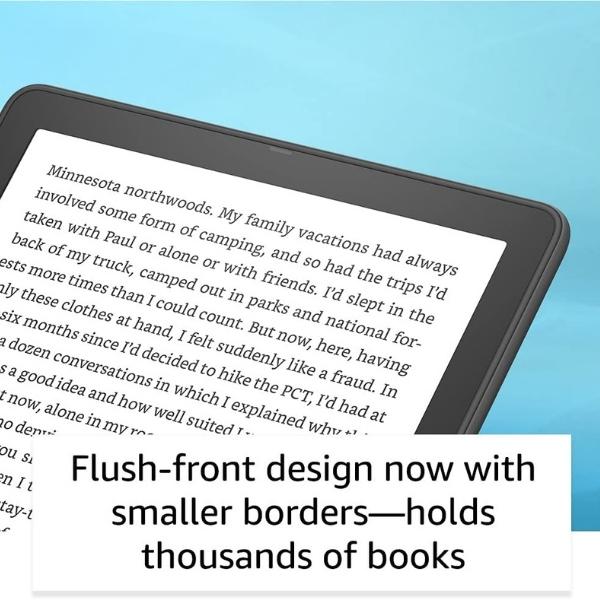
Reading e-Books
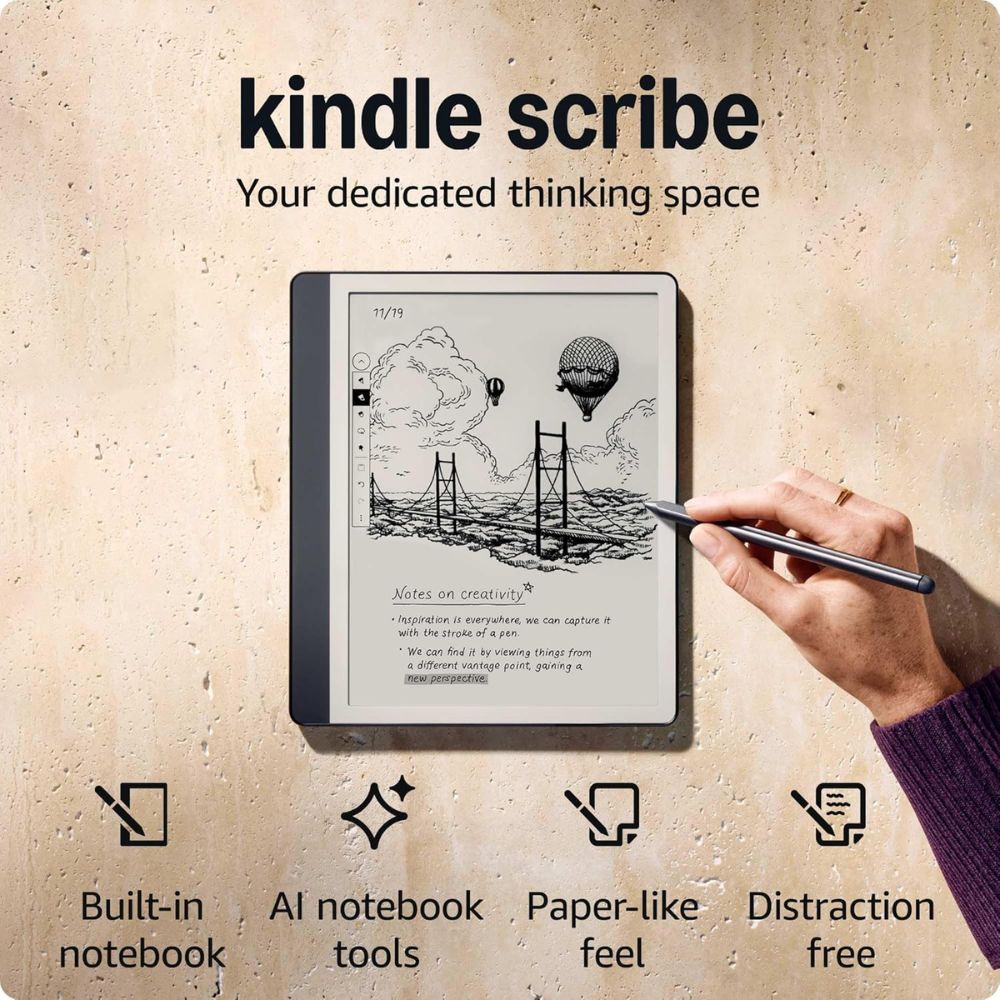
Oversized Kindle but more than that
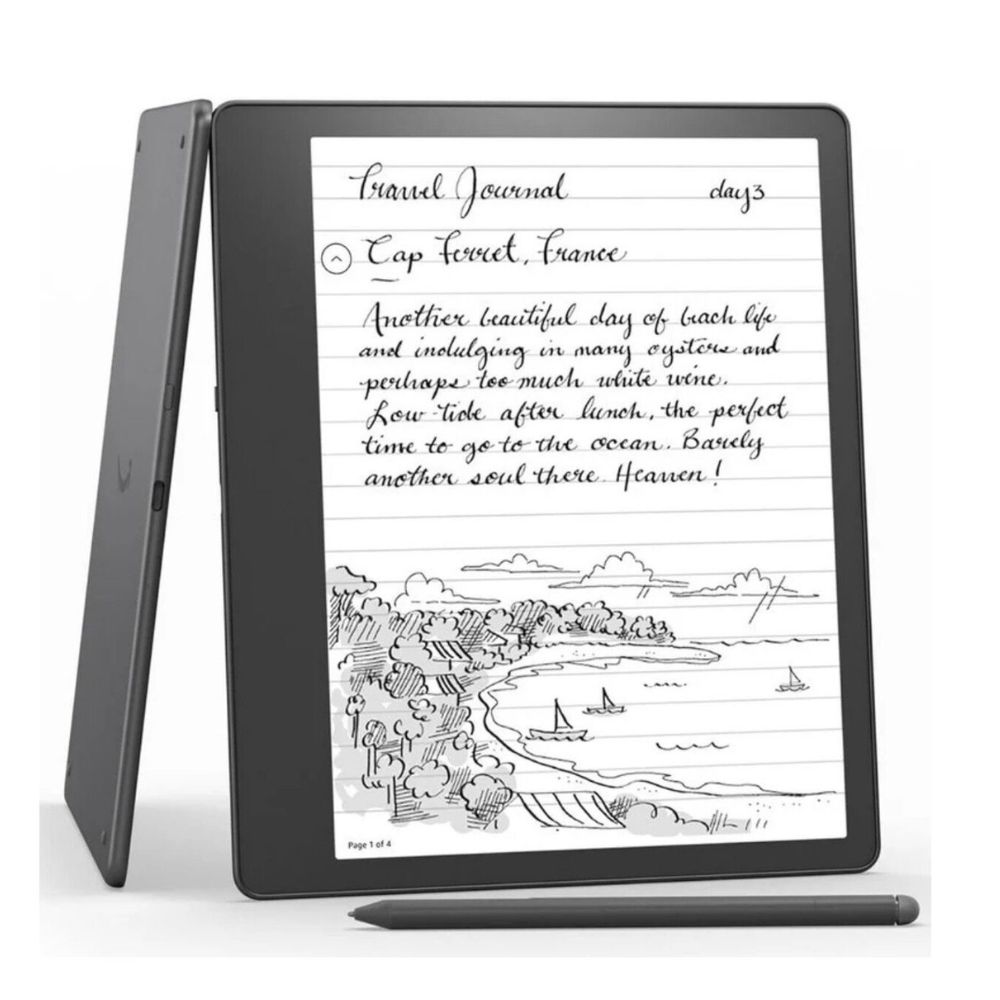
Attending Courses
Class listening and note-taking at the same time